Blog
Practical guides on Windows, privacy and security
Tested on real machines, written in plain English, with sources for every strong claim. No marketing, no rewritten filler.
Hardware
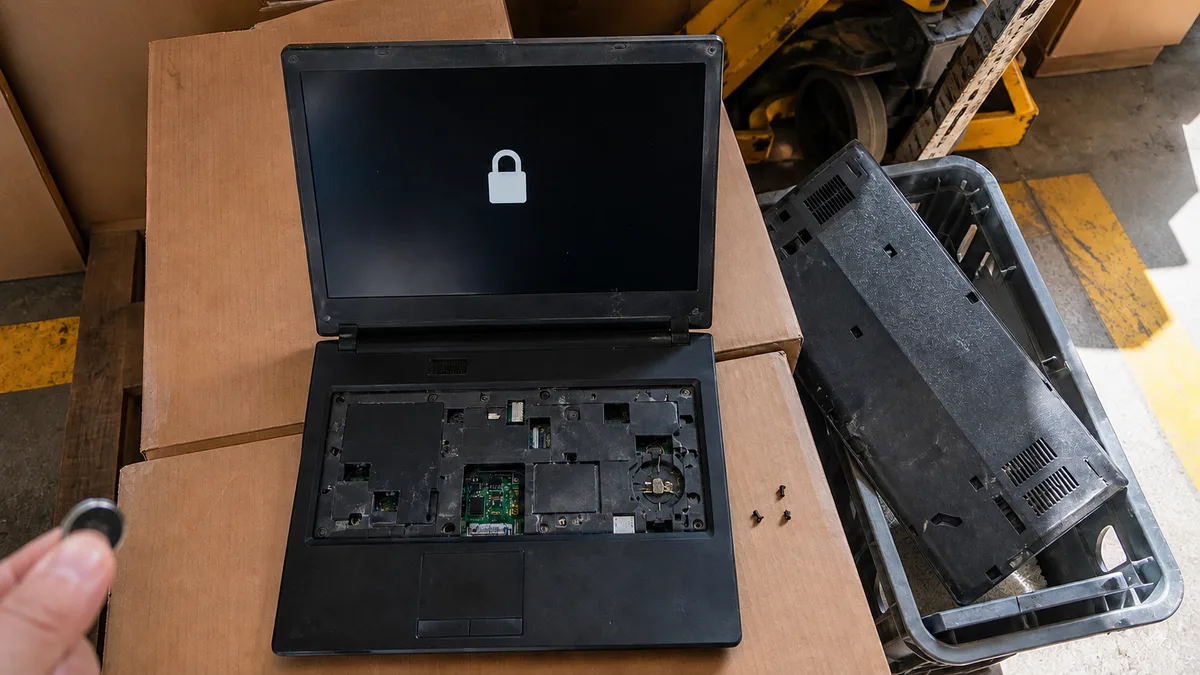
Forgotten ThinkPad BIOS password: what now?
A ThinkPad BIOS supervisor password survives battery removal. Learn how power-on, supervisor and NVMe passwords differ and what a repair shop can legally do.
· 13 min read
Hardware
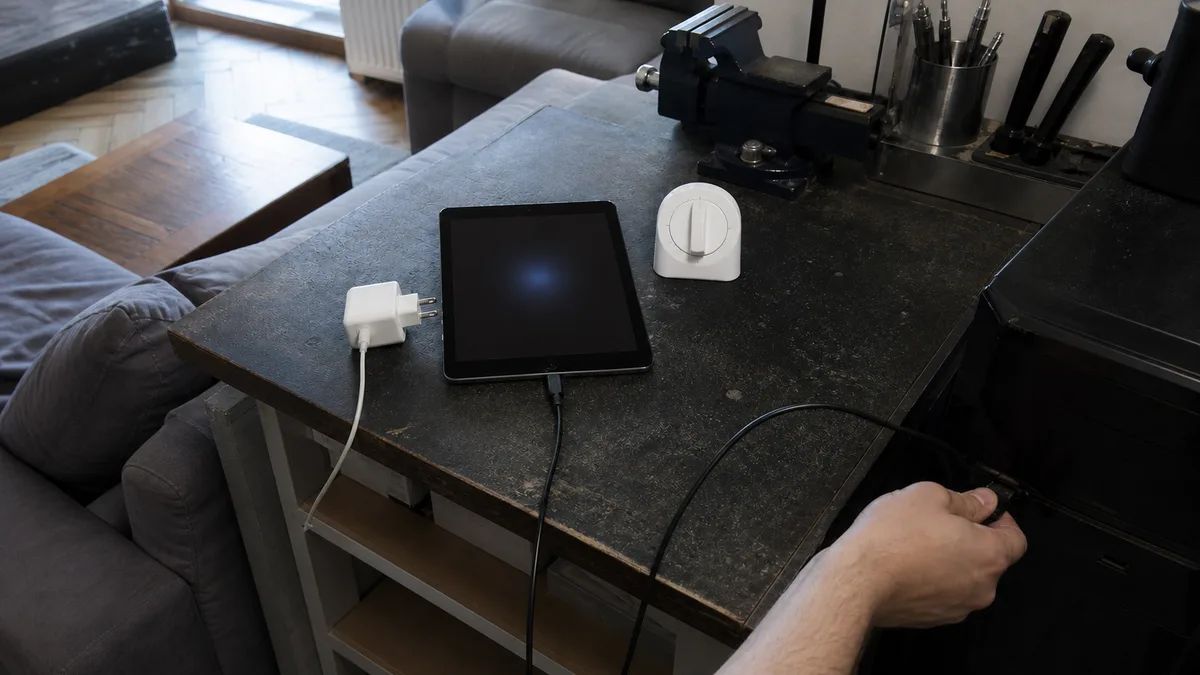
iPad Won't Turn On: Black Screen Checks
iPad stuck on a black screen? Safely test charging, force restart and computer detection, and learn whether the battery, display or logic board is at fault.
· 14 min read
Hardware
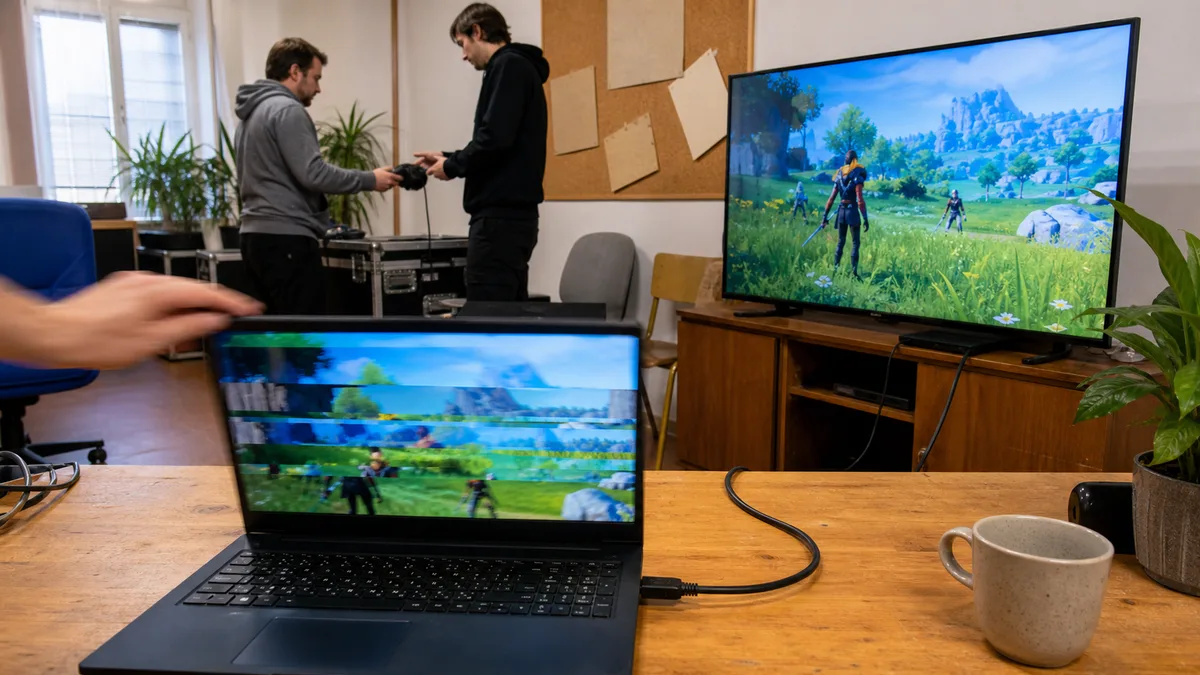
Acer Nitro Gaming Laptop: Screen Stuttering and Flickering in Games — Settings or a Faulty Panel?
Does your Acer Nitro screen flicker in games? A BIOS test distinguishes settings issues from panel, cable, driver, refresh-rate or G-SYNC faults.
· 12 min read
Hardware
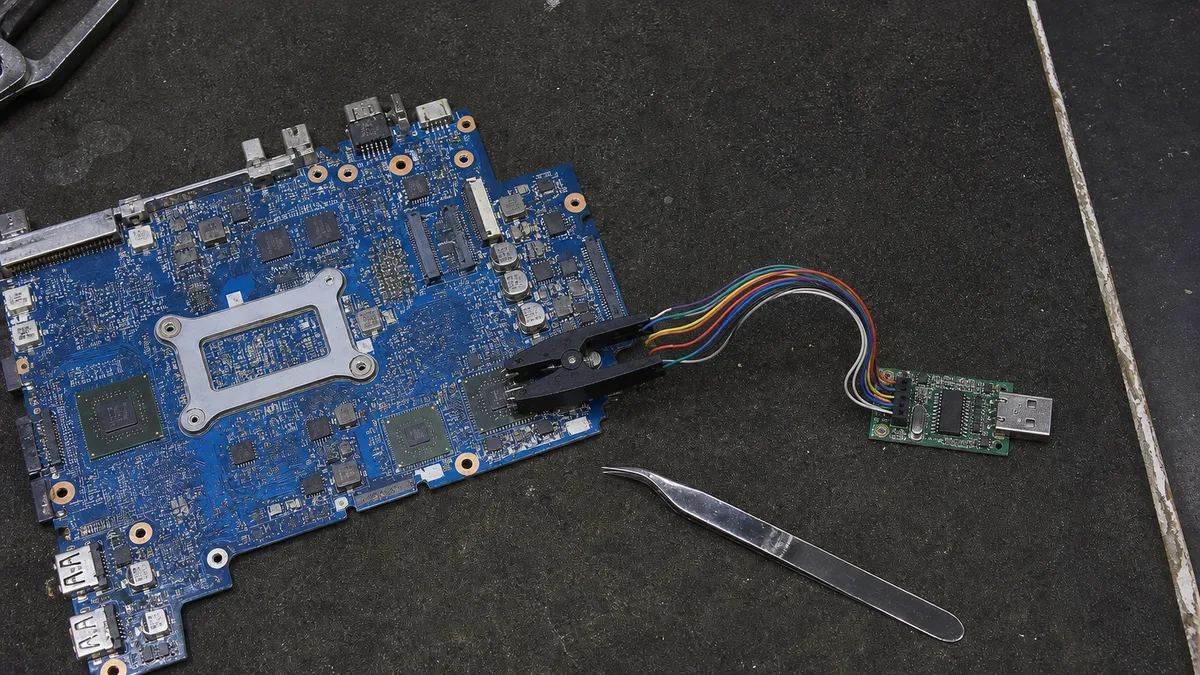
Black Screen After a BIOS Update: Emergency Recovery for HP, Dell and Lenovo
Black screen after a BIOS update? Recovery steps for HP, Dell and Lenovo, what to avoid, and when professional repair is needed.
· 15 min read
Hardware
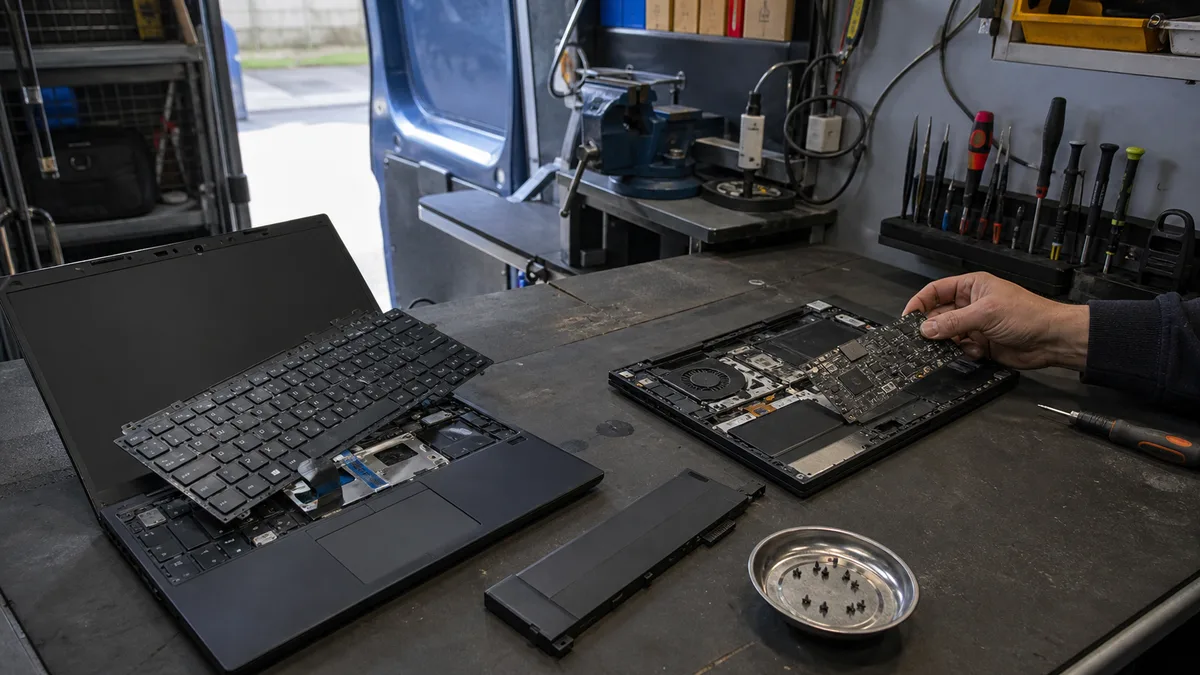
ThinkPad T14 vs. X1 Carbon: Why Some Keyboards Come Out from the Top While Others Require a Full Teardown
ThinkPad T14 keyboards lift out after loosening bottom screws; X1 Carbon requires a full teardown. Generations, machine types, FRUs, and common pitfalls.
· 17 min read
Hardware
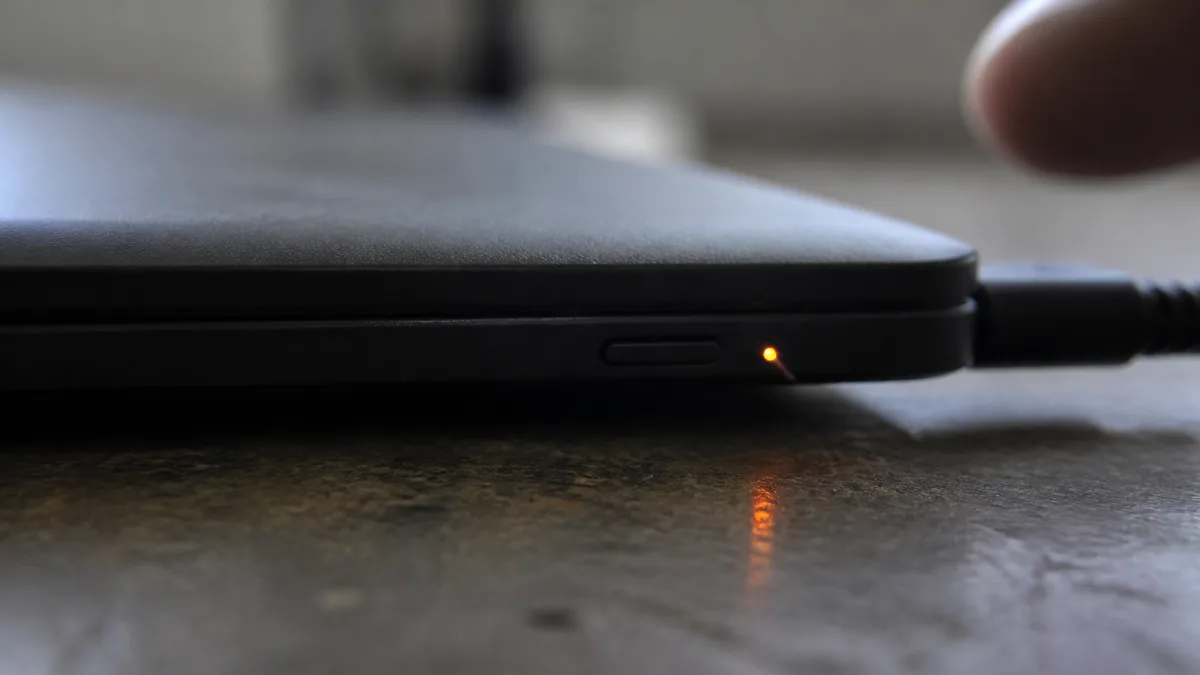
Dell Won’t Start and Its LED Is Blinking: What 2 Amber and 7 White Means and How to Run F12 Diagnostics
Dell LED codes explained: 2,7 means display, 2,3 and 2,4 memory. Learn what to try, how to run F12 diagnostics, and when to seek repair in Brno.
· 16 min read
Buying a PC
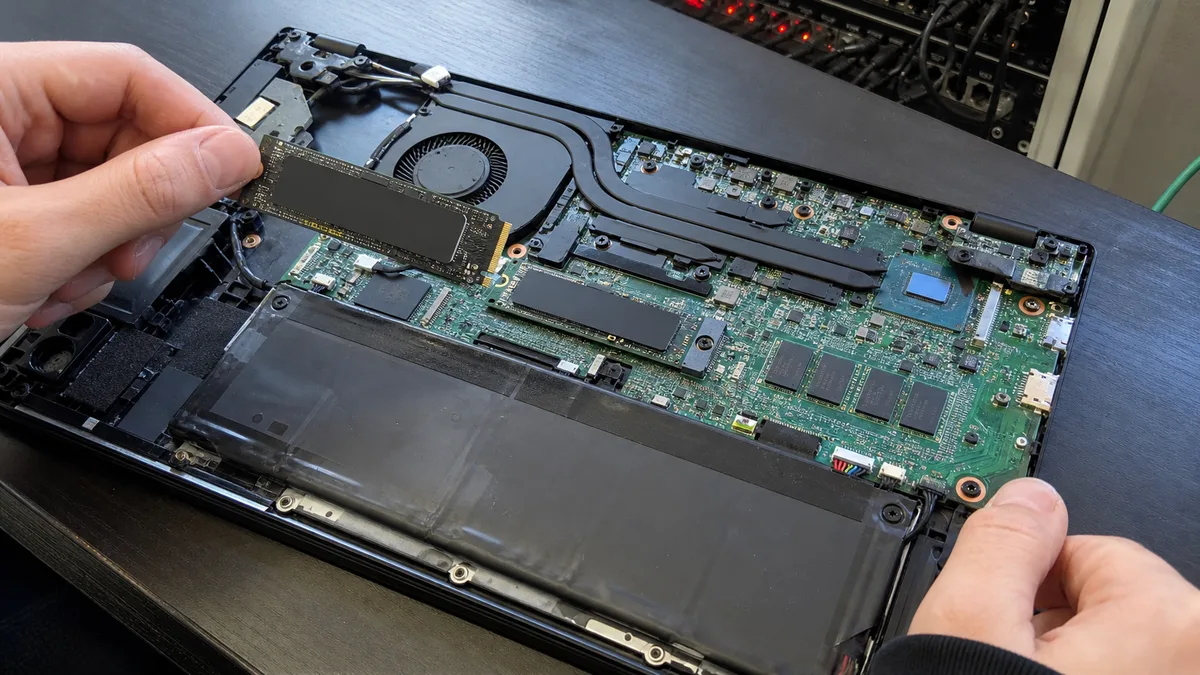
A Non-Upgradeable Laptop: Soldered Storage and a Single M.2 Slot
How to tell whether a laptop drive is replaceable: service manuals, M.2 slots, 2242 vs. 2280, and soldered eMMC, eUFS, or NAND.
· 12 min read
Hardware
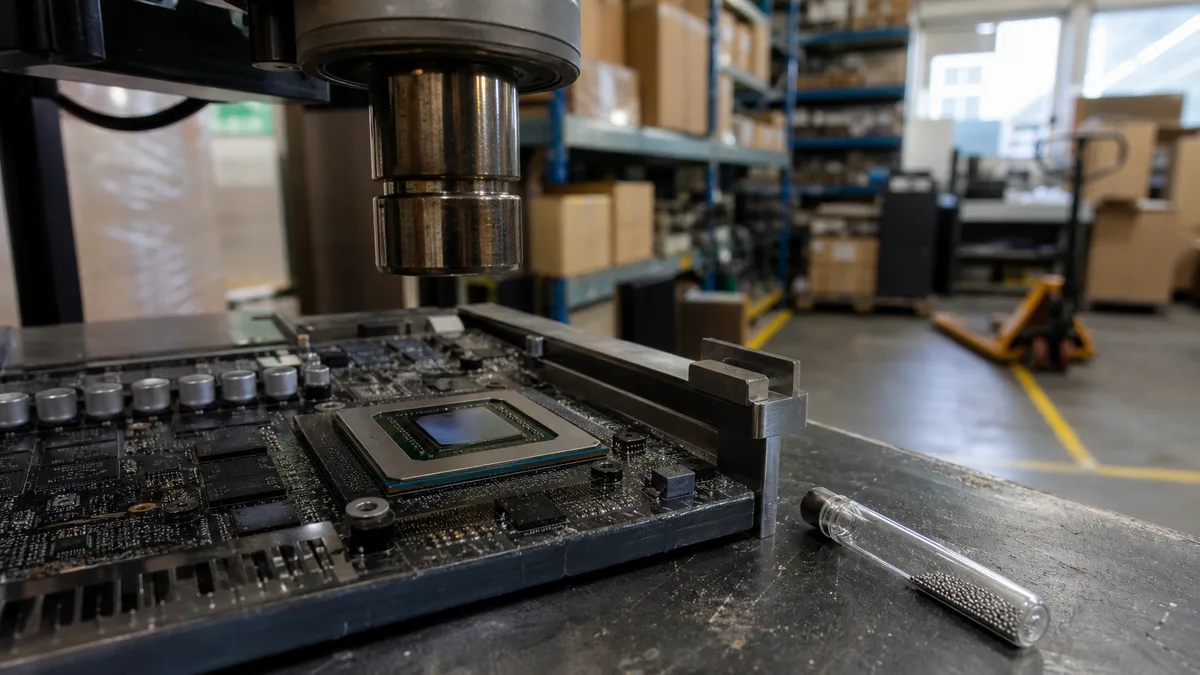
"Baking" a Motherboard and GPU Reflow: Why It Is Not a Reliable Repair
Reflow remelts the original solder beneath a chip; it does not replace it. Learn how reballing and chip replacement differ and what to ask a repair shop.
· 13 min read
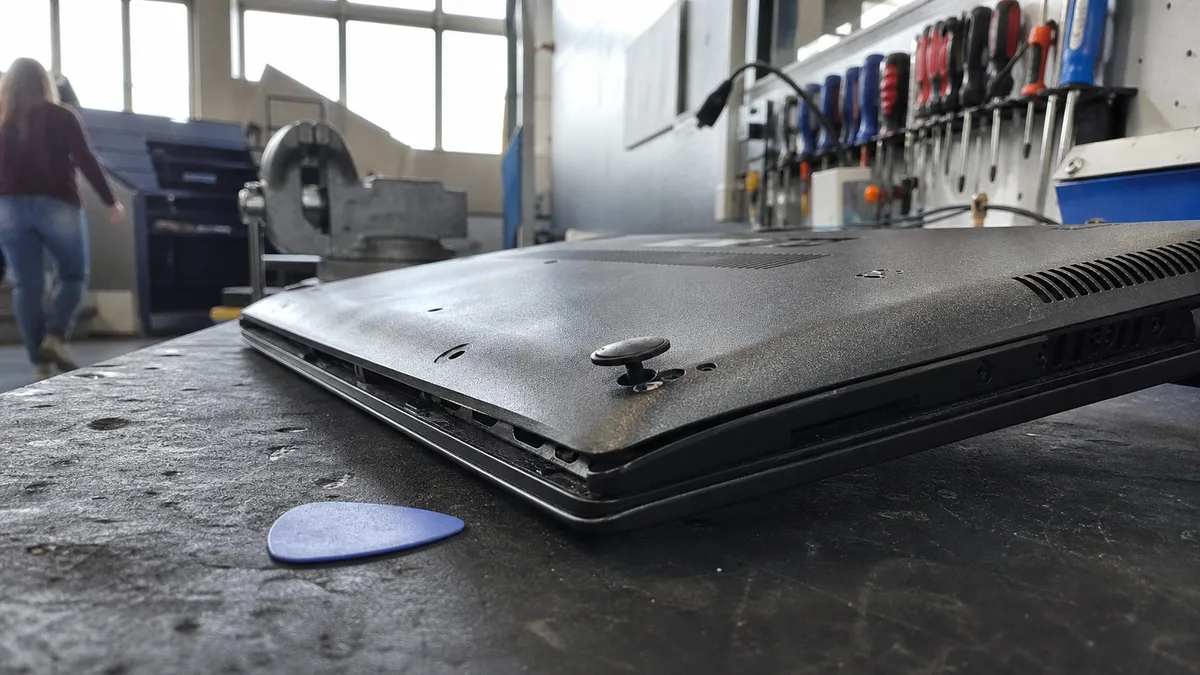
Hardware
Before Opening Your Laptop at Home: Hidden Screws, Clips, and Ribbon Cables
Where laptop screws hide, how to release clips and ZIF ribbon cables safely, and when to stop and call a repair shop.
· 14 min read
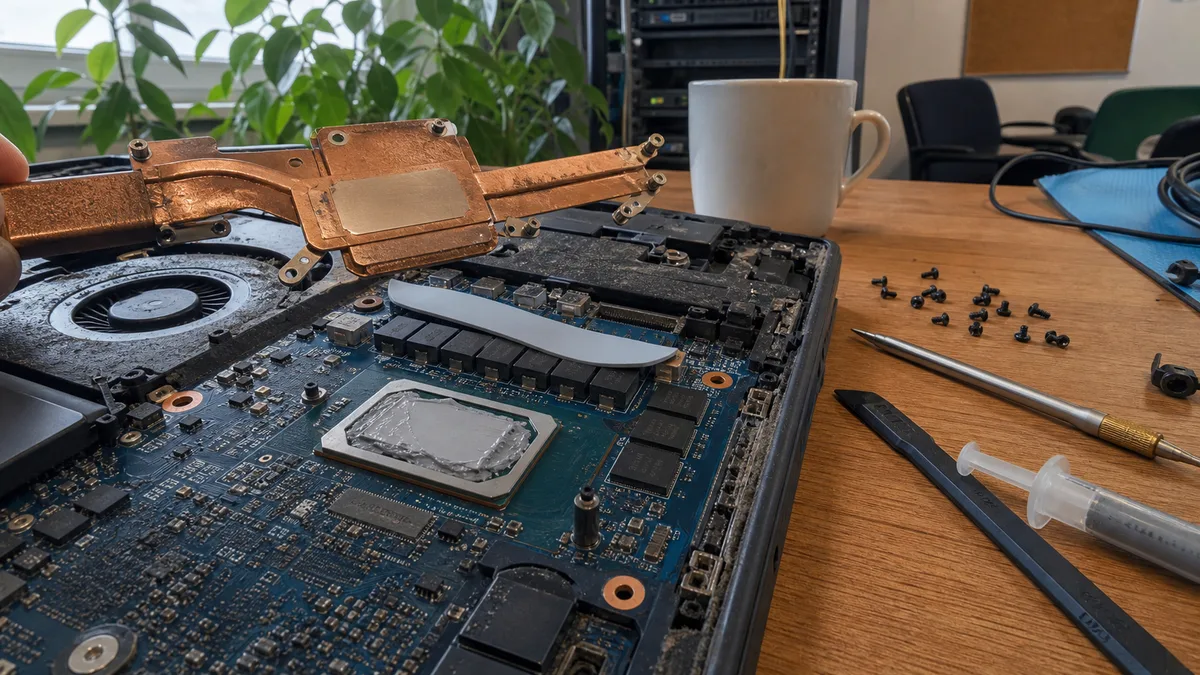
Hardware
Thermal pads, not just paste: why replacing thermal paste sometimes does not help
Still overheating after new thermal paste? VRMs and memory need thermal pads or putty of the correct thickness. Learn how to identify the problem.
· 11 min read
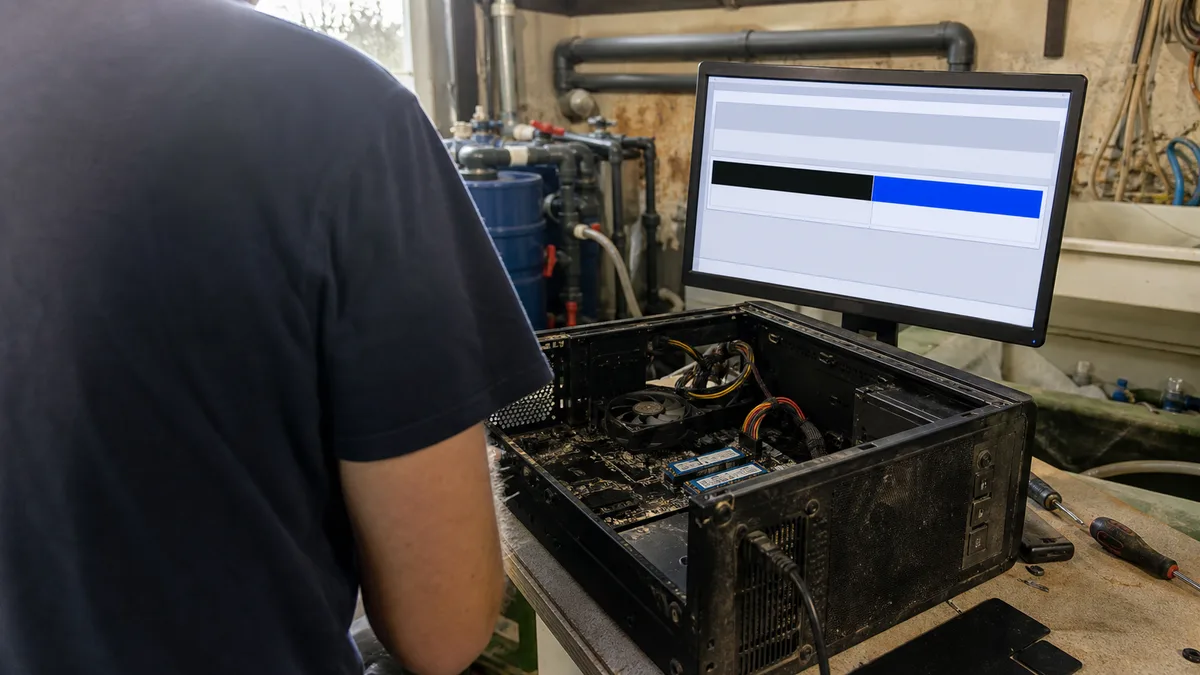
Hardware
A Second Drive for Your Computer: How Many M.2 Slots You Have and How to Set Up a New Drive
Find out how many M.2 slots your PC has, why M.2 can disable a SATA port, how to initialize a new drive as GPT, and when to replace it.
· 10 min read
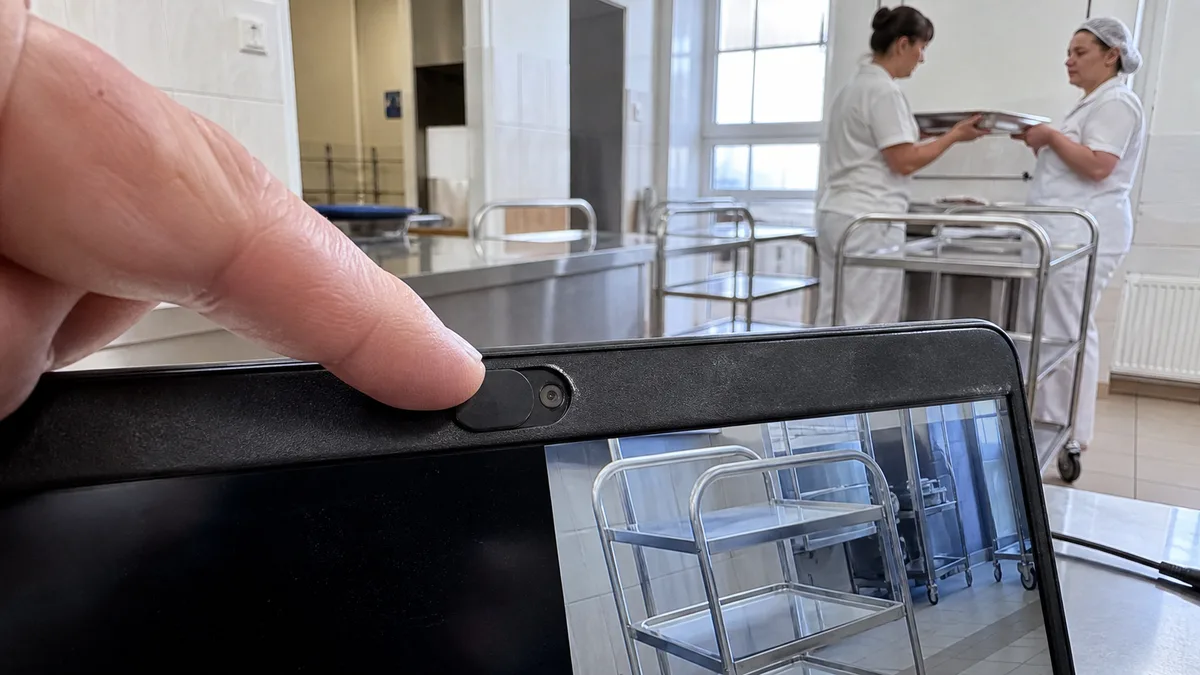
Windows
Laptop webcam not working in Windows 11: shutter, permissions, driver
Laptop camera not working in Teams or Camera? Check the shutter, Windows 11 permissions, and Device Manager—and learn when the fault is hardware.
· 9 min read
No article in this category yet.
Didn’t help? Get in touch.
Over the phone or by email we can often point you the right way in five minutes.
Mon–Fri 10:00–16:00 · 24/7 775 556 063