SPC Servis PC Brno

Virus, malware, phishing, encrypted files

Antivirus, ransomware and hacked email in Brno

With ransomware, your first reaction matters more than the urge to keep clicking. **Disconnect the computer from the internet, switch it off and call.** Don’t connect backup drives, don’t pay the ransom without talking to us first. For ordinary malware we run a system check, remove the threats and set up protection so it doesn’t happen again. We also handle a hacked email, Facebook or online banking — step by step, what to do and in what order.

  • 24/7 line 775 556 063 (ransomware, urgent)
  • Malware diagnostics on site or at the workshop
  • Don’t pay the ransom without talking to us first
  • A check of Windows, browsers and online accounts
  • Backups and 2FA set up as prevention
  • We work with the nomoreransom.org database

Common situations

Ransomware (encrypted files)

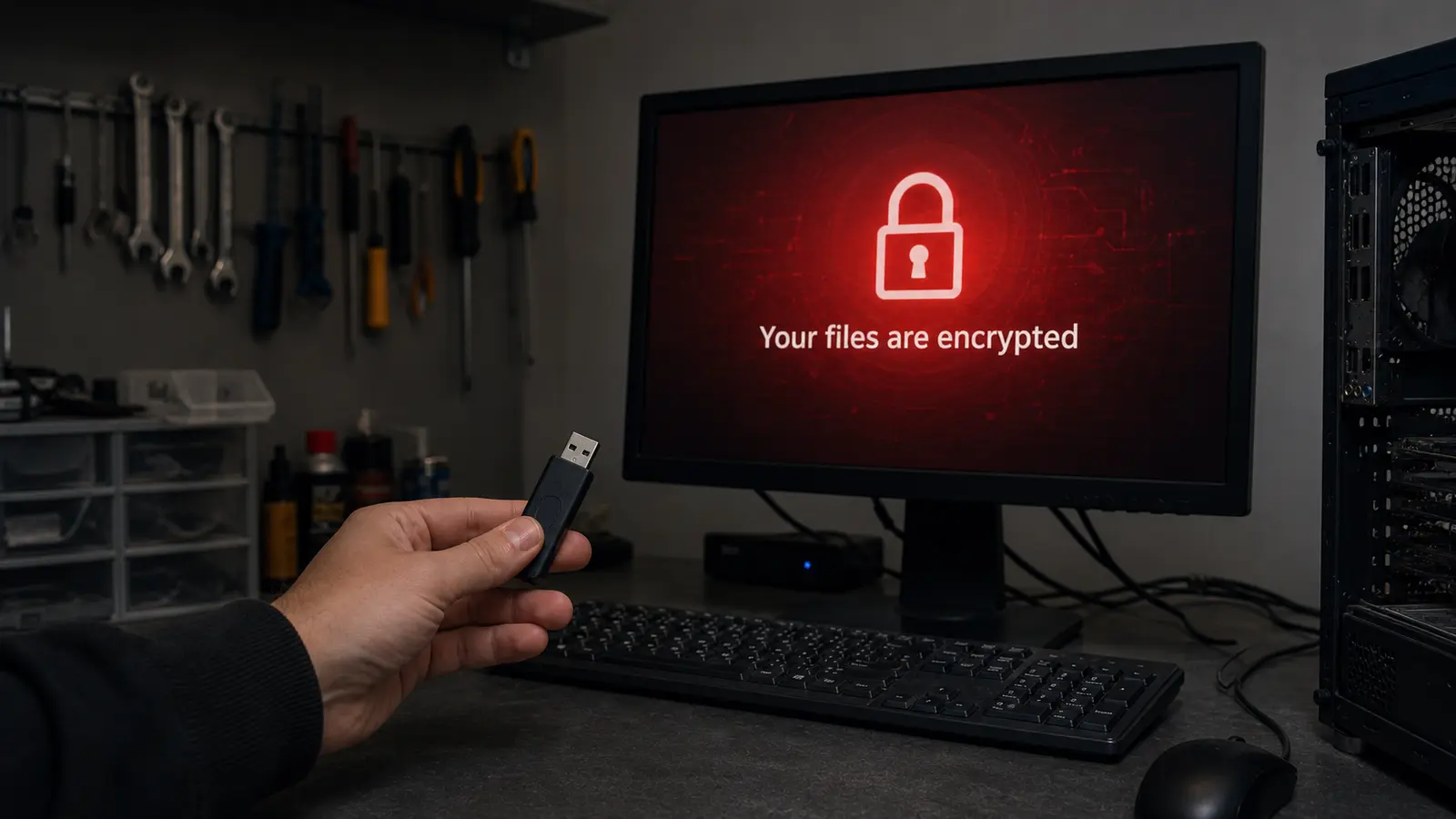
Files have an odd extension (`.lockbit`, `.crypt`, `.encrypted`), there’s a Bitcoin ransom note on the desktop, nothing opens. **Don’t switch the computer on again** — you could damage what little recoverable data is left.

Hacked email

Friends are getting scam messages from you, there are things in your sent folder you never sent, someone set up forwarding. We check the security log, restore access and set up 2FA.

Ads and a slow browser

Classic adware or malware — unexpected tabs, pop-ups, a changed homepage. We clean the system, fix the browsers and advise on safe habits.

Hacked Facebook / Instagram

Someone is using your account, threatening family, sending messages. A step-by-step checklist to recover it plus protection against a repeat.

A phishing email (I haven’t clicked yet)

If you have a suspicious email but haven’t clicked yet, send me a screenshot. I’ll confirm whether it’s phishing and advise what to do next.

An unexpected card / account charge

If you suspect someone has “drained” your account (skimming, phishing, fraud), step 1 is to block the card with your bank, then diagnose the computer and change all passwords.

What we actually do

Security services

  • full virus removal from a PC/laptop
  • check and recovery after ransomware
  • recovery of hacked accounts (email, Facebook, Instagram, bank)
  • antivirus setup (Defender, Bitdefender, ESET)
  • 2FA on every account
  • 3-2-1 backups as prevention
  • browser and extension check
  • a security audit for businesses

Ransomware specialists

  • identifying variants (LockBit, BlackCat, STOP/Djvu, Dharma)
  • working from a bit-for-bit image (the original untouched)
  • shadow copies recovery
  • partial recovery from metadata
  • cooperation with nomoreransom.org
  • a forensic report for an insurer / the police

What not to do

  • DON’T pay the ransom without talking to us (in 60% of cases they don’t return the data)
  • DON’T switch the ransomware computer on
  • DON’T connect backup drives to an infected machine
  • DON’T send passwords by email
  • DON’T click links in suspicious emails
  • DON’T download a “decryptor” from the first Google result
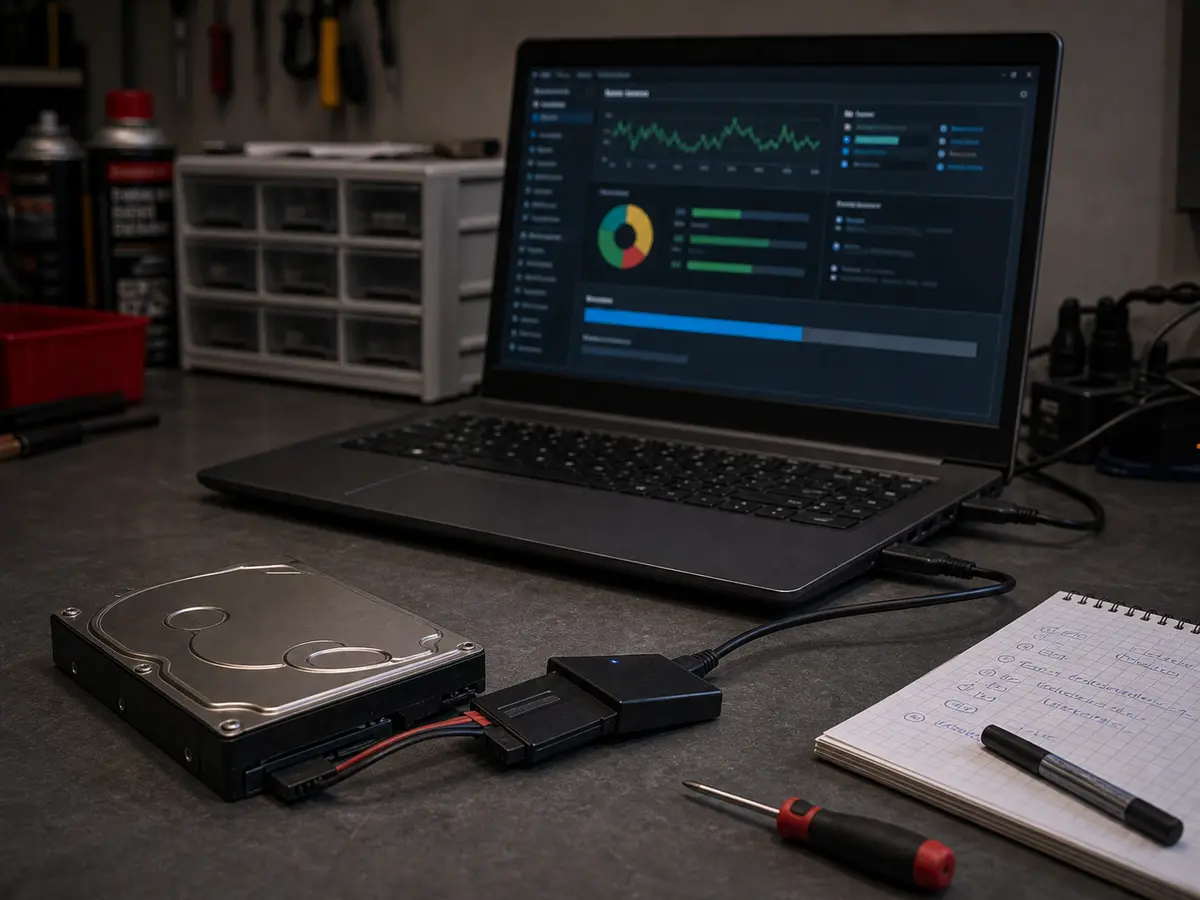
A removed drive connected via a USB adapter to a clean service laptop
On an infected machine we handle the drive carefully and separately from the running system.

Indicative prices

What it usually costs

Full price list →

Prices are indicative — we confirm the final price in writing after diagnostics and proceed with the repair only after your approval. Diagnostics is a paid item.

Task Price
Malware diagnostics
from 588 CZK
Full PC virus removal
Includes a browser and settings check.
from 1,196 CZK
Hacked email recovery
1–2 hours of work — a step-by-step checklist.
from 598 CZK
Ransomware diagnostics + bit-for-bit image
Regardless of recovery success.
from 1,794 CZK
Recovery from shadow copies
If available.
from 1,196 CZK
Setting up 2FA on every account
Step by step with you.
from 598 CZK
Security audit for a business
After a survey of the environment.
individual
24/7 surcharge (out of hours)
For urgent ransomware, no surcharge on the 24/7 line.
+50%

Why Servis PC Brno

An urgent 24/7 line

For ransomware and data recovery there is a 24/7 phone **775 556 063** (weekends and holidays included). Waiting lowers the odds of recovery.

An image before any attempt

For serious cases we work from a copy of the drive, not the original. If the first recovery attempt fails, the original stays untouched for further attempts (even months later).

Cooperation with nomoreransom.org

A project by Europol and major security firms. For older strains (STOP/Djvu, GandCrab, older Dharma) decryptors exist. For new strains the situation changes month to month.

A report for an insurer / the police

For business attacks we provide a forensic analysis and documentation for an insurance claim or a criminal complaint.

What is included

  • Identifying the type of threat
  • A bit-for-bit image for ransomware (the original untouched)
  • An attempt at data recovery by every available means
  • System cleanup
  • Prevention setup (updates, antivirus, 2FA)
  • An explanation of how to spot the threat next time

Warranty & claims

Claims are handled individually under Czech law. If the same fault returns within a short time, we look at it together and agree on the next steps. New parts carry the standard manufacturer warranty (typically 12–24 months, depending on the component).

Related services

Need a quick answer?

774 777 774

Po–Pá 10:00–16:00. Urgent data & ransomware: 775 556 063 24/7.

Who this service is for

Anyone hit by ransomware or malware — households, freelancers, businesses. The 24/7 line 775 556 063 is for urgent cases around the clock. For a company security audit with GDPR compliance, see Managed IT for businesses.

Frequently asked questions

What should I do the moment ransomware hits? +

Disconnect the computer from the internet (pull the ethernet cable, turn off wifi), switch the computer off (hold the power button for 10 seconds). **Don’t connect backups or external drives.** Call the 24/7 line 775 556 063.

Should I pay the ransom? +

No, not before you talk to us. Statistics say that in 60% of cases attackers don’t return the data after payment. And even if they do, you have a back door left in the system for the next attack. First we try a decryptor (nomoreransom.org), shadow copies, partial recovery.

Is Microsoft Defender enough? +

For a careful home user, often yes — Defender in Windows 11 ranks near the top in tests. Updates, backups, 2FA and sensible behaviour with attachments matter more. For businesses and high-risk users we recommend a paid solution (Bitdefender, ESET).

How long does virus removal take? +

We remove ordinary malware within 2–3 hours. Ransomware with a recovery attempt 4–24 hours (depending on drive size and the strain). A hacked email with 2FA setup, 1–2 hours.

Can you recover data after ransomware? +

It depends on the variant. For older strains (STOP/Djvu, GandCrab, older Dharma) decryptors exist — around 90% success. For new strains (LockBit 3.0, BlackCat) there’s usually no decryptor, but we have shadow copies, partial recovery and so on. Overall ransomware recovery success runs around 30–50%.

What if I clicked a phishing link? +

It depends on what happened. If a page opened and you didn’t enter anything, probably nothing. If you entered a password, change it immediately from a different device. If something downloaded to the drive, bring the computer in for a check — don’t open anything further and don’t install anything else.

Someone hacked my Facebook. Can you help? +

Yes. A step-by-step checklist: 1) recovery via Facebook recovery, 2) change the password, 3) check logged-in devices and apps with access, 4) turn on 2FA, 5) warn your contacts.

What is AI vishing and am I at risk? +

AI voice cloning — an attacker records a few seconds of your voice (from a video call or voicemail), the AI clones it and calls your family with “help, I need money”. We’ve dealt with it several times in Brno. Prevention: a safe word with your family.
Call Contact