Blog
Practical guides on Windows, privacy and security
Tested on real machines, written in plain English, with sources for every strong claim. No marketing, no rewritten filler.

Security
Hacked email or Facebook — a step-by-step recovery guide
Someone got into your email, Facebook or Instagram? A calm, ordered checklist: how to save the account, limit the damage, see what the attacker did, and clean the PC.
· 10 min read

Security
How to spot a phishing email — 7 signs of a scam
You can recognise a phishing email by 7 clear signs. We show real examples from practice and what to do if you've already taken the bait.
· 8 min read

Windows
Windows 10 support has ended: what now?
Windows 10 support ended on 14 October 2025. Learn the real risks and when to choose Windows 11, ESU or a new PC in this practical Brno guide.
· 11 min read
Security
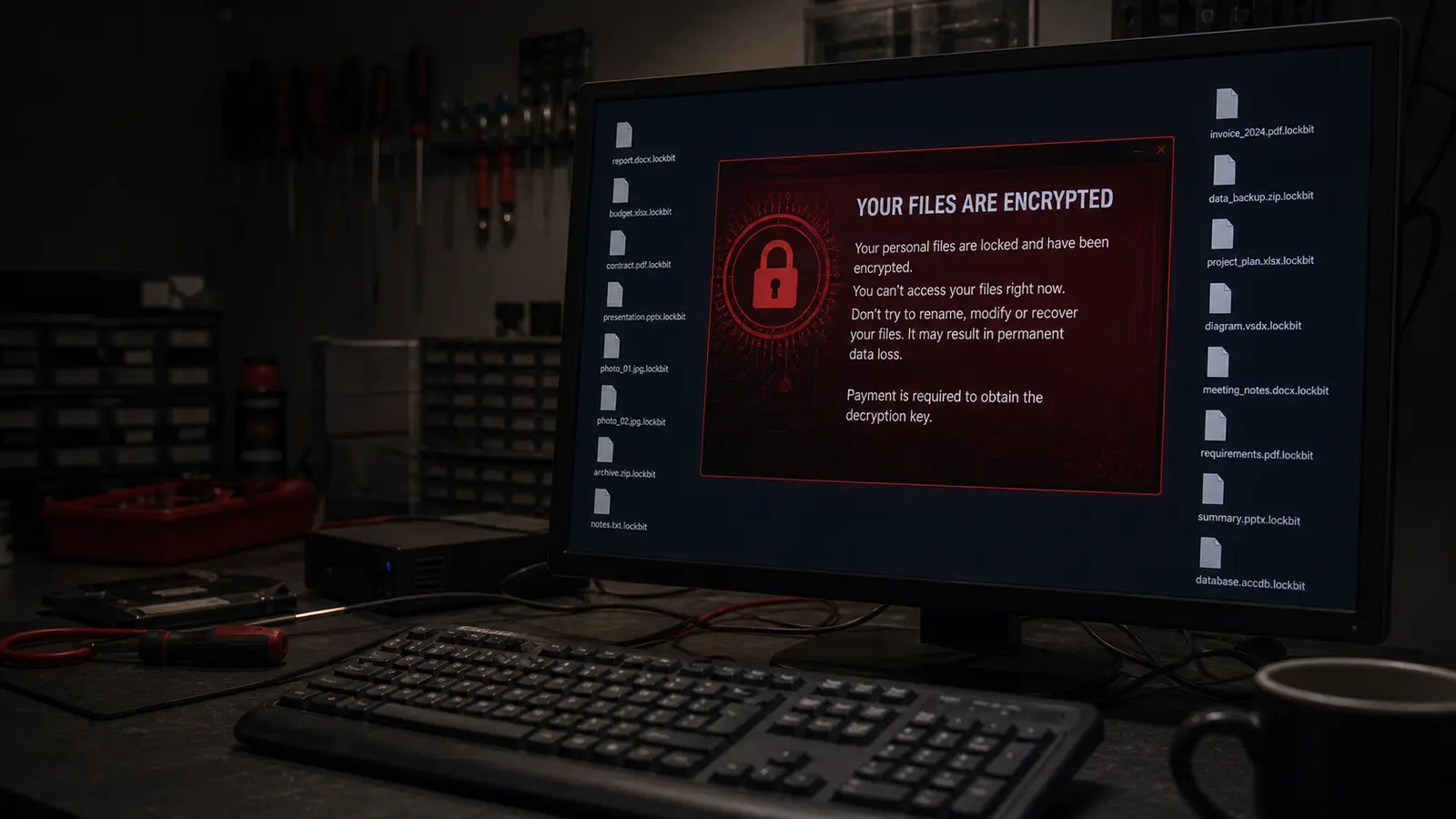
Ransomware encrypted your files — what to do STEP BY STEP
A ransom note on the screen, files won't open. Don't panic. I'll show you exactly what to do, what not to do, and when it's time to call a professional.
· 7 min read

Guides
Reinstall, repair, or replace? A guide for an old computer
Stuck with a slow computer and unsure whether a reinstall can still save it or it's time to buy new? A practical, step-by-step way to decide.
· 6 min read
Wi-Fi & networks
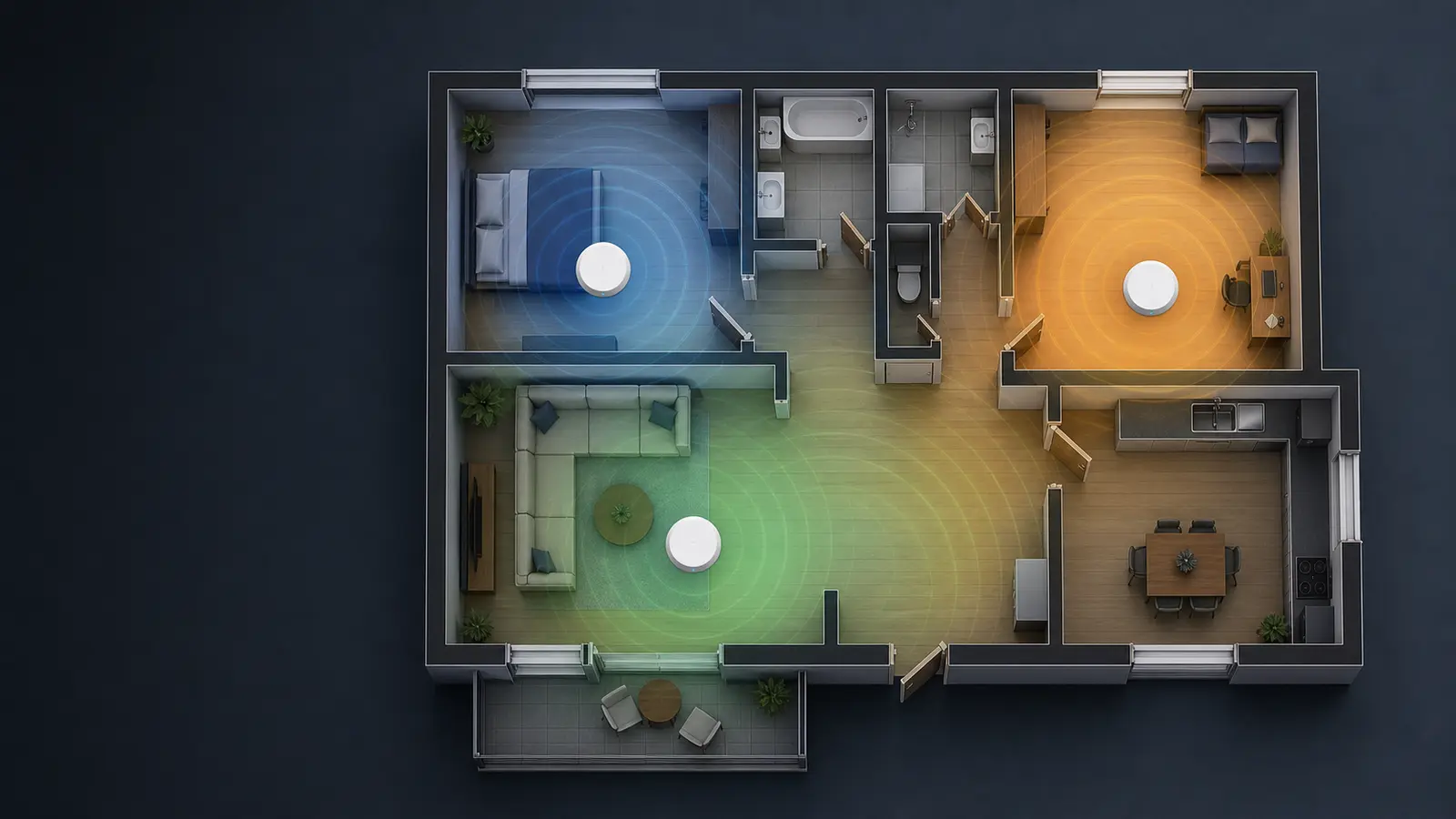
Mesh Wi-Fi systems in 2026 — when they make sense
Dead zones at home? Here's when a mesh Wi-Fi system is worth it and how to choose between TP-Link Deco and Asus ZenWiFi.
· 6 min read

Wi-Fi & networks
Someone is using my Wi-Fi — how to spot it and kick them off
Internet feeling slow and you suspect someone's stealing your Wi-Fi? Here's a step-by-step on how to find out who's on your network and how to remove them.
· 7 min read

Wi-Fi & networks
Wi-Fi not working? 5 things to try before you call anyone
Wi-Fi dropping out or not working at all? Try our 5 proven tips that fix 80% of Wi-Fi problems at home and in the office. No technical knowledge needed.
· 6 min read

Wi-Fi & networks
WPA2 vs WPA3: how to set up Wi-Fi securely on your router
Find your router admin page, check Wi-Fi security and safely choose WPA3 or WPA2/WPA3 mixed mode without losing connected devices.
· 4 min read
Guides
Slow computer — what to check before you buy a new one
A practical walkthrough for a slow PC or laptop: disk, RAM, temperatures, startup, malware, Windows — and when an SSD upgrade is worth it.
· 7 min read

Security
The 3-2-1 backup rule — a simple rule against data loss
How to set up backups that survive a disk failure and ransomware: 3 copies, 2 media types, 1 copy off-site. Concrete setups for home and business.
· 6 min read
No article in this category yet.
Didn’t help? Get in touch.
Over the phone or by email we can often point you the right way in five minutes.
Mon–Fri 10:00–16:00 · 24/7 775 556 063