Windows takes minutes to start
A typical mechanical drive (HDD) is the bottleneck. An SSD cuts system startup from 2–3 minutes to 10–20 seconds and program launches from tens of seconds to instant.
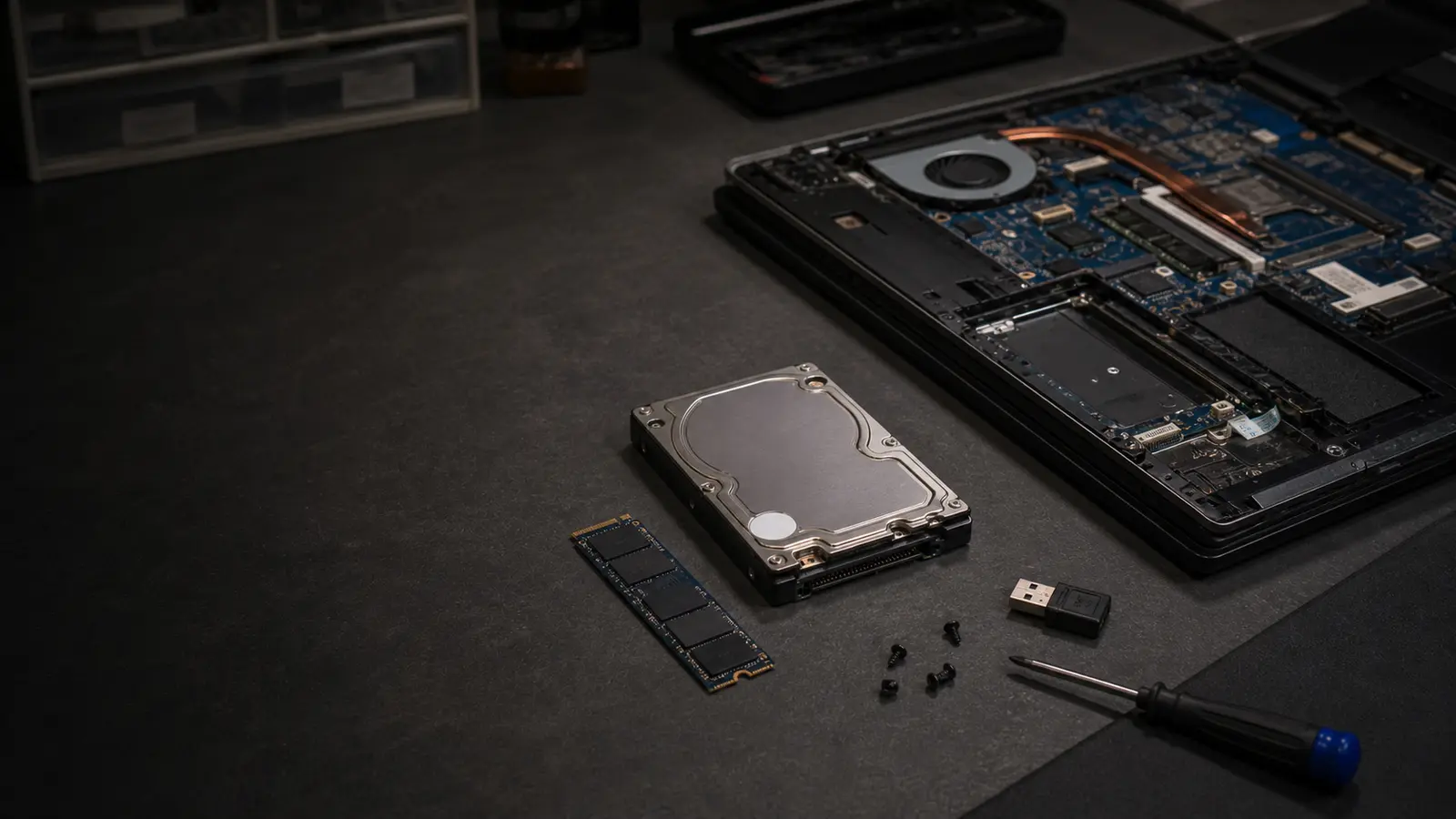
SSD, RAM, data cloning and a clean Windows
An older computer is often slow because of the drive, not the processor. Swapping an HDD for an SSD is the fastest upgrade an ordinary user genuinely notices — Windows startup drops from 2–3 minutes to 10–20 seconds, programs open instantly and multitasking stops stuttering. A regular office laptop needs a 500 GB SSD; for gaming or graphics work, 1 TB+ NVMe.
Viniční 3587/216, 615 00 Brno-Židenice, Czech Republic Mon–Fri 10:00–16:00 Send a request
A typical mechanical drive (HDD) is the bottleneck. An SSD cuts system startup from 2–3 minutes to 10–20 seconds and program launches from tens of seconds to instant.
We swap the drive for a larger one (from 256 GB to 1 TB, from 500 GB to 2 TB) and help with the data transfer. On a laptop with an old HDD you can often add an SSD into a second slot.
First we handle a safe data transfer, and only then the upgrade. For a drive with many reallocated sectors we work from a bit-for-bit image, not the original.
A failing drive can cause a kernel panic or BSOD. A SMART test reveals whether the drive is still usable or needs replacing.
A 4–6-year-old laptop with an i5/Ryzen 5 and 8 GB RAM comes back to life with an HDD-to-SSD swap and a RAM bump to 16 GB. The upgrade runs 3,000–5,000 CZK and beats a new low-end machine at 12,000 CZK.
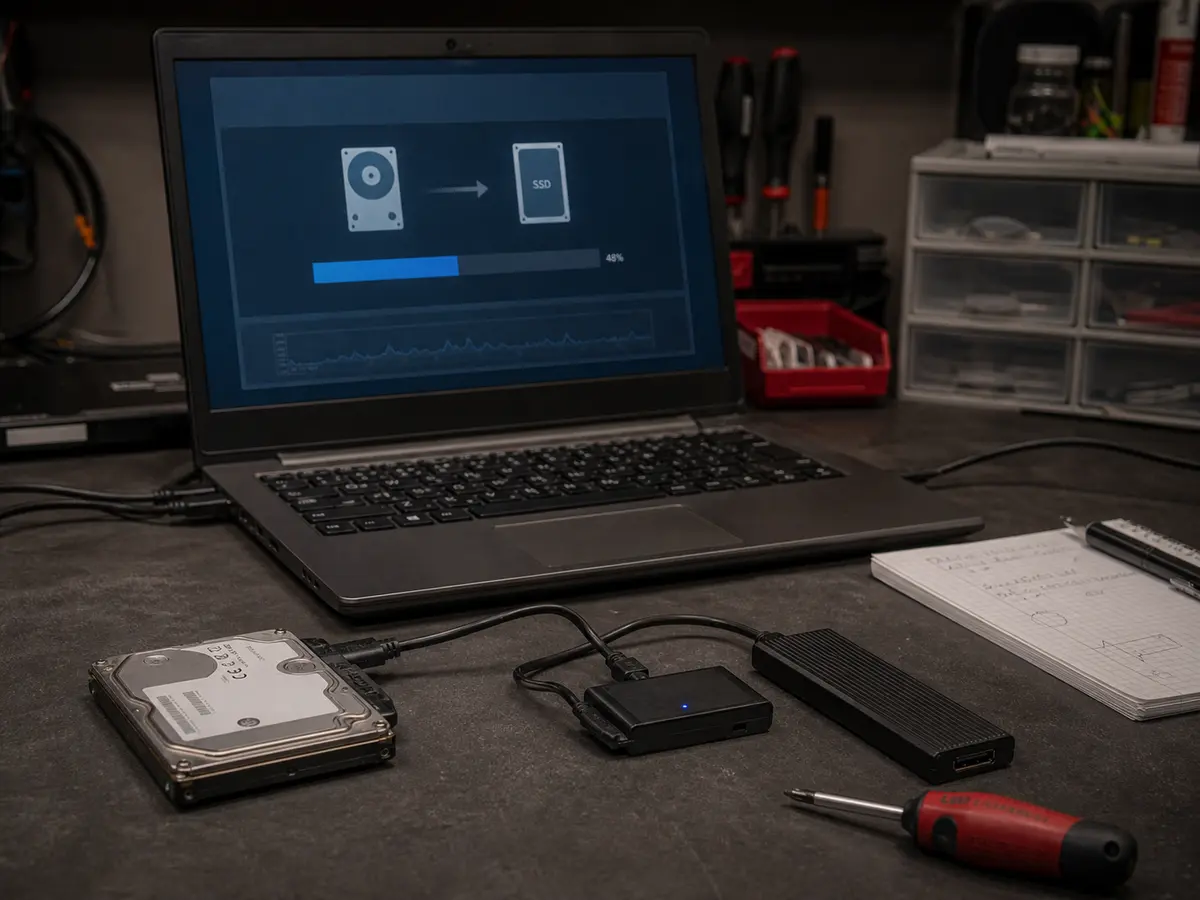
Indicative prices
Prices are indicative — we confirm the final price in writing after diagnostics and proceed with the repair only after your approval. Diagnostics is a paid item.
| Task | Price |
|---|---|
| SSD replacement + system cloning Labour. SSD depends on brand/capacity. | from 1,500 CZK |
| SSD replacement + clean Windows install Labour incl. drivers and basic software. | from 1,990 CZK |
| SSD 500 GB (indicative) Samsung 980 Pro, WD Black, Crucial T500. | 1,400–2,200 CZK |
| SSD 1 TB (indicative) Samsung 990 Pro, WD Black SN850X. | 2,200–3,800 CZK |
| SSD 2 TB (indicative) For gamers and graphics work. | 4,500–7,500 CZK |
| RAM upgrade (to 16 GB) Labour. RAM module 800–2,000 CZK. | from 1,200 CZK |
| Service work — per started half hour | 600 CZK |
When an SSD and RAM are enough, we say so. When a repair isn’t worth it (for example a laptop with soldered RAM and an eight-year-old processor), we suggest a replacement.
No marketplace SSDs. Samsung, WD, Crucial, Kingston — brands with a 5-year warranty and a TBW (Terabytes Written) rating that fits long-term use.
After the swap we either return it to you or securely wipe it (DBAN/secure erase) — no risk of a data leak.
CrystalDiskMark, ATTO Disk Benchmark — we confirm the new drive runs at its rated speeds and has no thermal issues (NVMe can heat up to 80+ °C under load, then throttle).
Claims are handled individually under Czech law. If the same fault returns within a short time, we look at it together and agree on the next steps. New parts carry the standard manufacturer warranty (typically 12–24 months, depending on the component).
Who this service is for
Owners of older laptops and desktops (5–10 years) with an HDD who don’t want to spend on a new machine. Also for new builds where NVMe Gen4 makes sense from the start.
You don’t have to. We either clone the existing system (keeping Windows + programs + data), or back up your data before a clean install as agreed. We never proceed without a backup.
For a healthy system a clone is usually faster (it keeps the Windows licence, programs and settings). For an infected or long-neglected system a clean install is better — it clears years of clutter in the registry and startup items.
For office and everyday use, 500 GB. For gamers and video editing, at least 1 TB. For a student with a thesis + Office, 256 GB is enough, but 500 GB is a few hundred crowns more and worth it.
If the laptop has an M.2 slot with NVMe support, NVMe is better (3,000+ MB/s vs 500 MB/s). For everyday use the real difference shows in demanding tasks (video editing, game loading). For Office and a browser you won’t notice it.
Either keep using it as an external drive (a USB-SATA adapter is about 300 CZK), or we securely wipe it and return it as a spare. Never without a secure wipe — even deleted data can be recovered.
New drives carry the standard manufacturer warranty (5 years for premium brands). We handle the claim through us or directly with the manufacturer. Meanwhile your data is on the backup / clone (that’s why the 3-2-1 rule exists).
Viniční 3587/216, Brno-Židenice · Mon–Fri 10:00–16:00
774 777 774Urgent data & ransomware: 775 556 063 24/7.