SPC Servis PC Brno

Weak signal, dropouts, router, mesh and security

Wifi service and router setup in Brno

A wifi problem can’t be solved well by guessing. We work out whether the issue is the router, its placement, interference from neighbours, the wrong band, the cabling or your internet provider. We work with home and business networks alike — from a simple TP-Link router through mesh systems (Deco, ZenWiFi, Eero) to MikroTik, Ubiquiti and business VPNs.

  • On-site visits across Brno by arrangement
  • Signal measurement with professional tools (WiFi Analyzer, NetSpot)
  • Routers, mesh, access points, switches
  • WPA2/WPA3 security + VPN server
  • Households and small businesses
  • A recommended setup tailored to your flat or office
Common situations

Wifi keeps dropping

We check the channels, firmware, the 2.4/5 GHz bands, router load and interference from neighbours. In densely populated areas (the tower blocks of Lesná or Vinohrady) the airwaves are often jammed — the fix is frequently a change of band or channel.

Weak signal in one room

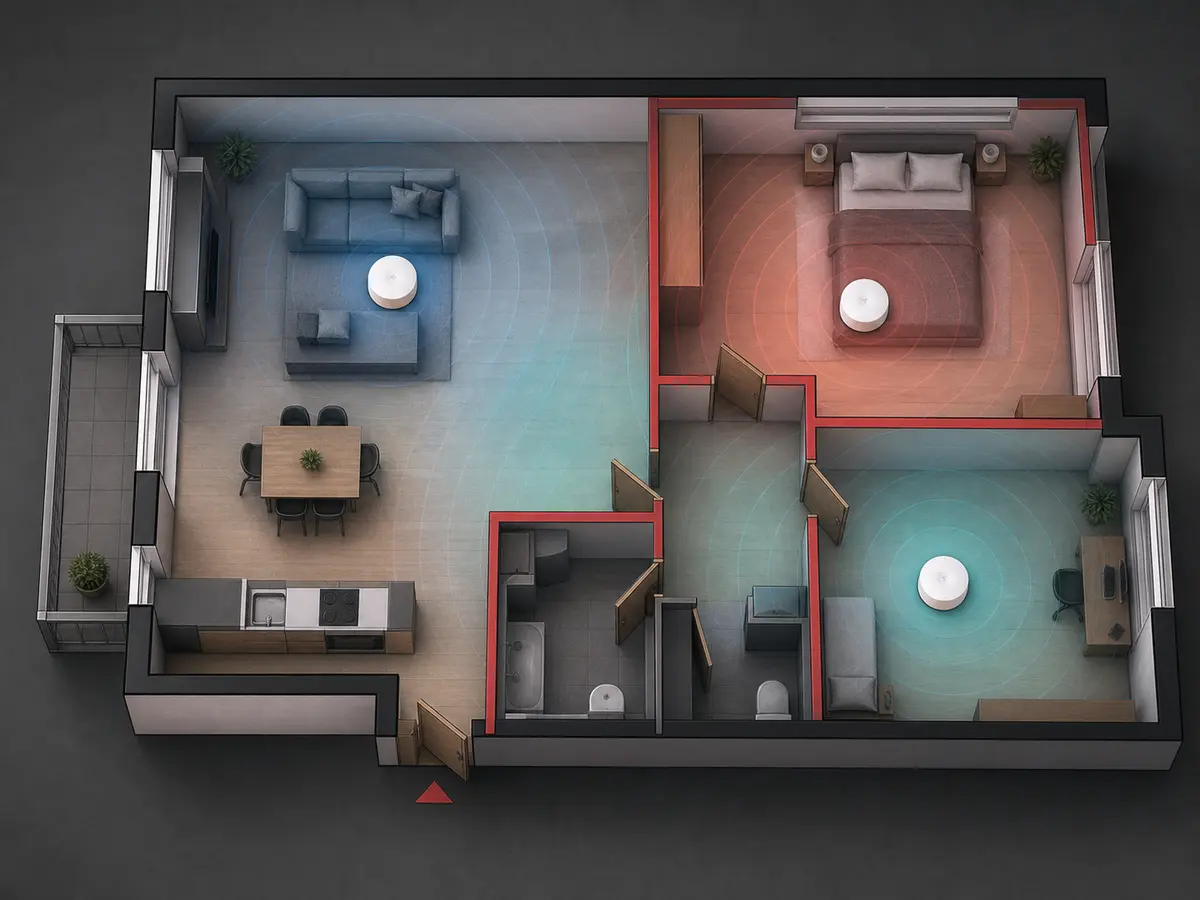
Sometimes moving the router helps, other times a mesh (3–5 units for a 100 m² flat) or a wired access point. Thick walls in Brno’s brick flats (Veveří, Královo Pole) dampen the signal heavily.

Suspicious devices on the network

We change the passwords, turn off WPS (easily abused), check connected clients and identify MAC addresses by vendor.

Slow internet on a fast plan

You pay for 500 Mbit/s and measure 50? Causes: an old router (NAT limit), the wrong band (2.4 vs 5 GHz), the laptop’s wifi card, or a cable to a distant computer instead of wifi.

I need remote access to my home network

A VPN server (MikroTik, Asus AiMesh, OpenWRT) — access to your NAS, cameras and PC files from anywhere. Client on a phone or laptop.

Business wifi for 20+ devices

Switches, VLANs, multi-AP wifi systems (Ubiquiti UniFi, MikroTik CAP), a guest network separate from the company one, RADIUS authentication.

What we actually do

What we set up

  • home router (TP-Link, Asus, D-Link, Tenda)
  • mesh wifi (TP-Link Deco, Asus ZenWiFi, Eero, Netgear Orbi)
  • business access points (Ubiquiti UniFi, MikroTik CAP)
  • a network printer and a Synology/QNAP NAS
  • guest wifi isolated from the home network
  • WPA2/WPA3 security
  • a VPN server for remote access
  • switches and cabling (RJ45, Cat6)

When you need a new router

  • old firmware with no updates
  • weak coverage in a larger flat
  • a low number of supported devices
  • no WPA3 support
  • slow NAT on fast internet (500+ Mbit/s)
  • an ISP-supplied router (hard to configure)
  • after 5+ years of use (component degradation)

Business wifi

  • multi-AP systems with roaming
  • VLAN separation (staff vs guests)
  • RADIUS authentication via Active Directory
  • monitoring and management (Ubiquiti UniFi Controller)
  • PoE switches for the APs
  • site-to-site VPN between branches
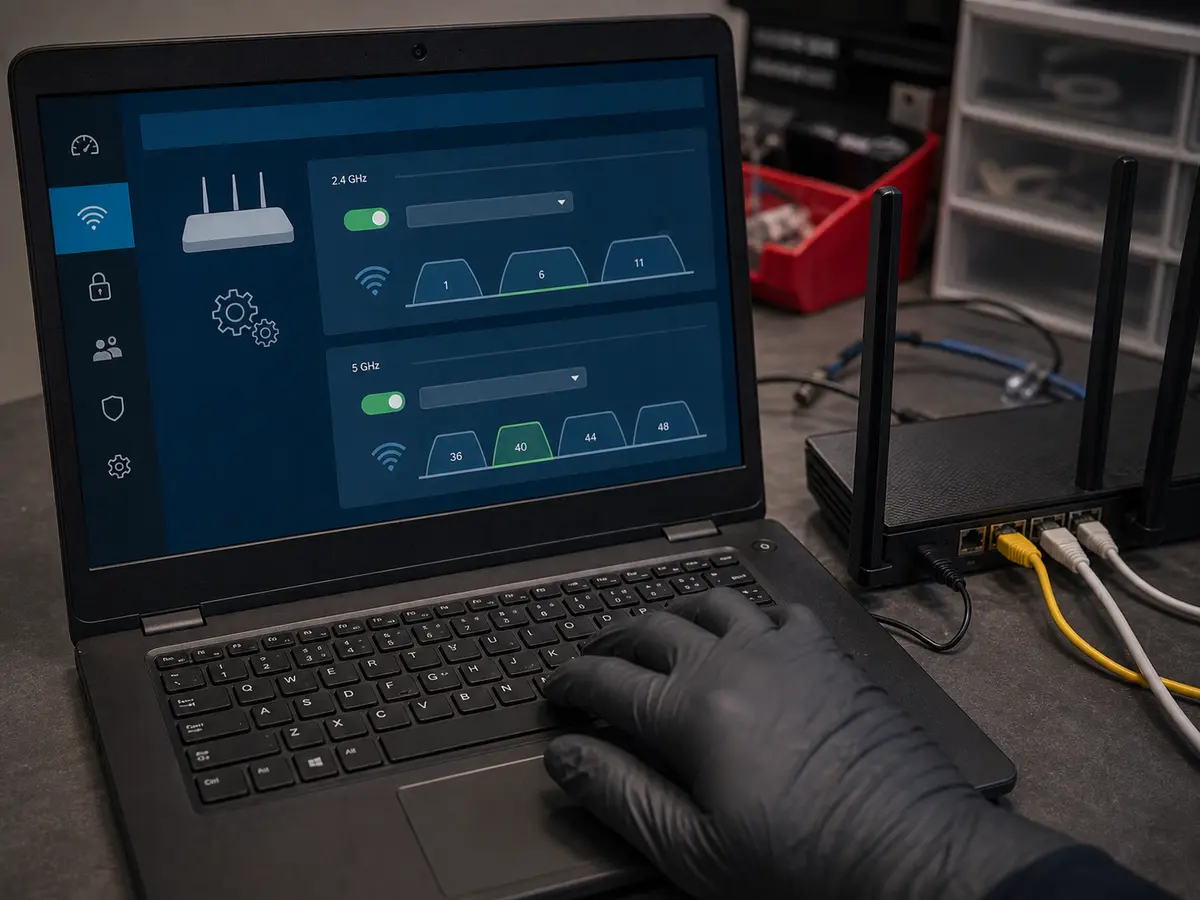
Setting up a Wi-Fi router on a laptop with a connected network device
We set the router up securely — channels, passwords and the 2.4/5 GHz bands.
Flat floor plan with marked mesh points and Wi-Fi signal coverage
In larger flats a mesh placement plan makes sense — not blind guessing.

Indicative prices

What it usually costs

Full price list →

Prices are indicative — we confirm the final price in writing after diagnostics and proceed with the repair only after your approval. Diagnostics is a paid item.

Task Price
Wifi diagnostics (on-site in Brno)
On-site visit 698 CZK + labour from 588 CZK.
from 1,286 CZK
Router setup at the customer’s place
Includes security and handing over the documentation.
from 1,286 CZK
Mesh wifi installation (3 units)
Labour. Mesh system depends on the model (4,000–12,000 CZK).
from 2,400 CZK
VPN server on a MikroTik
Configuration + a quick walkthrough.
from 1,794 CZK
Business wifi (multi-AP, VLAN)
After a survey of the premises and requirements.
individual
Service work — per started half hour
598 CZK

Why Servis PC Brno

A practical fix

We don’t sell mesh automatically. Sometimes moving the router and changing channels is all it takes — that costs us 30 minutes and saves you 5,000 CZK on a mesh you don’t need.

Measurement, not guesswork

WiFi Analyzer, NetSpot, speed tests in different spots — we know exactly where the signal is weak and what’s causing it.

MikroTik specialists

MikroTik routers (RouterBoard, RouterOS) are popular in Brno for advanced setups (VLAN, VPN, BGP). We have 15+ years of experience with them.

Security first

Default “admin/admin” passwords, WPS, an open network — we turn it all off. WPA3, a strong password, isolated guest wifi.

What is included

  • On-site signal diagnostics (WiFi Analyzer)
  • Security configuration (WPA3, strong password, WPS off)
  • Router firmware update
  • Coverage test in every room
  • Setup documentation (PDF with passwords)
  • Recommendation of next steps

Warranty & claims

Claims are handled individually under Czech law. If the same fault returns within a short time, we look at it together and agree on the next steps. New parts carry the standard manufacturer warranty (typically 12–24 months, depending on the component).

Related services

Need a quick answer?

774 777 774

Po–Pá 10:00–16:00. Urgent data & ransomware: 775 556 063 24/7.

Who this service is for

Households with wifi problems (weak signal, disconnections, a suspicious device), owners of flats and houses with thick walls, small businesses up to 20 devices. For large company networks or server rooms, see Managed IT for businesses.

Frequently asked questions

Can you come and set up the router? +

Yes, we handle routers and wifi with on-site visits across Brno too. We tell you the visit and labour price upfront.

Is mesh always the best solution? +

No. In a tower-block flat, better router placement and channels are sometimes enough. In a larger house, mesh or a wired access point is often better.

Can you set up a VPN server so I can reach my home network from outside? +

Yes, on supported routers (MikroTik, OpenWRT, higher-end TP-Link/Asus models) we set up a VPN server for remote access to a NAS, cameras or files. Over the phone we tell you whether your router can do it, or recommend a model.

Call Contact