Blog
Practical guides on Windows, privacy and security
Tested on real machines, written in plain English, with sources for every strong claim. No marketing, no rewritten filler.
Security
Paid vs. Free Antivirus: What Paying Actually Adds (2026)
What a paid antivirus actually adds: VPN, password manager, identity protection, business management. When free Defender is enough, and the auto-renewal trap.
· 11 min read
Security
Antivirus Reports a Virus: What to Do Immediately and How to Recognize a False Alarm
Your antivirus found a threat? How to read the detection name, what quarantine is for, how to verify the finding with VirusTotal, and when it's a real infection.
· 13 min read
Security
How to Properly Configure Windows Defender: Step-by-Step (2026)
A Windows 11 guide: how to verify that Defender is running, enable cloud protection and controlled folder access, schedule scans, and when (not) to add an exclusion.
· 10 min read
Security
The BitLocker key wasn't there: what to check before you write the drive off
Key not in your Microsoft account? Before you format the drive, check the second identity, company management in Entra ID or Intune, and the original computer's TPM.
· 14 min read
Hardware
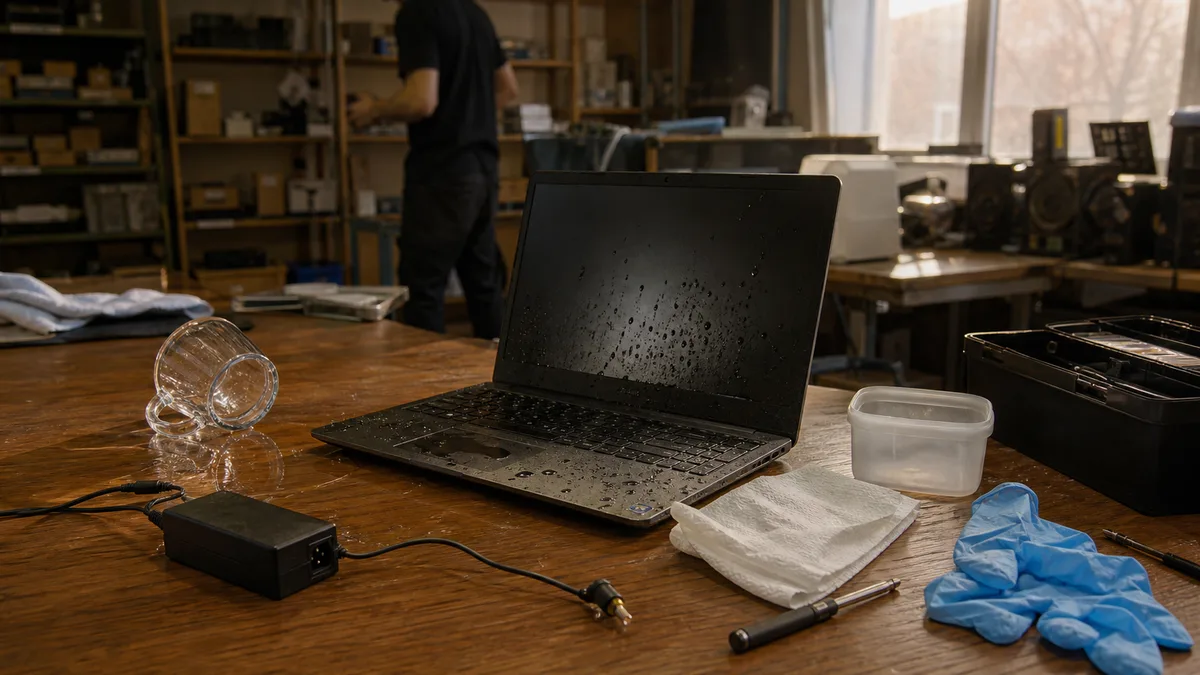
Spilled laptop: what to do in the first minutes and why not to power it on
Spilled coffee or water on your laptop? What to do right away, why rice and a hairdryer don't help, what gets damaged inside, and how much cleaning after a spill costs.
· 12 min read
Hardware
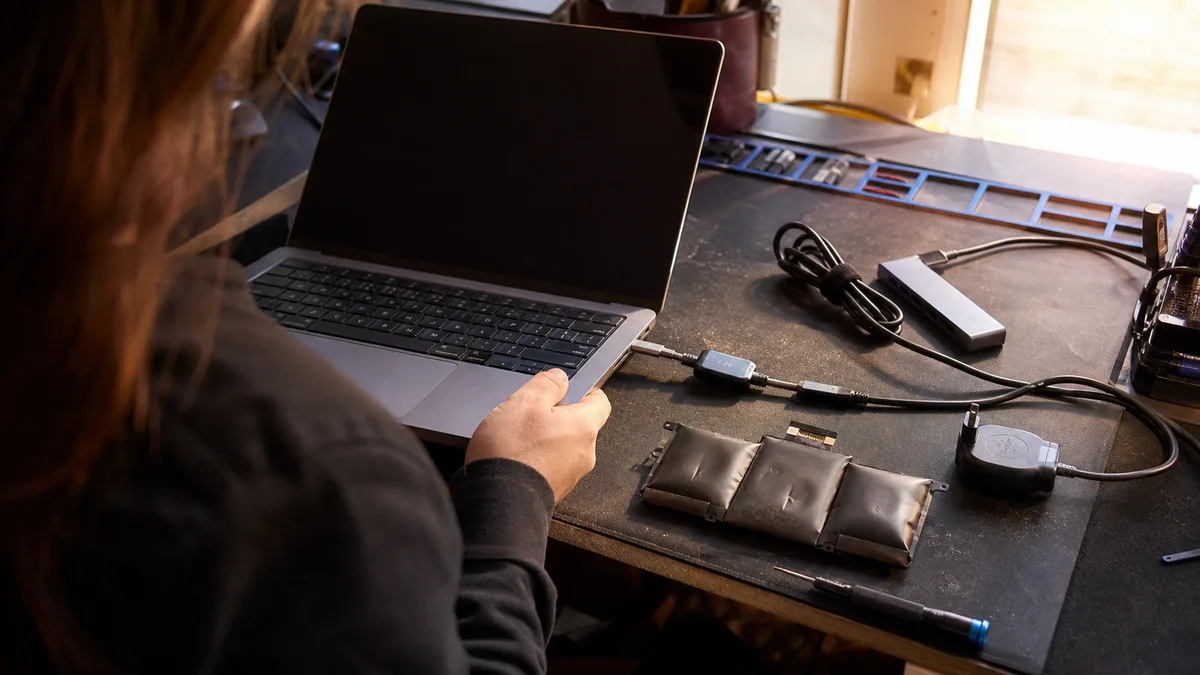
Laptop Not Charging or Not Holding a Charge: Common Causes and When to Replace
Laptop not charging, or dies the moment you unplug it? How to tell a faulty battery from a weak adapter, USB-C dock, or damaged connector — and when to replace it.
· 14 min read
Windows
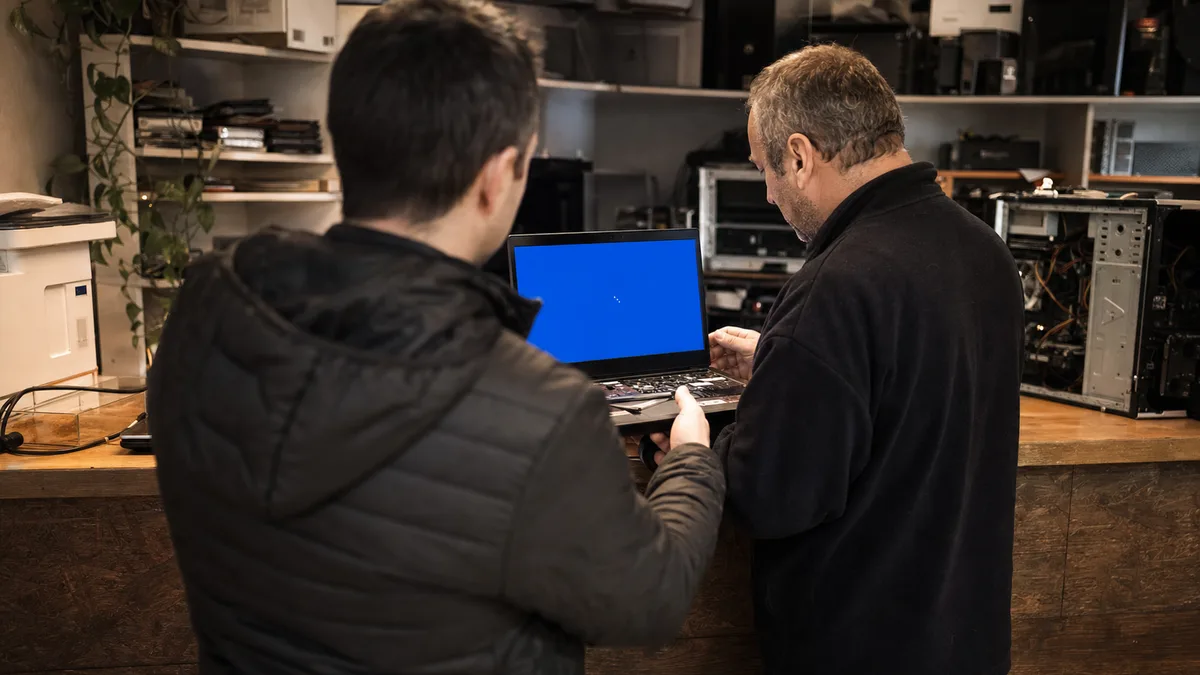
Windows 11 Won't Start: Automatic Repair, Blue Screen, and Data Recovery
Windows 11 stuck in an automatic repair loop or crashing on a blue screen? What to do now, how to tell a failing drive from a software error, when to save data first.
· 11 min read
Hardware
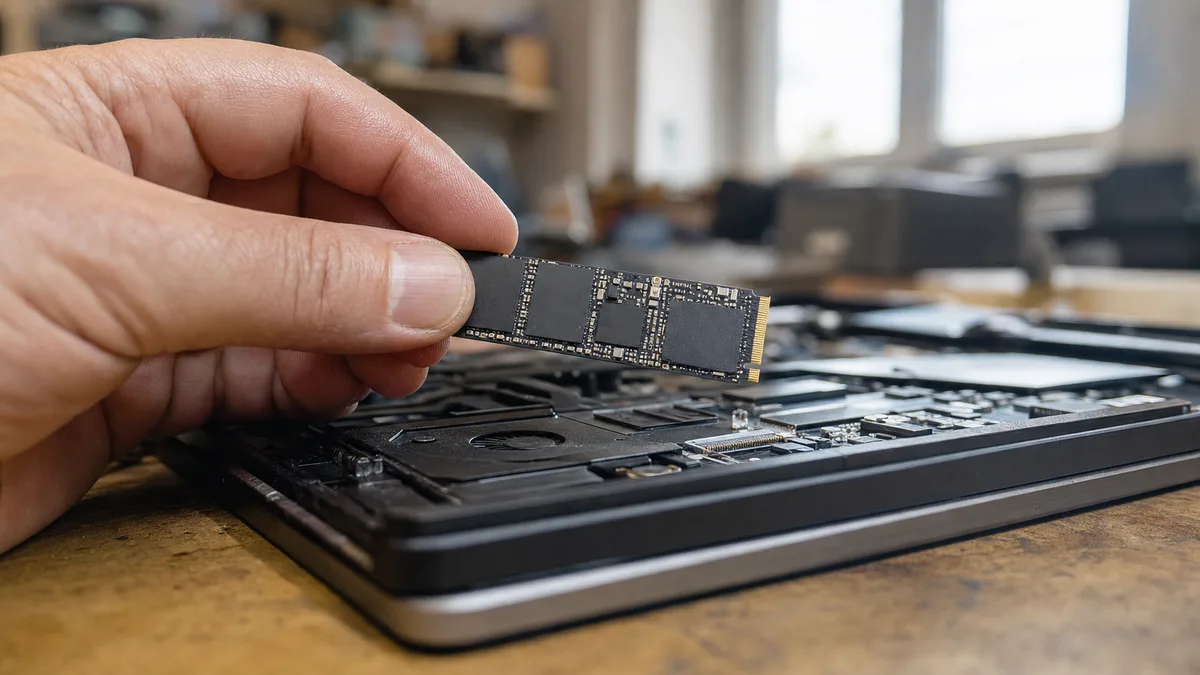
Is Your SSD Dying? Signs of Failure, Data Backup, and When to Replace It
System freezes, copy errors, disk disappearing from BIOS. How to recognize a failing SSD, what to look for in SMART, how to save data, and when replacement makes sense.
· 11 min read

Windows
Black screen in Windows after signing in: cursor visible, desktop missing
Windows accepts your password, then shows only a black screen and cursor. Learn whether Explorer, the graphics driver, or the profile is at fault.
· 13 min read
Security
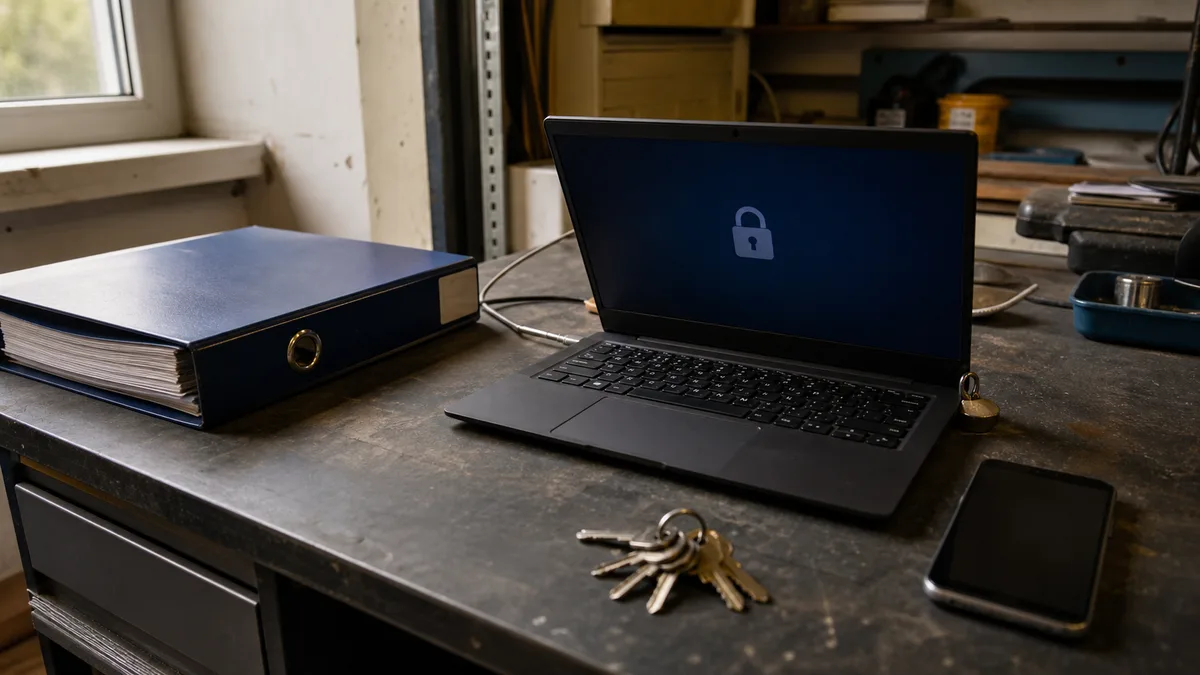
BitLocker Wants a Recovery Key: Where to Find It via aka.ms (Personal vs. Work Account)
The BitLocker blue screen asks for a 48-digit key? Where to find it via aka.ms/myrecoverykey (personal) or aka.ms/aadrecoverykey (work), and what if it's missing.
· 12 min read

Backup
Disk Read Errors: When to Shut Down
Disk read errors, freezes or bad sectors? Learn when to shut down, why CHKDSK cannot fix damage and how ITHOPE recovers data.
· 12 min read
Hardware
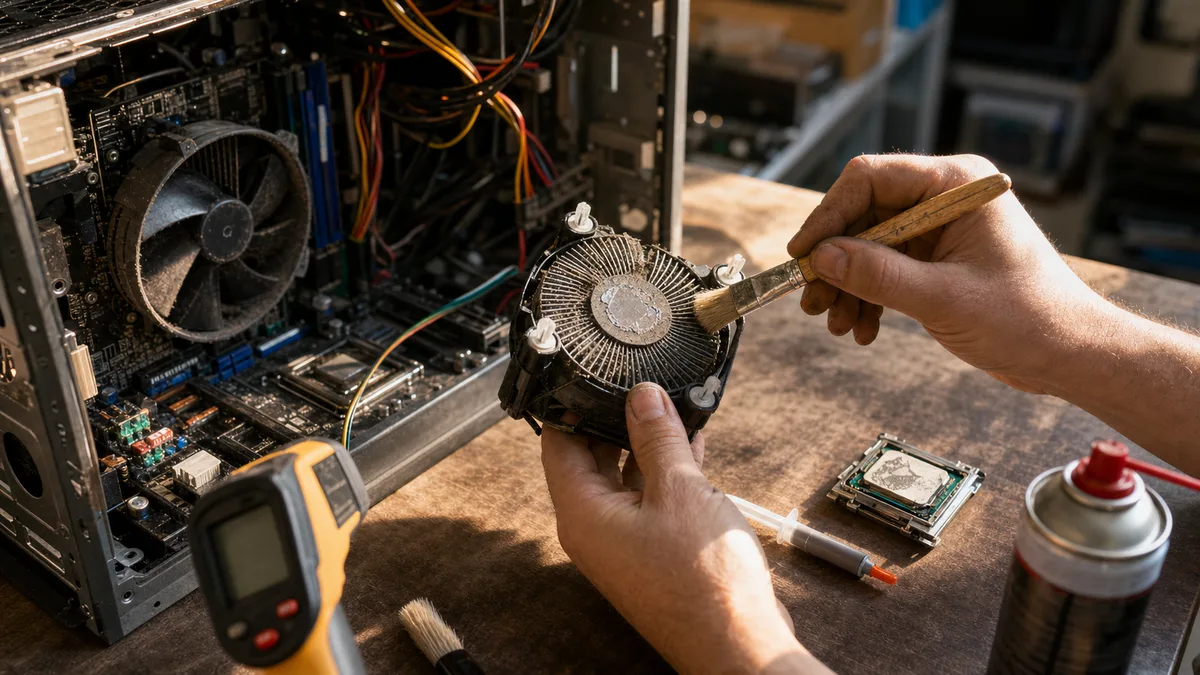
Laptop or desktop PC overheating and shutting down: cleaning, repasting, and when to seek repair
Does your PC shut down under load, then work again after cooling? Learn how to diagnose overheating and when cleaning or repasting helps.
· 13 min read
No article in this category yet.
Didn’t help? Get in touch.
Over the phone or by email we can often point you the right way in five minutes.
Mon–Fri 10:00–16:00 · 24/7 775 556 063