Blog
Practical guides on Windows, privacy and security
Tested on real machines, written in plain English, with sources for every strong claim. No marketing, no rewritten filler.
Hardware
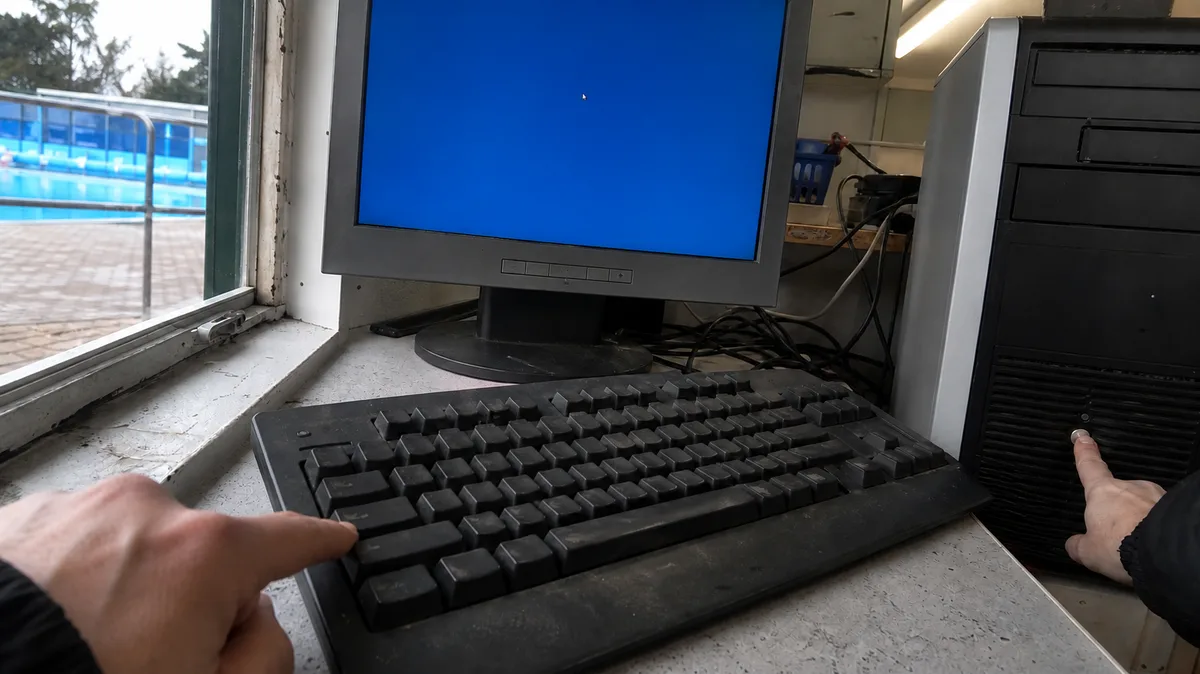
Computer freezes: brief stutters or complete lockups requiring a restart
Does your PC or laptop freeze briefly or lock up completely? Learn how to tell the difference and what to check before changing anything.
· 9 min read

Hardware
Second monitor for your computer: how to connect and configure it in Windows
Learn how to connect and configure a second monitor in Windows, including ports, Win+P, layout, scaling, docks, and USB graphics.
· 9 min read
Hardware
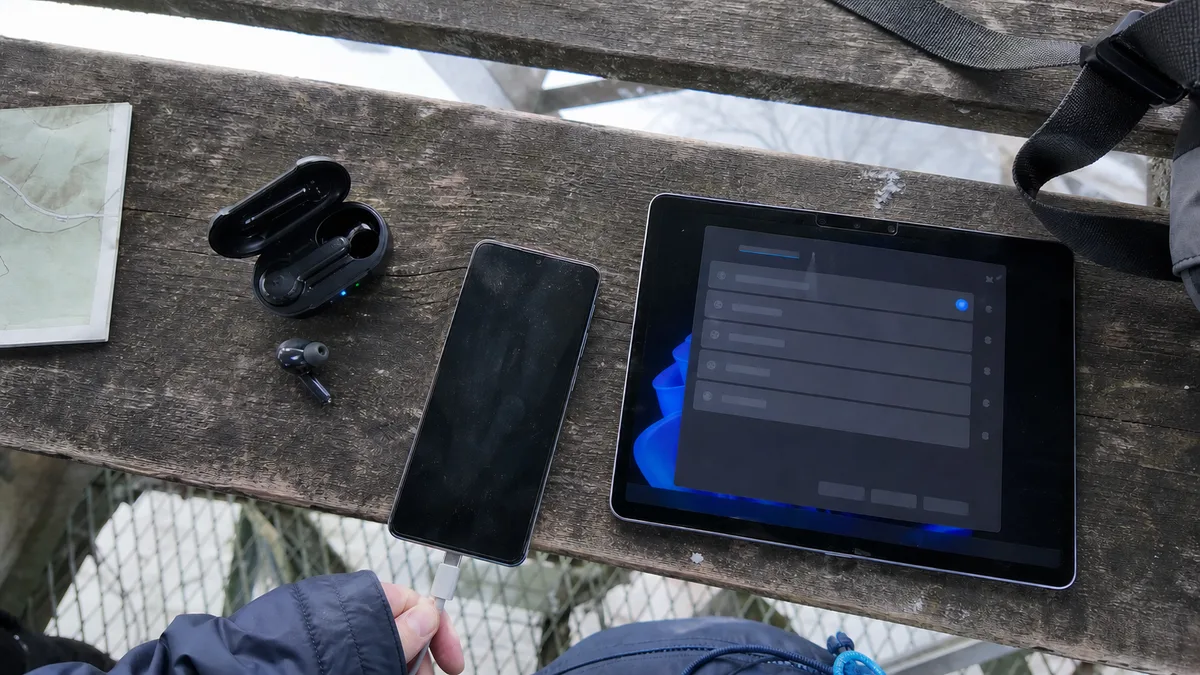
Bluetooth headphones or mouse won’t connect to Windows 11: what’s going wrong
Bluetooth headphones, mice or speakers won’t pair in Windows 11? Check pairing mode, adapter drivers, audio output and USB 3.0 interference.
· 10 min read
Hardware
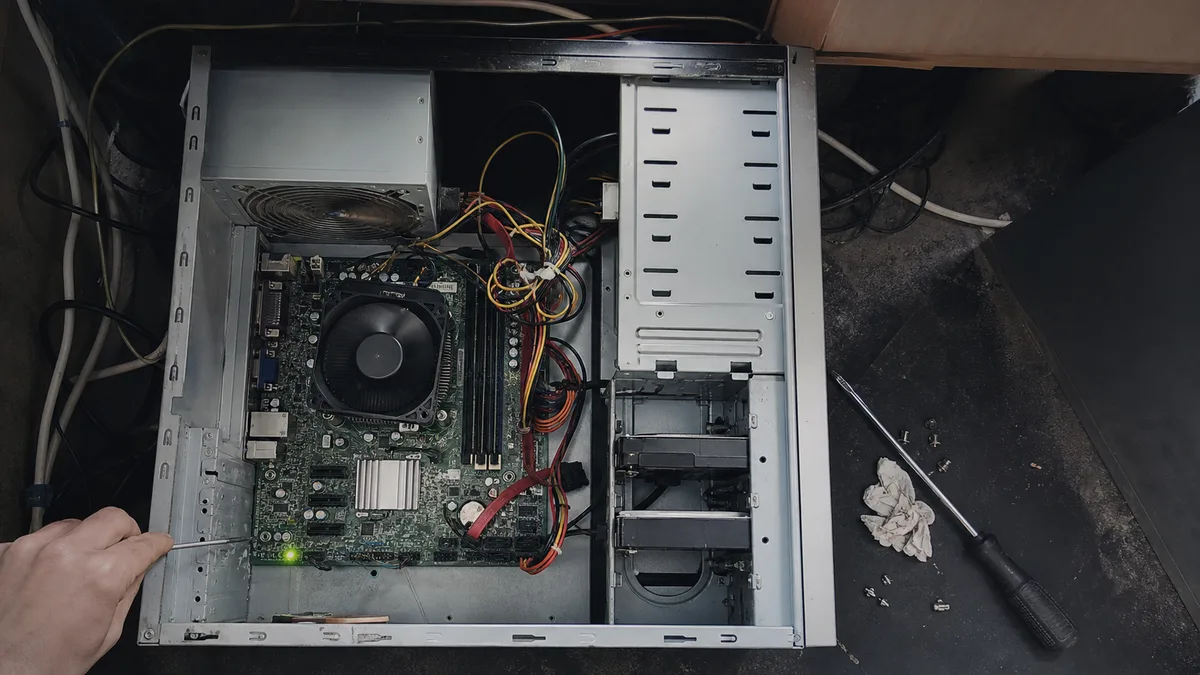
Desktop PC Won’t Turn On: PSU, Motherboard, or Just the Power Button?
PC won’t respond, shuts down after a few seconds, or runs with no display. Learn how to isolate the PSU, memory, and motherboard first.
· 10 min read

Hardware
iPad Freezes, Restarts, or Gets Stuck on the Apple Logo: Software or Hardware?
Your iPad freezes, restarts itself, or gets stuck on the Apple logo. Learn how to tell software from hardware and when to use Update or Restore.
· 8 min read

Hardware
MacBook lid creaks, will not close flush, or holds only at certain angles
A creaking hinge or a lid that will not close flush or hold its angle. Learn whether the cause is the hinge, chassis, or display assembly.
· 8 min read

Hardware
Mac Won’t Start After a macOS Update: Logo, Boot Loop, and Endless Progress Bar
Mac stuck on the Apple logo or restarting after an update? Learn when to wait, use Safe Mode or Recovery, and protect your data.
· 10 min read
Hardware
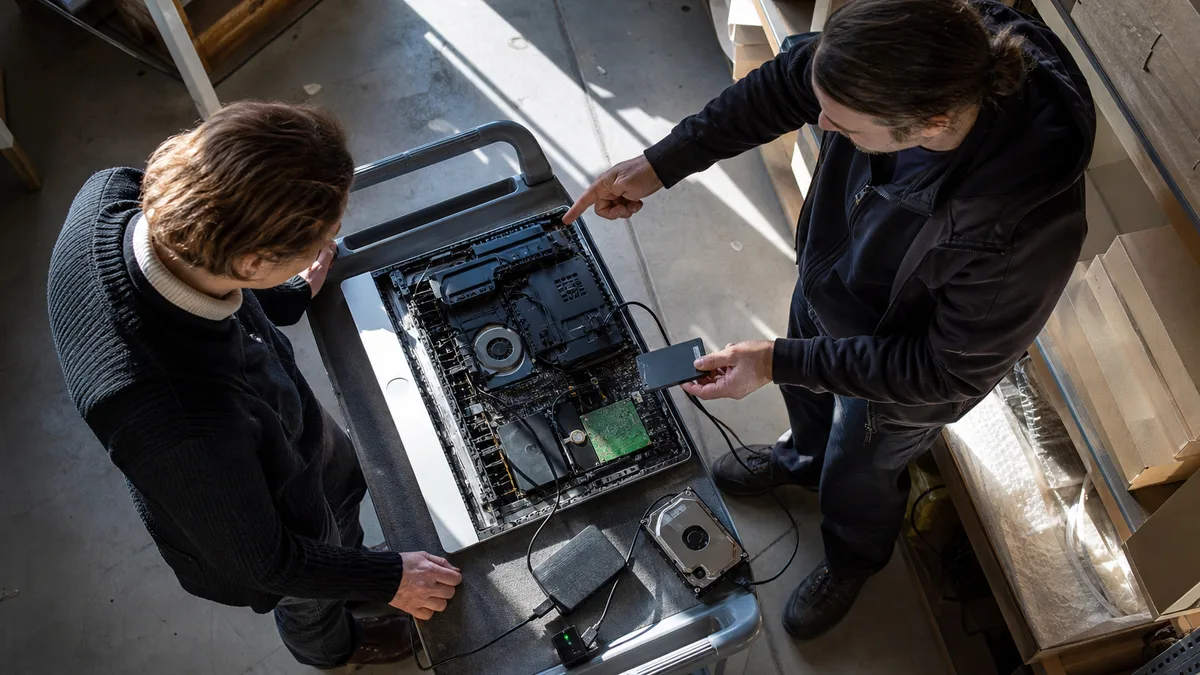
Older iMac Running Slowly: Fusion Drive, Hard Disk, and SSD Upgrade
Why 2015–2019 iMacs run slowly, how to identify a Fusion Drive, what really helps, and why replacing the drive is a job for a repair shop.
· 10 min read
Hardware
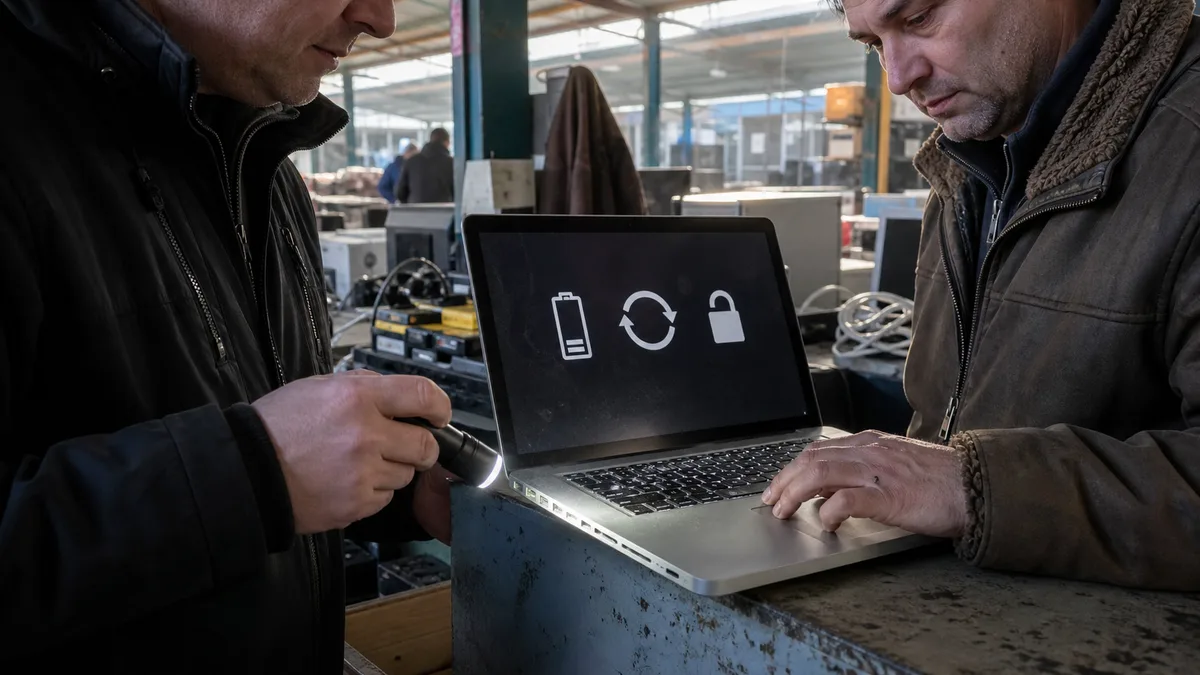
MacBook USB-C Port Loose, Not Working or Overheating: What to Check
Is your MacBook USB-C port loose, dead or overheating? Learn how to isolate the cable, dock, port and logic board before seeking repair.
· 10 min read
Hardware
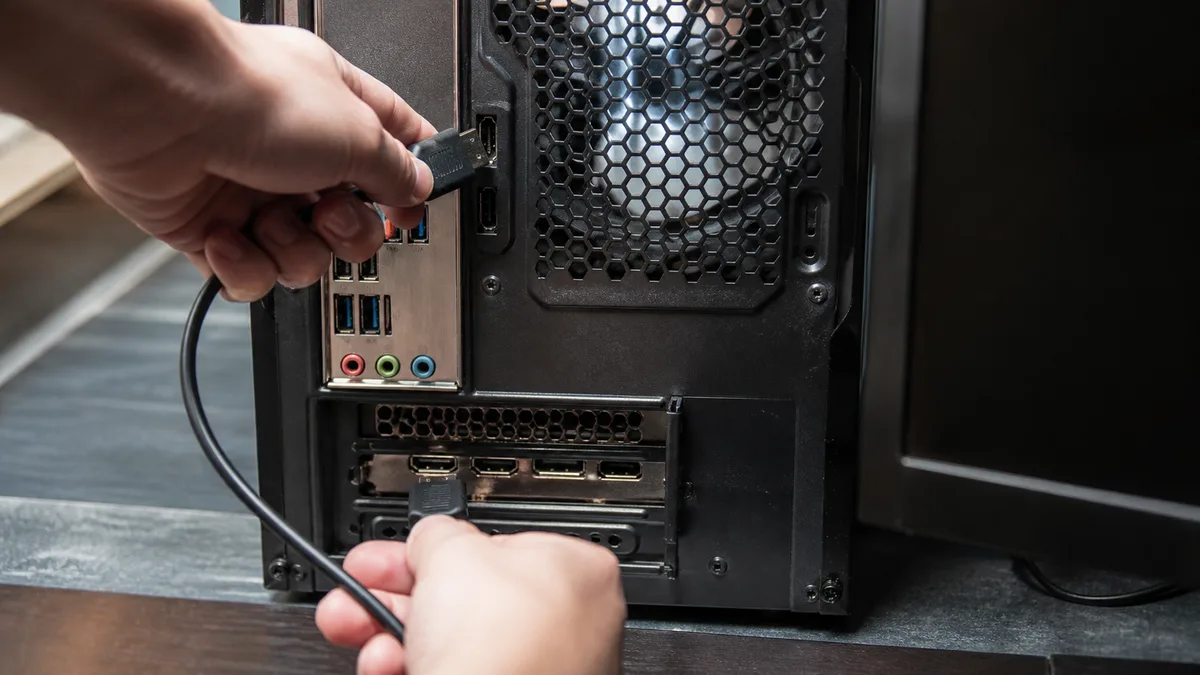
PC Runs but Monitor Says “No Signal”: Bad Cable, RAM, Graphics Card, or Power Supply?
The PC powers on, but the monitor shows No signal before the logo or BIOS. Learn how to identify cable, monitor, RAM, GPU, and PSU faults.
· 16 min read
Hardware
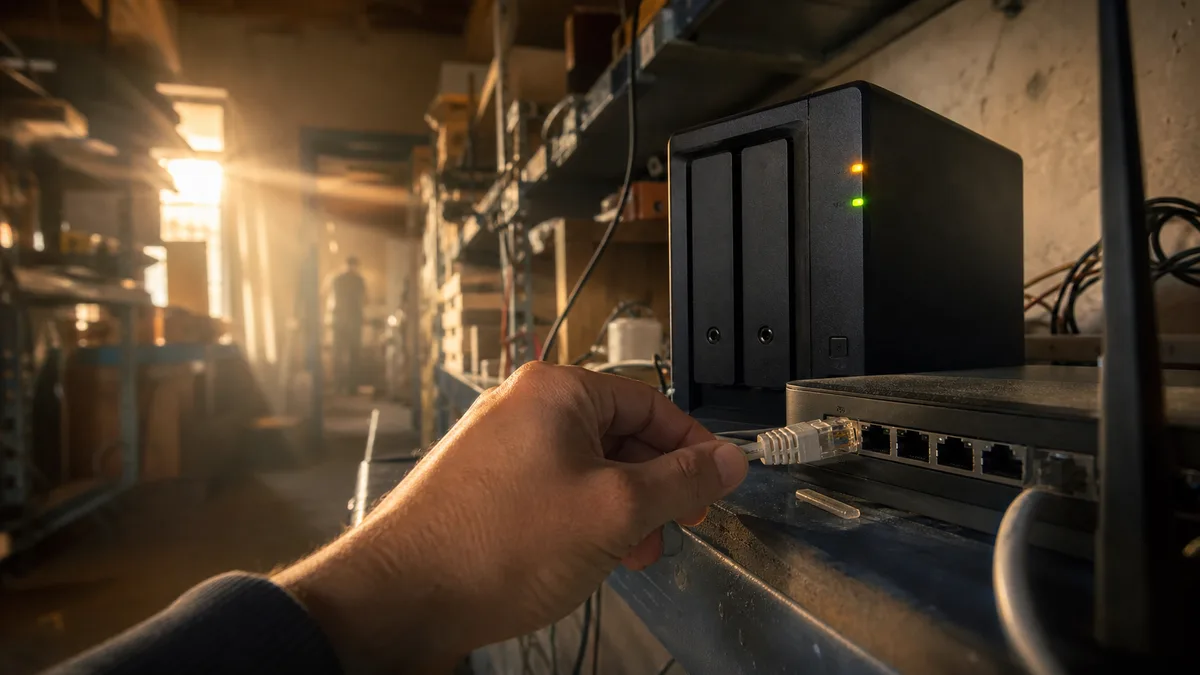
Home NAS Not Found on the Network: From Cables and IP Addresses to a Failed Drive
NAS disappeared from your network? Check cables and LEDs, find its current IP in the router, connect directly, and learn when the disk is at fault.
· 17 min read

Hardware
MacBook Camera Not Working: What “No Camera Connected” Means
MacBook camera not working or detected? Separate permission and Screen Time issues from lid-cable faults and understand the green light.
· 9 min read
No article in this category yet.
Didn’t help? Get in touch.
Over the phone or by email we can often point you the right way in five minutes.
Mon–Fri 10:00–16:00 · 24/7 775 556 063