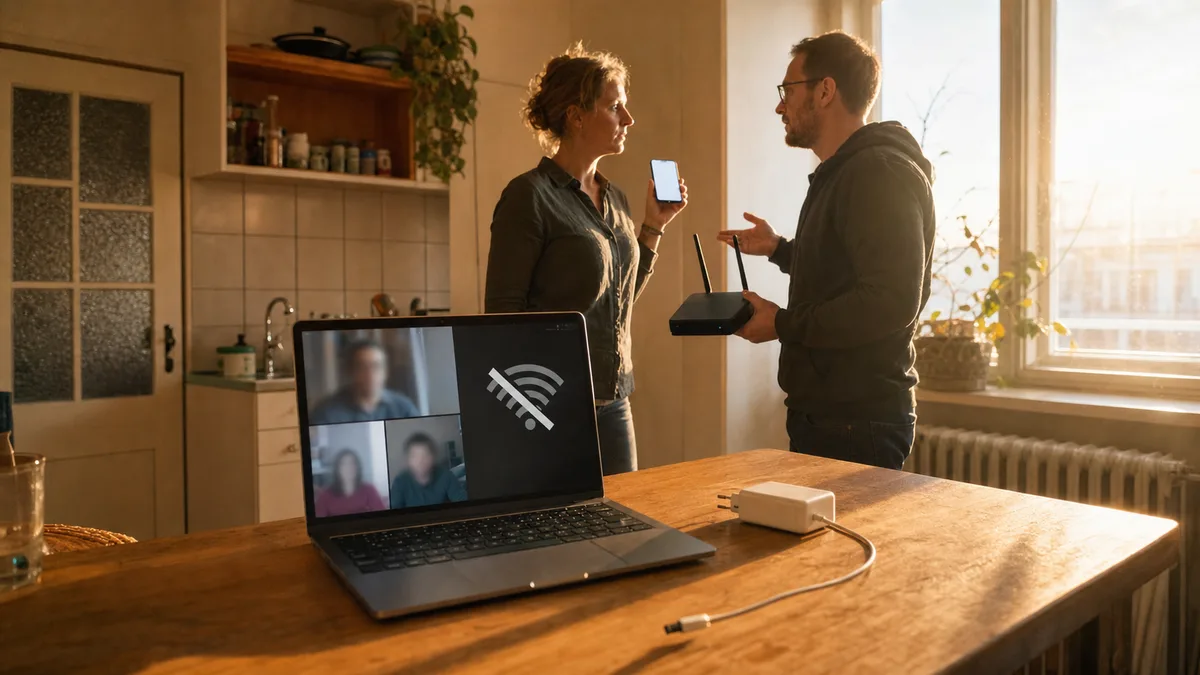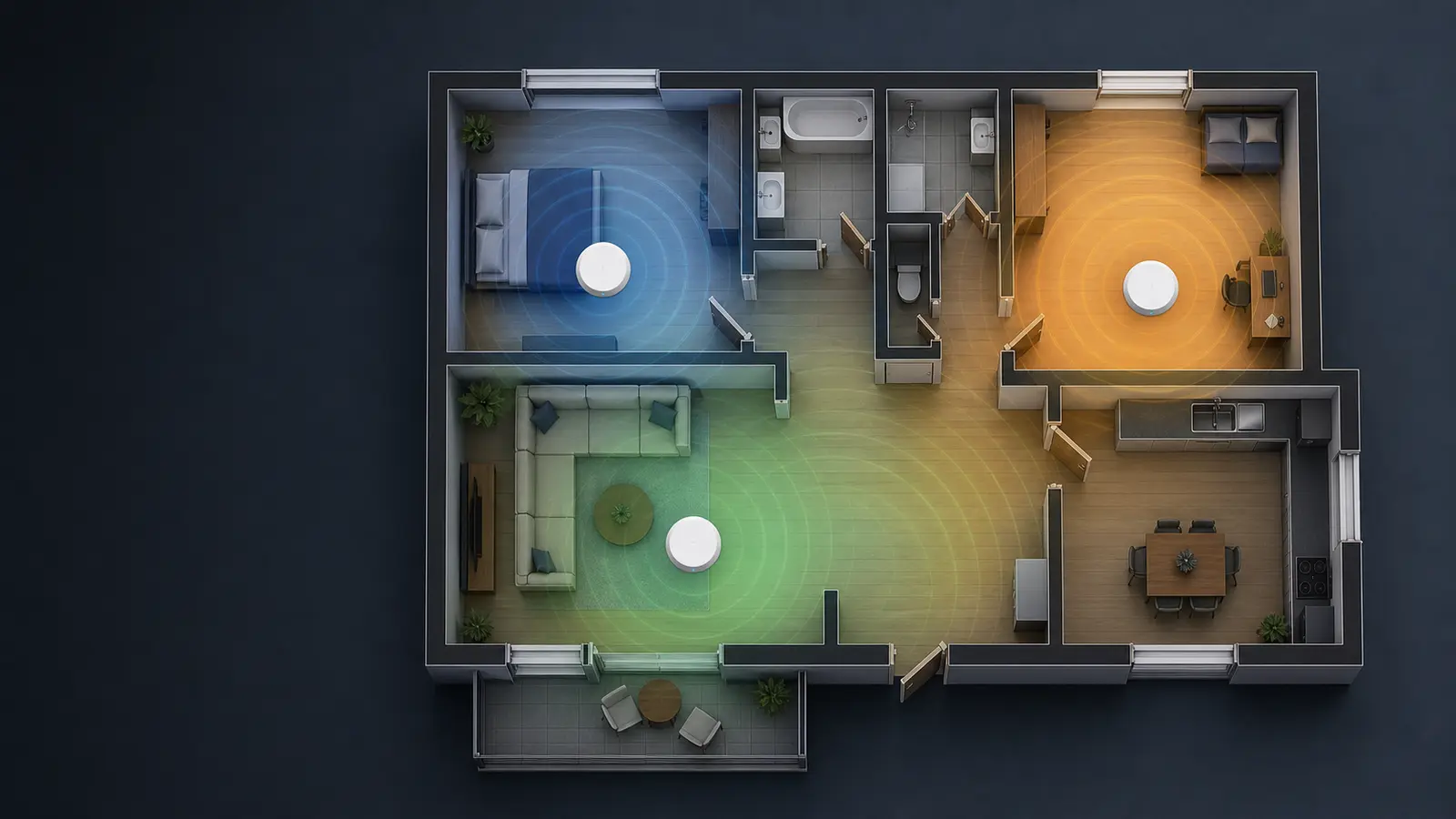
A scenario we run into constantly: the Wi-Fi is fine in the kitchen and in the living room by the TV. The moment you walk into the bedroom or the kids’ room, the connection drops to nothing. The owner usually insists: “But I’ve got a proper router.”
The problem, though, is rarely the router or the laptop. It’s that the signal has to push through several thick walls, a tiled bathroom and steel lintels in an older building. One router, even a pricey one, simply can’t do that. This is where it’s time for mesh.
What mesh is and why it’s not just “better Wi-Fi”
A mesh system differs from a classic router-plus-repeater setup in one fundamental way. A repeater just dumbly rebroadcasts a signal that’s already poor quality. Mesh units, by contrast, talk to each other as a team. They create a single network under one name, and the units hand your device off between themselves depending on where you are.
In practice that means you walk from the living room to the bedroom and the video call doesn’t even hiccup. No reconnecting, no “hang on, my Wi-Fi just dropped.” It just works.
When does it make sense? When you have a flat or house where the signal from one spot simply won’t reach. Typically older brick flats with walls a good 60 cm thick and reinforced on top of that. Or multi-storey houses where a router on the ground floor has no chance of covering the attic.
TP-Link Deco vs Asus ZenWiFi — what to pick in 2026
The market is flooded with mesh kits these days, but two ranges stand out: TP-Link Deco and Asus ZenWiFi. I’ve installed both at clients’ homes, and both have their pros and cons.
TP-Link Deco — when you want a quiet life
Deco is the kind of kit you plug in and forget about half an hour later. The app is straightforward, and the setup is manageable even for someone who doesn’t know what an IP address is. In 2026 Wi-Fi 7 models are now widely available, but for 95% of households a Wi-Fi 6E version is more than enough.
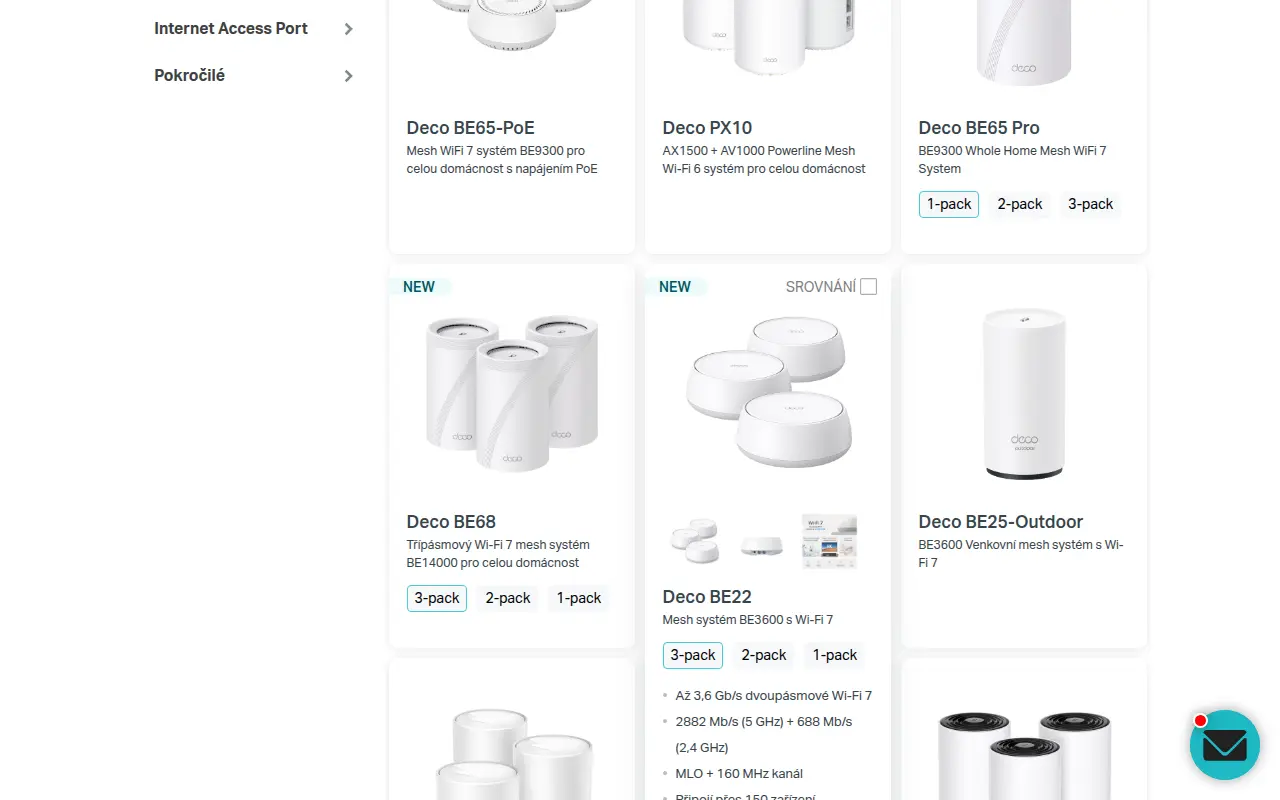
The current TP-Link Deco lineup includes several Wi-Fi 7 models (BE22, BE65, BE68) plus an outdoor variant, the BE25-Outdoor. Current prices and the 1-pack/2-pack/3-pack options are on the official TP-Link page. Source: TP-Link.
A concrete tip: the Deco XE75 Pro (2-pack) covers 120 m² without trouble, even in a brick flat (check the current price with the retailer). It has a dedicated 6 GHz band for the units to talk to each other, so it doesn’t eat into the band your devices use.
Pros: simplicity, price, stability. Cons: limited options for tinkerers, basic parental controls.
Asus ZenWiFi — for those who want more control
Asus takes a different approach. Their ZenWiFi range (the XT9, for example) offers a lot more settings. You can play with channels, antenna power, QoS rules. If you have a NAS, you game, you need traffic prioritisation, or you just like poking around in settings, it’s the better choice.
It costs more — a pair runs to the higher end of the price range. But you get more robust hardware and longer software support. Asus keeps the updates coming for 5 years, which isn’t always a given with Deco.
Pros: performance, configuration options, a VPN server built into the router. Cons: price, and the app isn’t as intuitive as Deco’s.
Installation you can handle yourself — and what to watch for
Installing a mesh system is laughably simple these days. Pull the units out of the box, plug one into the modem with a cable, and the other (and a third) just into a wall socket. The app walks you through it step by step.
But there are a few things the manufacturers don’t tell you, and they decide whether it flies or not:
-
Distance between units. Ideally 8–12 metres. Not within sight of each other, but not three walls apart either. Too close and they interfere; too far and the link between them is slow.
-
A wired backhaul is king. If your home has Ethernet runs (or at least one line up to the next floor), connect the units with a cable. The network speed then isn’t capped by the wireless link between satellites. The difference shows up most when moving larger files to a NAS.
-
Mount them up high. Don’t put a unit behind the TV, in a cupboard or on the floor. Ideally on a shelf, out in the open, about a metre and a half off the ground. The signal spreads sideways and down, not up.
-
Firmware updates. After installation, check for updates. With both Deco and Asus it happens that a unit ships with firmware that’s six months old, and an update brings a noticeable jump in stability.
What to do when it still won’t work
Sometimes, even after a correct install, something acts up. Typical symptoms and quick fixes:
-
A device won’t switch to the nearer unit. Turn the Wi-Fi on that device off and on. If that doesn’t help, lower the transmit power in the Deco/Asus app — the device is then forced to look for a stronger signal sooner.
-
The speed is half what you get over cable. That’s normal with a wireless link between the units. If it bothers you, the only fix is a cable between them.
-
Occasional drops across the whole network. Check whether your ISP’s modem is in router mode. If it is, the mesh system behind it creates a second layer of address translation — so-called double NAT. The fix: switch the modem into bridge mode, or set the mesh up as an access point.
If you’ve tried everything and it’s still not right, the problem may be interference from neighbours. In a packed block of flats the airwaves can be so congested that even mesh won’t help. Then you need to scan the spectrum and pick channels by hand — but that’s an hour’s work with proper kit.
When you need a professional
Not everyone has the time or the patience to fiddle with settings. And honestly — sometimes it’s better to pay someone who’ll do it for you and guarantee the result than to spend three evenings googling and still end up with a half-baked fix.
If you have an older house with thick walls or an awkward floor plan, a professional install is often the only way to get Wi-Fi that genuinely covers the whole place: measure the signal, plan where the units go, set everything up and test it.
This is a general guide. Wi-Fi standards, model availability and prices change over time — always check current details with the manufacturer or retailer.
Rather not deal with it yourself?
Book a diagnosis in Brno — you get the price up front and we start only once you agree.
Where to find us
We are a PC and laptop repair shop in Brno-Židenice: diagnostics and repairs of computers and laptops, data recovery from drives, and out-of-warranty Apple repairs (iPhone 12 and newer, MacBook, iPad).
Viniční 3587/216, 615 00 Brno-Židenice, Czech Republic Mon–Fri 10:00–16:00
Call +420 774 777 774 Computer repair and laptop service in Brno
We put the repair price in writing after diagnostics and carry on only once you agree.