Drives rarely fail all at once. At first, a file transfer freezes just once. Then a file opens only on the third attempt. Sometimes there is a quiet click that was not there before. Then one morning, the computer no longer detects the drive at all.
When the drive contains your only copies of photos, invoices, or unfinished work, the situation is stressful. The bad news is that every attempt to “get it working somehow” can permanently damage the data. The good news is that many cases can be recovered—provided the drive is taken out of service in time and placed in the right hands.
The short answer: If the drive is clicking, grinding, or no longer detected, shut down the computer and stop using it. Do not run repair tools or copy data back and forth—with a mechanical fault, every minute of operation risks further damage. If you accidentally deleted files or formatted a partition, the most important thing is to stop writing anything to the drive. Diagnosis will determine the rest: the type of damage, the realistic chance of recovery, and the estimated cost.
ITHOPE handles data recovery
Servis PC Brno does not perform data recovery—this article explains what may be happening to your drive and what you should avoid doing. Hard drives, SSDs, and arrays are recovered by the ITHOPE s.r.o. laboratory, which operates Servis PC Brno: data recovery in Brno, with pricing by fault type at ithope.cz/zachrana-dat/cenik/.
Why your data suddenly becomes unavailable
A drive usually does not fail without warning. It shows signs before it stops working—and noticing them early greatly improves the chances of recovering the data.
A physical fault reveals itself through sound and behaviour: regular clicking, grinding, or platters repeatedly spinning up and slowing down. In the operating system, you may notice freezing when opening a particular folder, suddenly slow file transfers, or read-error messages. If read failures occur only in certain areas, the cause may be bad sectors that continue to spread—another reason to stop using the drive and create a backup as soon as possible.
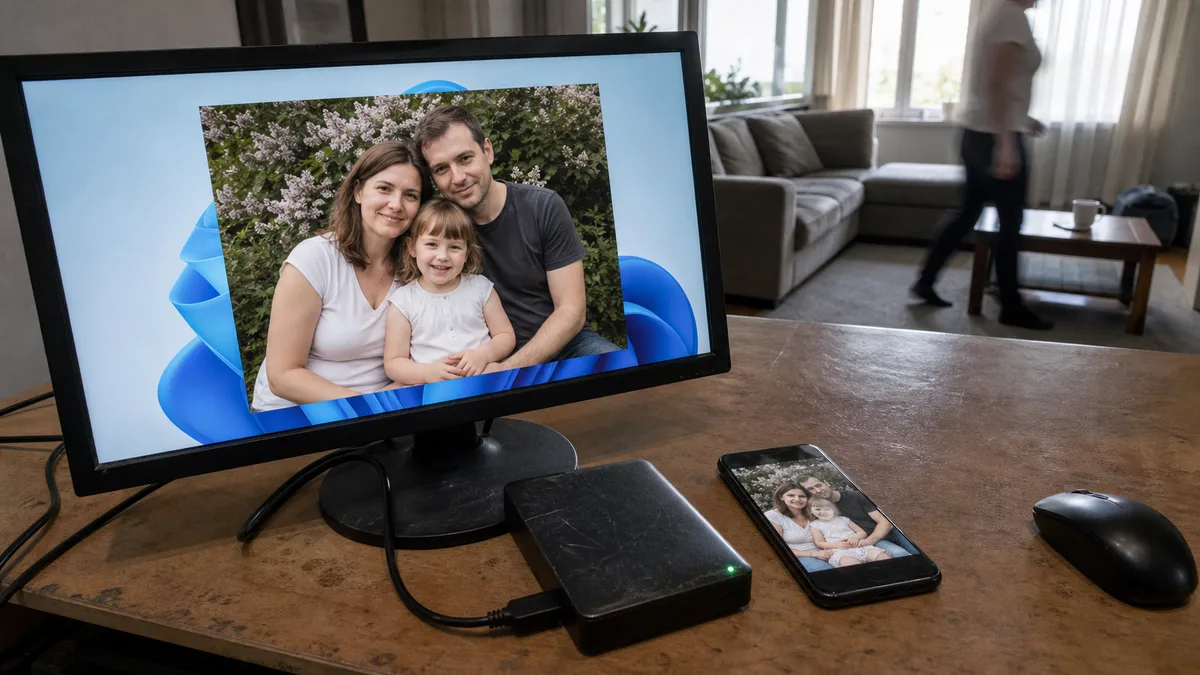
The second common cause is not a hardware failure but a single hasty action: deleting files or reformatting a partition. A simple rule applies here—the less you do with the drive after the mistake, the better. Every write operation may overwrite the exact data you want to recover.
What to do immediately—and what to avoid
The first few minutes have more impact on the outcome than anything you do later.
- Shut down the computer. If the drive is making unusual noises, do not check whether it “might work one more time.” Every additional spin-up puts more strain on an already damaged mechanism.
- Do not use repair utilities. CHKDSK, Windows “drive repair,” and similar tools may finish destroying a damaged drive instead of repairing it.
- Do not copy data back and forth, and do not install recovery software on the same drive. If files have been deleted, doing so may overwrite the very data that could still be recovered.
- Do not open the drive. Opening a hard drive outside a clean environment is effectively the end of it—a single dust particle between the head and platter can be enough.
- Forget the “home remedies.” Putting a drive in the freezer or tapping it will not repair anything. These are myths that only make the damage worse.
If the drive is encrypted—for example, with BitLocker—have the recovery key ready. Without it, the data will remain unreadable even after a successful physical repair. Learn more in the article explaining what BitLocker is.
How professional data recovery works
The procedure depends on whether the fault is logical or physical.
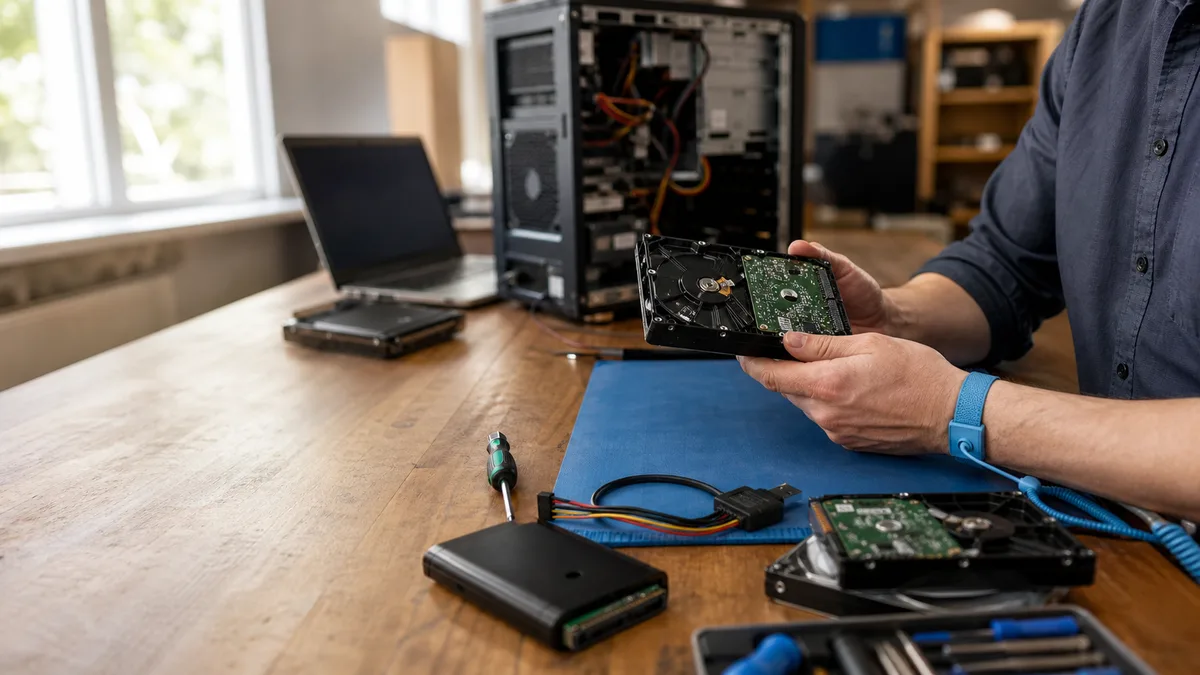
With logical faults—a deleted partition, damaged file system, or reformatting—specialised software is used together with a hardware write blocker. It physically prevents anything from being written to the original drive, allowing work to continue from a safe copy while the original remains unchanged.
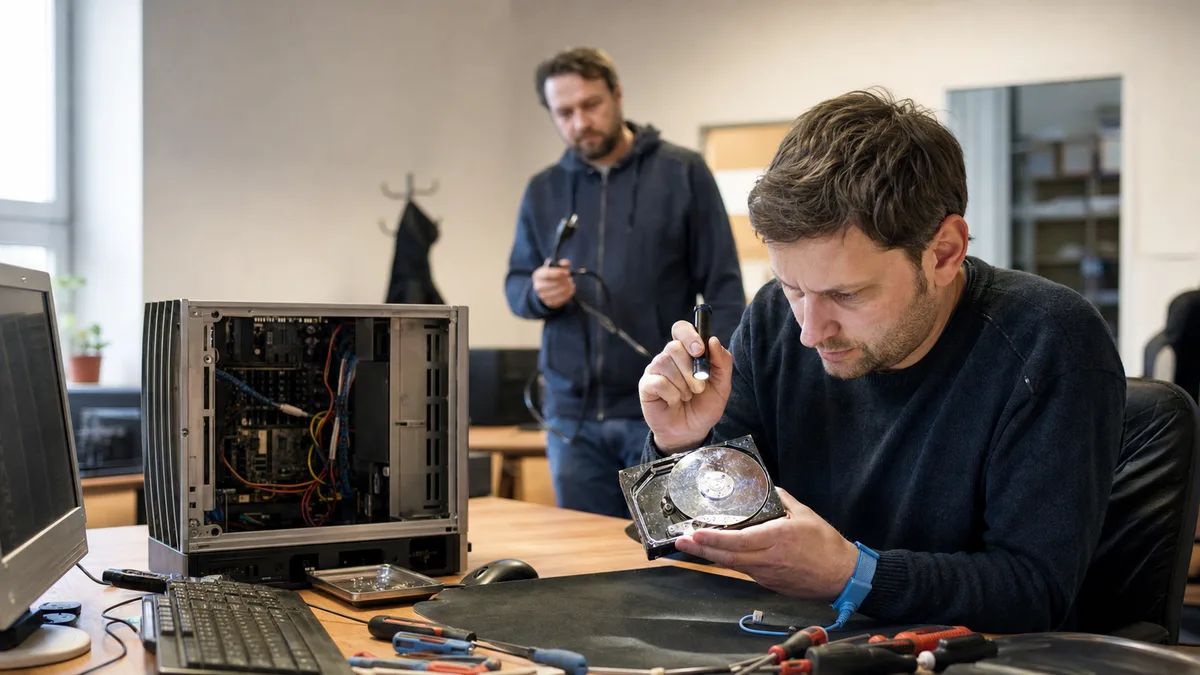
With mechanical damage—a clicking drive, seized motor, or failed read heads—the drive is opened in a clean-air enclosure. Replacing the read heads, repairing the electronics, or exchanging other compatible parts depends on the specific fault and requires an identical donor model and delicate manual work. This cannot be done on an office desk, nor is it a while-you-wait service.
When recovery is worthwhile—and when it is not
Not everything can be recovered at a reasonable cost. The type and extent of the damage are what matter. Treat the following scenarios as a general guide:
| Drive condition | Chance of recovery | Note |
|---|---|---|
| Deleted files, drive otherwise healthy | High | Stop using the drive immediately |
| Reformatted partition with no subsequent writes | High | File structure can be reconstructed |
| Damaged electronics, such as a burnt TVS diode | High | Board repair or replacement and ROM transfer |
| Failed read heads, platters intact | Moderate | Clean-air enclosure and donor drive required |
| Platters scratched after a head crash | Low to none | Data layer is damaged |
| Data repeatedly overwritten with new data | None | The data is permanently lost |
SSDs work differently. TRIM, which helps maintain write performance, releases and gradually erases cells after a file is deleted—and once SSD data has been erased, there is usually nothing left to recover. The longer the SSD remains powered after deletion or formatting, the lower the chance of recovery. If the SSD controller fails, recovery is technically more demanding and generally more expensive than with a conventional hard disk drive.
What affects the cost of data recovery
The cost is determined by three factors: the type of damage, the drive’s capacity, and how quickly you need the data. A specific quote can only be provided after diagnosis—a flat estimate based on guesswork would make little sense in data recovery. Broadly speaking, the price depends on the type of case:
- Logical fault (deleted files, formatting, damaged partition table): technically the simplest type of recovery; the price usually also includes media on which the recovered data is returned.
- Mechanical damage (read-head replacement, electronics repair, replacement of compatible parts): work in a clean-air enclosure and sourcing donor parts increase the cost. Rare models are more expensive when a suitable donor is difficult to find.
- SSD: the cost depends on the type of fault and the complexity of the controller.
- RAID and NAS: the cost is determined mainly by the number of drives and the array type.
Priority processing usually costs extra. A reputable laboratory performs a diagnosis before beginning any work. It explains the findings and estimated cost in advance and does not proceed without your approval.
How to distinguish a reputable laboratory from an amateur operation
The data recovery in Brno page explains how the ITHOPE laboratory works, what equipment it uses, and how to submit a drive.
Demand for data recovery also attracts people without the appropriate equipment. You can identify a reputable service by several characteristics:
- Diagnosis before pricing. An honest technician will not quote a price without inspecting the drive. Every case is different, and a flat estimate based on guesswork is either misleading or a sign that no one intends to tackle a difficult case.
- Proper equipment. Mechanical work on a drive belongs in a clean environment, such as a laminar-flow enclosure or clean room. Without one, replacing heads is effectively blind work with very little chance of success.
- Write blockers. A hardware write blocker is essential for logical recovery. Software-based protection is not enough.
- Transparency. You should know what will happen and receive a list of the recovered data before accepting the result. “We recovered what we could” is not enough without evidence.
RAID and NAS: when more than one drive fails
Business data is often stored not on a single drive but on a NAS or server with a RAID array. Paradoxically, this may not help: a controller error, power failure, or incorrect configuration change can make the entire array inaccessible even when the individual drives are mechanically sound.
RAID and NAS recovery is a discipline of its own. It requires knowledge of the file systems in use—including ext4, Btrfs, XFS, and proprietary NAS formats—and, without a working controller, reconstruction of the array parameters: drive order, stripe size, and parity rotation. The chances are generally good if only the array has failed and multiple drives have not suffered mechanical failures at the same time. The separate article on what to do when a RAID or NAS reports a degraded state explains the issue in detail.
Business data, backups, and legal obligations
Data loss in a company is not merely an operational problem. If it involves employees’ or customers’ personal data, it may also create a legal obligation. Under the GDPR, a serious personal data breach or loss must be reported to Úřad pro ochranu osobních údajů (the Czech data protection authority), generally within 72 hours of discovery.
Organisations in certain sectors and above a specified size are also subject to stricter cybersecurity rules—the český kyberzákon and the European NIS2 Directive. These rules do not apply to every small business, but organisations within their scope have their own reporting obligations—in the Czech Republic, to NÚKIB. The article on the kyberzákon and NIS2 explains what this means in practice.
The cheapest data recovery is the one you never need. However, a cloud or external-drive backup is not enough unless you verify it regularly. Restoring a backup that is three months old still means losing three months of work. A sensible minimum is to keep data in multiple locations, maintain one copy off-site, and perform an occasional test restore to confirm that the backup really works.
Do you have an unreadable drive right now?
The best thing you can do for your data is leave the drive alone and note its model and what happened—whether it is clicking, is no longer detected, or you deleted a partition. Then contact the laboratory: data recovery in Brno (ITHOPE), or describe the case using the data recovery form. Based on your description, the laboratory will explain the likely cause, what it will test, and how the case will be priced before proceeding with any further work.
Rather not deal with it yourself?
Book a diagnosis in Brno — you get the price up front and we start only once you agree.
Where to find us
We are a PC and laptop repair shop in Brno-Židenice: diagnostics and repairs of computers and laptops, data recovery from drives, and out-of-warranty Apple repairs (iPhone 12 and newer, MacBook, iPad).
Viniční 3587/216, 615 00 Brno-Židenice, Czech Republic Mon–Fri 10:00–16:00
Call +420 774 777 774 Computer repair and laptop service in Brno
We put the repair price in writing after diagnostics and carry on only once you agree.