The short answer: The repair shop does not need your device passcode or Apple Account password. Before handing over the device, create and verify a backup, record the exact model and symptoms, bring the charger if it may be related to the problem, and remove only the case or accessories. Do not turn off Find My automatically—only do so if the specific procedure requires Activation Lock to be removed and the repair shop explains why.
Checklist Before You Go
- save the exact model and serial number somewhere other than on the device,
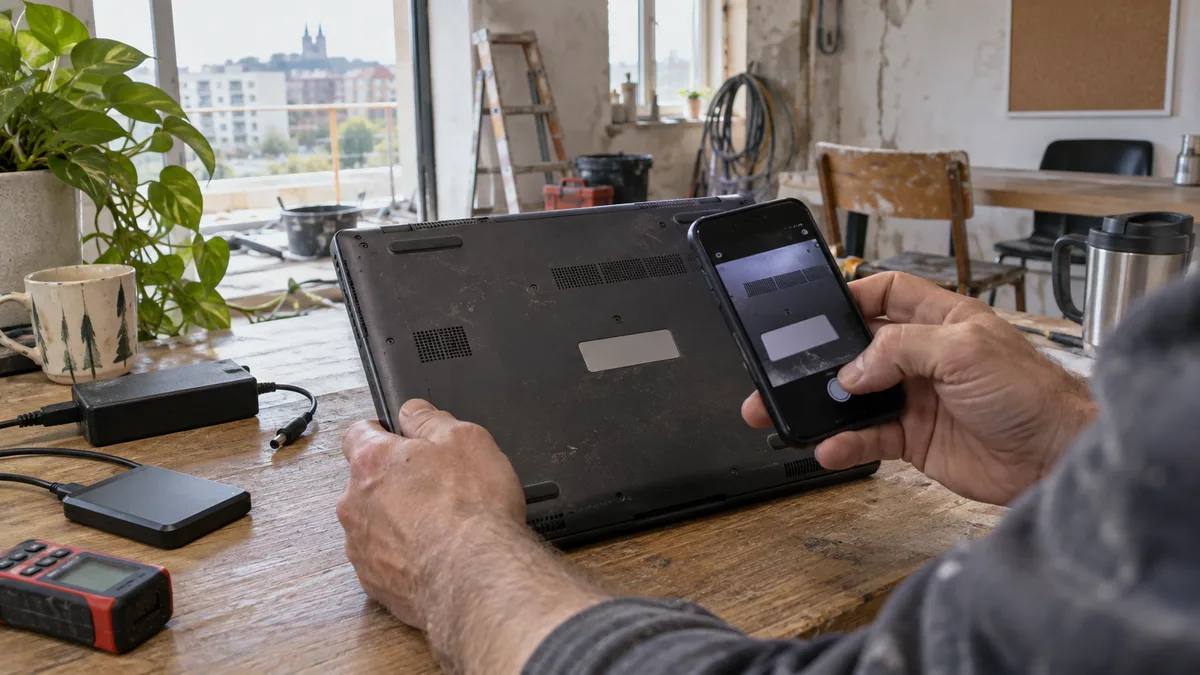
- photograph the device from every side,
- note when the fault occurs and what happens immediately beforehand,
- create and verify a backup,
- for charging issues, bring the adapter and cable,
- for a company device, check MDM, the Apple Account, and an alternative multi-factor authentication method,
- turn off the device and remove its case; remove the SIM card only by agreement,
- do not attach a note containing your password.
Good information at check-in will shorten the diagnostic process more than a ten-minute explanation at the counter. Replace “sometimes it does not work” with something specific, such as “after disconnecting the cable, it shuts down at 35%” or “the 1× camera has been shaking since the fall, while the 0.5× camera is stable.”
Your Backup Must Be Verified
On an iPhone or iPad, you can use iCloud or create a local backup through Finder on a Mac or Apple Devices on Windows. An encrypted local backup preserves more sensitive information, including saved passwords and health data. Once it is complete, check the date of the latest backup.
Time Machine is a common choice for a MacBook. Open the backup and try to locate a specific recent file; a green icon alone is not proof that your data can be restored. Work data should have a second copy stored away from the device and ideally in a different location, following the 3-2-1 backup rule.
Syncing through iCloud Drive, OneDrive, or Dropbox provides only partial protection against device failure. A deleted or encrypted file may also be synced. A backup is an independent copy from which your data can be restored.
Do Not Share Your Passcode or Apple Account
We perform hardware diagnostics without accessing the device’s contents. On a locked phone or tablet, we can check power, current draw, and many basic functions. We will test the camera, biometrics, or apps that require sign-in together with you at drop-off or collection.
A repair shop does not need the password for your Apple Account, email, online banking, password manager, or company system. If someone asks for a password, ask for the specific reason and whether there is a safer alternative. Never send a password by email or write it on the device.
Repair Assistant may be required for supported repairs. The customer completes it on their own unlocked device running the latest version of iOS or iPadOS, with Wi-Fi available and the battery charged above 20%. The repair shop does not need your passcode for this.
When Find My Needs to Be Addressed
For some service routes, Apple requires Find My to be turned off and Activation Lock removed—typically when the device will be erased, replaced, or sent through a service channel. This does not mean that you must automatically turn it off before every local diagnostic inspection.
Our procedure is simple: if a particular repair genuinely requires Find My to be turned off, we will explain why and you will turn it off yourself. We do not take possession of your Apple Account or its password. If the device belongs to a company and Find My is managed through MDM, involve the administrator in advance.
A Company Device Also Needs a Return-to-Service Plan
A phone may be the only second authentication factor for online banking, Microsoft 365, or a VPN. Before handing it over, add an alternative method or device and save your recovery codes. Do not remove the MDM profile without the administrator’s approval; otherwise, the device may not be enrolled correctly again after the repair.
For a MacBook, make a note of the FileVault recovery key, but do not give it to the repair shop unless there is a specific need. For an iPhone or iPad, check who owns the Apple Account—a former employee’s personal account is an operational issue that a hardware repair will not resolve.
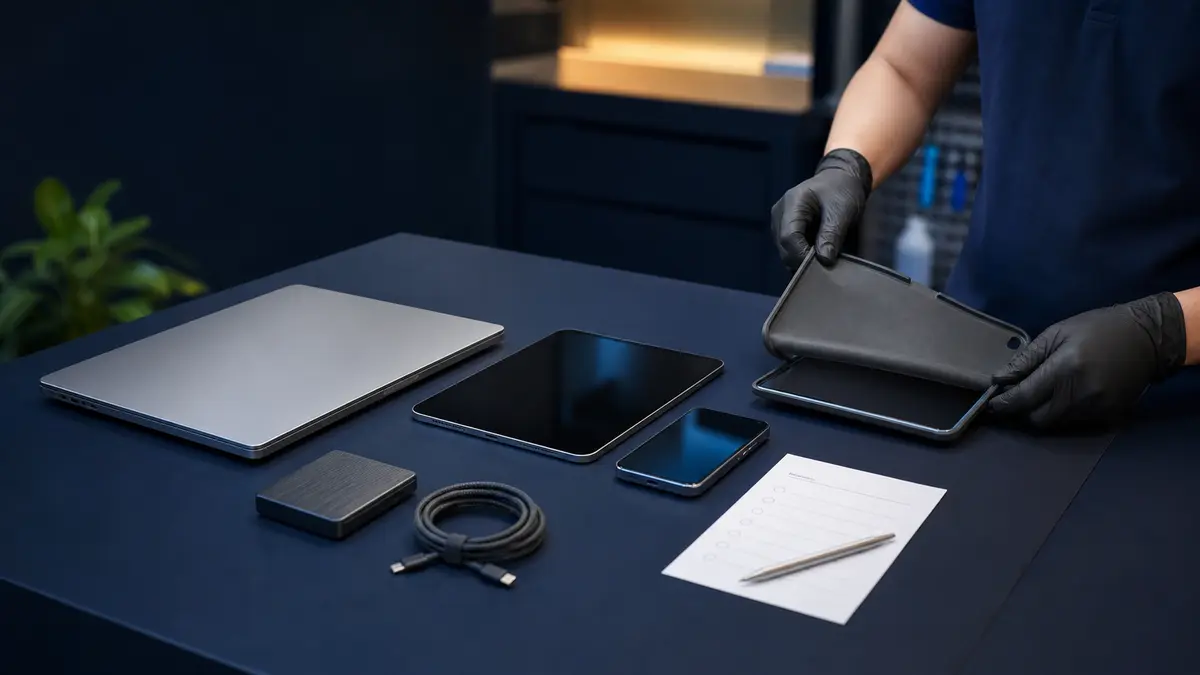
List all accessories you are handing over, such as the adapter, cable, stylus, case, or dock. Make sure every item is recorded on the handover form. SIM cards, payment cards, and removable storage media generally do not belong in the repair shop unless they are needed to reproduce the fault.
Should You Erase the Device?
Do not automatically erase a device before routine local hardware diagnostics. Erasing it could destroy the only copy of your data while also removing a symptom that occurs only in a particular configuration. If the chosen service route requires the device to be erased or replaced entirely, the repair shop should tell you in advance, and you should verify your backup first.
For a sensitive company device, internal policy may instead require it to be erased or serviced only through an authorised channel. That is a legitimate restriction. The decision must be made by the data owner or administrator, not by a technician at the counter who is unfamiliar with the company’s policies.
The Handover Form Protects Both Parties
The form should state the exact model, serial number, visible damage, reported fault, accessories handed over, and permitted scope of diagnostics. Specify whether the repair shop may open the device and the maximum amount it may charge before requiring further approval. Sensitive login credentials do not belong on the form.
For a company-owned or recently purchased device, bring proof of acquisition if available. The repair shop does not normally need it for the diagnostic process itself, but it may help verify ownership, warranty status, or resolve an Activation Lock issue. A receipt never replaces a password, and there is no reason to hand over accounting records or other unrelated documents.
Photograph the device when handing it over. If there is a crack or dent, this prevents later disputes from relying on memory. The repair shop should likewise record a deformed frame, raised display, or broken seal from a previous repair. This is not bureaucracy; the device’s condition may affect both the risk and cost of the repair.
If You Are Shipping the Device
Do not send a MacBook, iPad, or iPhone loose inside a box. Turn it off, wrap it in several layers of cushioning material, and leave space between it and every side of the box. Pack the adapter and other hard accessories separately so they cannot damage the device on impact. Do not ship a swollen or visibly damaged lithium battery as a standard parcel without making prior arrangements.
Do not put a note containing your password in the parcel. Include your contact details, the job number, and a list of the contents. Check the carrier’s insurance and shipping conditions before dispatch; restrictions on damaged batteries vary and exist for safety reasons.
What to Do After Liquid Damage or If the Battery Is Swollen
After a spill, turn off the device and do not charge it. Do not try to “quickly finish a backup” first if it is heating up or behaving erratically. If the battery is swollen, do not press the display or trackpad back into place or transport the device under pressure. Safety takes priority over the checklist.
How Check-In Works at Servis PC Brno
We record the model, visible condition, accessories, and requested scope of diagnostics. We accept devices without login credentials. We are not an authorised Apple service provider; we offer out-of-warranty diagnostics and selected repairs of MacBooks, iPads, and modern iPhones on a pilot basis. Warranty claims should be handled by the retailer or an authorised service network.
Before ordering a part, we will provide a description of the fault, the scope of the repair, the type of part, and the price. If the repair requires calibration, pairing, or a procedure that we cannot complete correctly for the particular model, we will tell you in advance. Arrange a drop-off through our Apple service page and include the exact model and a brief description of the fault. Our MacBook repair options are outlined in what can be repaired outside Apple, while tablet repairs are covered in our iPad service overview.
Checks When Collecting the Device
Allow enough time for a short test lasting several minutes. Check the repaired function, charging, display, touchscreen or keyboard and, depending on the device, the cameras, speakers, and biometrics. Open Parts and Service History if the model supports it and compare the record with the quotation. Complete Repair Assistant before leaving, or take away precise written instructions.
Collect a service document stating the model, serial number, work performed, part used, and warranty covering the part and labour. Only then should you sign back into work accounts, restore MDM, or return the device to its user. If Find My was turned off for a specific procedure, turn it back on after collecting the device.
Sources
- Apple: How to prepare your iPhone or iPad for service
- Apple: How to prepare your Mac for service
- Apple: Finish a repair with Repair Assistant
Rather not deal with it yourself?
Book a diagnosis in Brno — you get the price up front and we start only once you agree.
Where to find us
We are a PC and laptop repair shop in Brno-Židenice: diagnostics and repairs of computers and laptops, data recovery from drives, and out-of-warranty Apple repairs (iPhone 12 and newer, MacBook, iPad).
Viniční 3587/216, 615 00 Brno-Židenice, Czech Republic Mon–Fri 10:00–16:00
Call +420 774 777 774 Computer repair and laptop service in Brno
We put the repair price in writing after diagnostics and carry on only once you agree.