The short answer: If you need laptop repair in Brno today, send the exact model, observed symptoms, the last change before the fault occurred, the importance of the stored data, and your required deadline in advance. “Today” is a request that the service centre must first assess—not an automatic promise of repair. If liquid has been spilled on the laptop, the battery is swollen, the device is sparking, or the drive is clicking, turn it off and do not test it further.
First decide whether to turn the laptop on at all
Speed does not always mean starting diagnostics immediately. With some faults, turning the device on again may cause further damage or reduce the chances of recovering your data.
Turn the laptop off, disconnect the charger, and do not turn it on again if:
- liquid has been spilled on it;
- it smells of burning or becomes unusually hot;
- the battery is lifting the touchpad, keyboard, or bottom cover;
- the power connector sparks, melts, or does not hold the cable securely;
- the mechanical drive clicks, repeatedly spins up, or disappears from the system;
- the hinge pulls the display bezel or part of the chassis apart when opened.
After a liquid spill, do not test whether the laptop has “dried out yet.” Disconnect the power, do not charge the device, and follow the guidance in laptop after a liquid spill: what to do immediately.
Do not press or puncture a swollen battery, and do not try to force the casing back into shape. The article swollen laptop battery: what to do explains the safe procedure.
If none of these warning signs are present, you can prepare the information needed for a preliminary assessment. However, do not perform a factory reset or reinstall the system, and do not run random disk-repair commands found online until it is clear whether preserving the data takes priority.
What to include in the service request
“My laptop does not work and I need it today” is not enough. It does not tell the service centre how the device is constructed, what the likely scope of work might be, or whether it is safe to turn the laptop on again.
For a quick assessment, send:
- the exact manufacturer and model;
- the symptoms you have observed;
- the last change before the fault occurred;
- information about important data and backups;
- your required deadline and the impact on your work;
- a list of related accessories;
- what you have already tried yourself.
If you need the problem dealt with in Brno, you can send this information directly through the service request form. Based on your description, the service centre can determine in advance whether you should bring the laptop with its adapter, whether protecting the data should come first, and what cannot be decided without diagnostics.
Lenovo, HP, or Dell alone is not enough
A single product line may include several laptops with very different internal designs. The battery, keyboard, display, cooling system, and method used to connect the power socket may all differ.
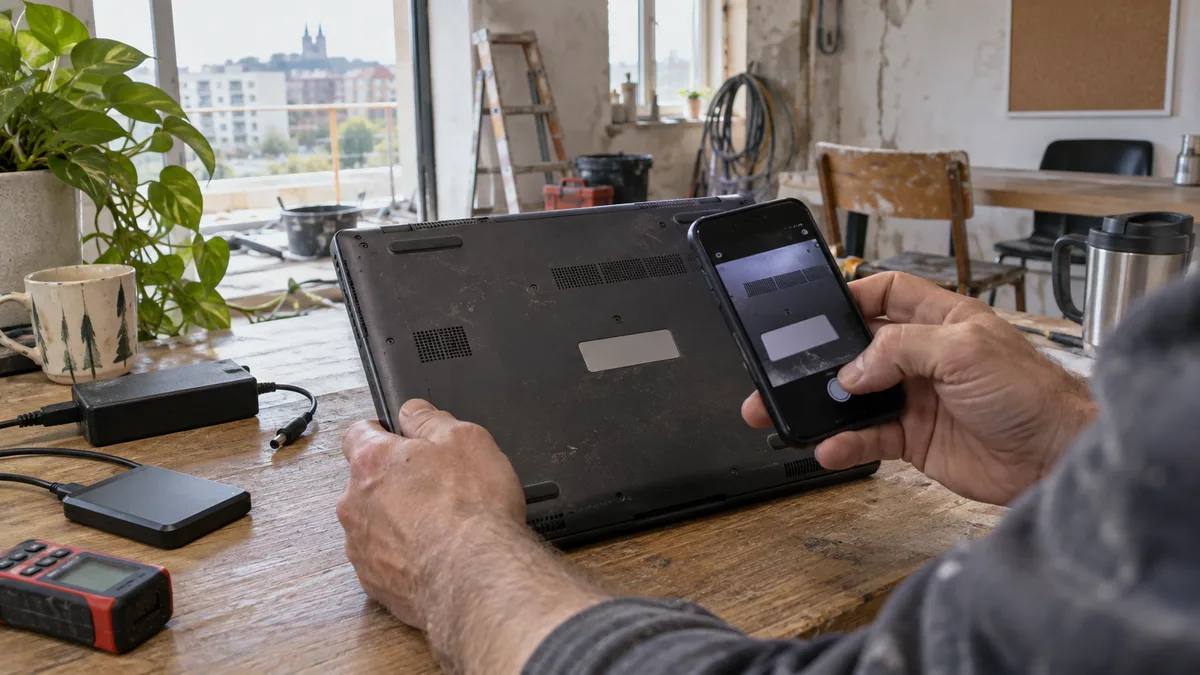
Instead of writing “Dell laptop,” provide the full name shown on the device label or in its documentation. For individual brands, the following details are particularly helpful:
| Manufacturer | What to copy or photograph |
|---|---|
| Lenovo | Full model name and Type or MTM designation |
| HP | Product line name and Product Number |
| Dell | Exact model and Service Tag |
| ASUS and Acer | Full model code from the label |
| Apple | Product line, screen size, approximate year, and model designation |
Send serial and service identifiers only through a private channel. Do not include passwords for Windows, macOS, email, or online banking in the service request.
Describe the symptoms, not your own diagnosis
“The motherboard is faulty” is a conclusion that may not be correct without testing. Specific symptoms are more useful for a preliminary assessment:
- No indicator light comes on when the power button is pressed.
- The indicator lights come on and the fan starts, but the screen remains black.
- The system starts and freezes after a few minutes.
- Charging works only when the cable is held in a certain position.
- The display flickers when the lid is moved.
- The hinge creaks and the bezel is coming apart.
- A black screen appeared after an update.
- Windows is asking for a BitLocker recovery key.
Also mention what happened before the fault appeared: a fall, liquid spill, replacement of the adapter, a system or BIOS update, driver installation, or connection of a new docking station.
For charging problems, state whether you are using the original adapter, specify its power rating, and say whether you have tried another compatible power supply. The same symptom can be caused by the adapter, cable, battery, replaceable power connector, USB-C module, or a port soldered to the motherboard. The differences are explained in detail in laptop power connector repair.
Your data may be more important than the repair itself
Before sending the service request, decide what you need to achieve first:
- get the original laptop working again;
- preserve the data on its storage device;
- transfer work files to a replacement device;
- restore the entire work profile, including email, certificates, and applications.
These goals are not the same. Reinstalling the system may fix a corrupted installation, but it is not an appropriate first step if the laptop contains the only copy of accounts, contracts, photographs, or work in progress.
Therefore, state in the service request:
- whether important data remains on the device;
- whether a current and verified backup exists;
- which folders or applications have the highest priority;
- whether the drive is encrypted with BitLocker or another tool;
- whether you have the recovery key;
- whether the device is managed by a company.
In some laptops, the storage is soldered to the motherboard. You therefore cannot assume that it can always be removed easily and connected to another computer. Encryption also means that physical access to the drive alone does not guarantee access to the files.
If Windows asks for a recovery key, do not erase or reinstall the device immediately. First follow the guide on what to check if you cannot find your BitLocker key.
Describe your required deadline clearly
Instead of simply writing “urgent,” explain the specific impact. The service centre can then assess not only the laptop repair but also a safe temporary solution.
A useful message might look like this:
I need the laptop for accounting. My required deadline is today by the end of business hours. If the repair cannot be completed safely, I need to know whether my work data can be made accessible or a replacement device can be prepared.
This wording separates the business priority from the technical outcome. Completion on the same day cannot be promised in advance without knowing the fault, device design, and part availability.
For a small business, it may be faster to restore access to accounting software, email, or a remote desktop on another device and then complete the hardware repair without taking risky shortcuts.
What can be determined without ordering a part
An initial description can help identify the next step, but it may not reveal the exact cause. For example, “the laptop is not charging” does not distinguish between:
- a faulty adapter or cable;
- a damaged connector;
- a worn or swollen battery;
- an incompatible USB-C power supply;
- a fault in the motherboard’s charging circuit.
Similarly, a black screen does not automatically mean that the display panel is faulty. The cause may be the power supply, firmware, RAM, graphics hardware, display cable, or the panel itself.
Part availability therefore cannot be confirmed based on the brand alone. The keyboard may be a separate part or integrated into the top case. The power connector may be attached to a cable, mounted on a separate board, or soldered directly to the motherboard.
How to think about the price
The price depends on the exact model, device design, cause of the fault, extent of the damage, price of the part, and any required work involving the data. The current price list therefore gives indicative starting prices.
Ask for the assessment to distinguish between:
- diagnostics;
- service labour;
- replacement parts;
- data backup or transfer;
- system and application installation.
An exact quote based only on the statement “the laptop is not charging” might not account for the actual cause. The adapter, battery, connector, and motherboard power circuit must first be assessed separately.
If the fault remains after these checks or involves mechanical damage, the laptop repair service in Brno can take over.
What to bring with the laptop
Bring the power adapter in particular if the problem involves charging, performance, or unexpected shutdowns. It also makes sense to bring the docking station, adapter, or external monitor if the problem occurs only when that accessory is connected.
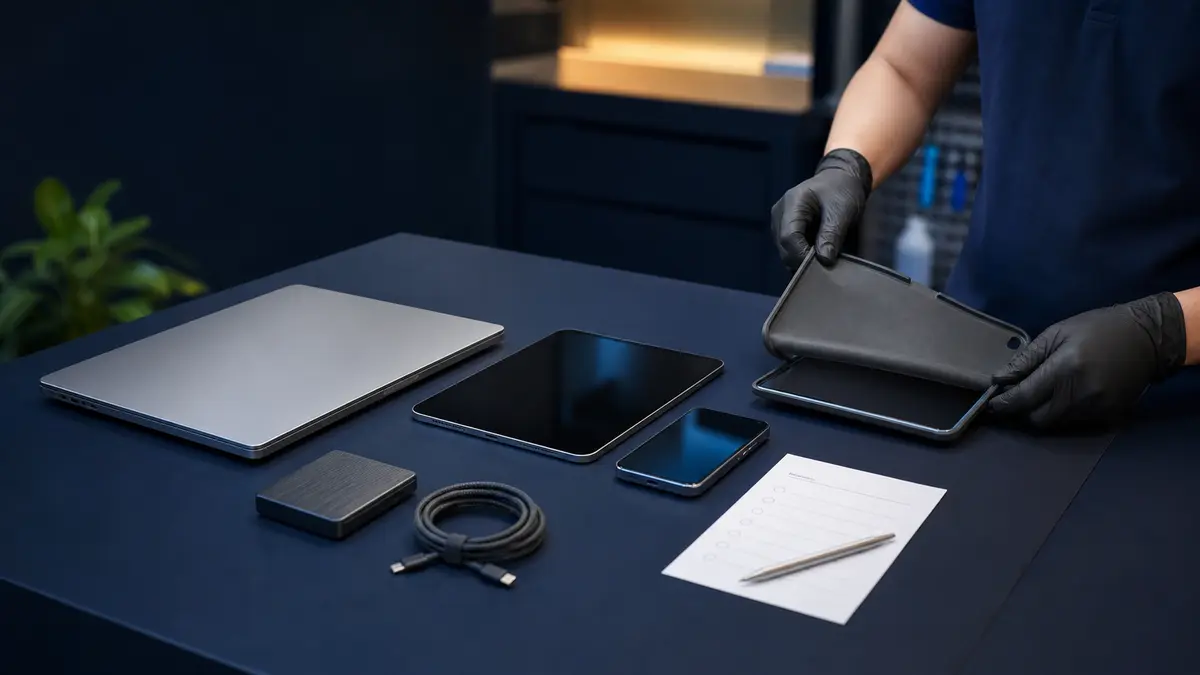
Before handing over the device, make a note of everything you are submitting with it. The accessories should also be listed in the intake record.
Do not send your password in advance. If system access is required for a specific test, you can agree on a suitable procedure when handing over the device, such as creating a temporary service account. A company-managed device may require assistance from the administrator responsible for Microsoft Entra ID, Intune, or the domain.
Incident brief without passwords
You can copy the following summary directly into the service request:
Company and contact person:
Phone number and email:
Required deadline:
Impact of the fault on work:

Manufacturer and exact model:
Serial or service identifier:
Operating system:

Exact symptoms:
When they first appeared:
Last change before the fault:
What has already been tried:

Important data stored on the device: yes / no
Current backup available: yes / no / do not know
BitLocker or other encryption enabled: yes / no / do not know
Priority: repair / data / replacement solution

Replacement device available: yes / no
Accessories handed over:

Passwords: DO NOT INCLUDE
A well-managed intake process saves time and protects data
Before the device is handed over, it should be clear which device and accessories the service centre is accepting, what it is authorised to diagnose, and whether changes to the data are permitted. Formatting the drive, reinstalling the system, or replacing the storage device should not be automatic steps performed without the owner’s consent.
The quality of the intake process cannot be judged by the word “express” alone. What matters is whether the service centre distinguishes between a requested deadline and a confirmed procedure, asks about the exact model and data, and does not promise a part, price, or outcome without the necessary information.
Online service request: Laptop repair — tell us the model and what is happening, and we will get back to you with the next steps.
Rather not deal with it yourself?
Book a diagnosis in Brno — you get the price up front and we start only once you agree.
Where to find us
We are a PC and laptop repair shop in Brno-Židenice: diagnostics and repairs of computers and laptops, data recovery from drives, and out-of-warranty Apple repairs (iPhone 12 and newer, MacBook, iPad).
Viniční 3587/216, 615 00 Brno-Židenice, Czech Republic Mon–Fri 10:00–16:00
Call +420 774 777 774 Computer repair and laptop service in Brno
We put the repair price in writing after diagnostics and carry on only once you agree.