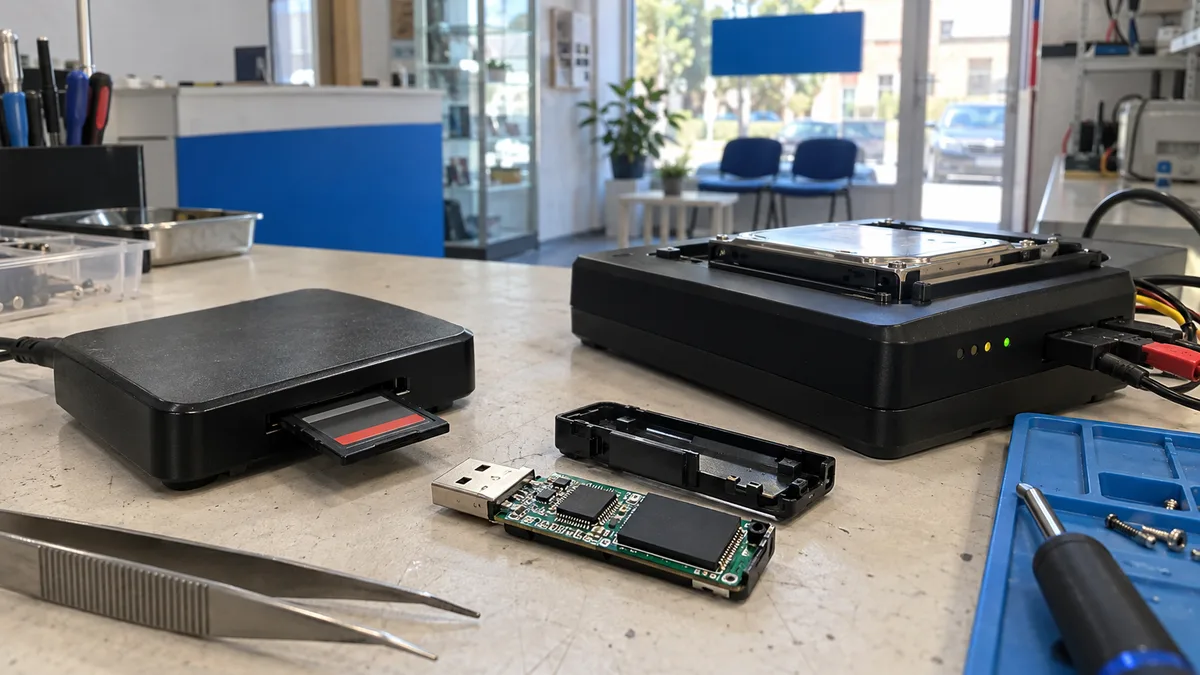
You remove a card from your camera or connect a USB drive containing the only copy of your thesis, and instead of your files you see a message: “The disk is not formatted. Do you want to format it?” At first glance, this looks like the same symptom you might encounter with an external hard drive. Inside, however, it is a completely different device—with different physics, different chances of recovery, and advice that may help a spinning hard drive but cause further damage here.
The short answer: Do not confirm the format, and do not keep trying the medium in other readers and ports. Nothing spins inside flash memory: the data is stored on NAND chips, while a controller keeps track of its physical location—and every time the device is connected, the controller accesses its own tables and writes data by itself. Do not run CHKDSK or “Error Checking,” do not perform “just a quick format,” and do not install recovery software on the drive where you intend to save the recovered data. If the medium is still detected with the correct capacity, the first step is to create a sector-by-sector image and recover the data from that image. If it reports zero capacity or is not detected at all, the memory must be read directly—and that is a job for a specialist, not software downloaded from the internet.
Nothing spins inside a USB drive, and that changes the entire process
On a spinning hard drive, a logical sector corresponds to a particular physical location on a platter. That is not true of flash memory. A controller sits between the computer and the memory cells and maintains its own map: it distributes writes evenly across the memory, retires defective blocks, and replaces them with spare ones. Kingston describes this directly in its Flash Memory Guide—controllers “automatically lock out areas with bad memory cells and move the data to spare blocks,” with spare capacity reserved for this purpose during factory preparation.
The practical consequence was described by the US National Institute of Standards and Technology (NIST) in its data sanitisation guidelines: flash devices “may contain spare cells and perform wear levelling, making it infeasible for a user to sanitise all previous data through ordinary read and write operations.” Read that in reverse: what the operating system can see is not the entire contents of the memory. That is why it makes little sense to think of a USB drive solely in terms of “bad sectors,” and why swapping electronics—a trick that can sometimes work with a hard drive inside an enclosure—does not apply here; an external hard drive that clicks or asks to be formatted is a different discipline.
What “needs to be formatted” really means on a memory card
It almost always means that the structural records of the file system have been damaged, not that the data has disappeared. Cards do not all use the same format: according to the SD Association, cards up to 2 GB use FAT12/16, SDHC cards from over 2 GB to 32 GB use FAT32, while SDXC cards from over 32 GB to 2 TB and SDUC cards from over 2 TB to 128 TB use exFAT.
And exFAT itself illustrates why it is worth investigating the message instead of simply clicking through it. Microsoft’s specification describes two areas: the main boot region in sectors 0 through 11 and its backup in sectors 12 through 23. It states that the backup “aids recovery of the exFAT volume in the event that the Main Boot region is in an inconsistent state.” When a card is reported as RAW, the fault may therefore be within the first dozen sectors—and a second copy of that information still exists on the card.
The usual trigger is mundane: removing the card while data is being written, a depleted camera battery, disconnecting a USB drive without safely ejecting it, or a power failure. The controller did not finish updating its own tables, leaving the file system in an incomplete state. The data remains in the cells, but the path leading to it has been lost.
Why “I’ll just try it once more” is especially harmful here
With a hard drive, every start reduces the chances of recovery because the mechanical parts begin spinning. Flash memory has no mechanics, but something else works against you. Every time it is connected, the controller starts, loads its tables, and may write data on its own: it may complete an interrupted operation, remap a block, or perform internal housekeeping. You cannot control or even see these operations.
Three common DIY interventions reliably make the situation worse:
- Confirming the format. According to Microsoft documentation, a quick format only deletes the file table and root directory (sectors are zeroed only when using the
/Pswitch, which is ignored during a quick format). However, theformatcommand can also immediately notify the device that blocks have been released—which is why the/NoTrimswitch exists. - CHKDSK and other “repair” tools. They write to the damaged structures on the very medium you are trying to read.
- Installing recovery software and scanning continuously for hours. Writing to the system drive may overwrite the data you are looking for, while a prolonged scan keeps an already unstable controller under full load.
Four symptoms and what to do about them
| What you see | What it usually means | What to do |
|---|---|---|
| It asks to be formatted or is reported as RAW | damaged file-system structures, memory still functional | do not confirm, create an image, recover from the image |
| It is detected correctly, but copying freezes or fails | increasing memory-cell errors; the controller repeatedly reads data and corrects it through ECC | do not push it further; recover the most valuable folders from an image |
| Capacity is 0 MB, “unknown device,” or the name is incorrect | the controller failed to start or entered service mode | try once in another port directly on the computer, then contact a specialist |
| It is not detected at all and the port does not react | damaged connector, cracked solder joints, or a short circuit | do not bend or hold it in position; board-level work is required |
Cheap cards, fake capacity, and simple wear
Memory cells can withstand only a finite number of write and erase cycles. For its products, Kingston gives approximate figures of up to 30,000 cycles per physical sector for SLC, up to 3,000 for MLC, and around 500 for TLC. It also notes that “data retention in flash memory is dynamic,” because it depends on how heavily the memory has already been used, so important data should be backed up to another medium. A card in a dashcam or drone that is continuously overwritten in a loop may therefore have a shorter life than its price might suggest.
The second category is counterfeit media. A card may claim to provide 1 TB while physically containing only a fraction of that capacity. Data written beyond the real capacity is simply lost, even though the copy operation appeared to complete “successfully.” This can be detected with a test that fills the medium with pseudorandom data and verifies that the same data can be read back—exactly what the f3write and f3read tools do. It is worth testing a new card this way before trusting it with the only copy of anything.
When the memory itself must be extracted: monoliths and direct reads
If the controller does not start, there is nothing left to read through USB. In microSD cards and most modern USB drives, the controller and memory are enclosed within a single sealed package—Kingston describes a USB drive as containing “NAND flash memory and a controller in one encapsulated package.” There is therefore nothing that can simply be unscrewed and transferred.
The laboratory procedure is different from hard-drive recovery: the memory is read directly (ACE Lab describes the process as removing “the chip from the storage device and reading it using a special reader”), and only then does the real work begin. The controller’s operations must be reconstructed from the raw memory contents. This is why specialist tools maintain libraries of ECC algorithms, XOR masks, page formats, and dozens of procedures that emulate the controller’s transformations. NIST summarises the challenge in its forensic methodology: to turn a removed chip into a contiguous image, “the wear-levelling algorithm must be reverse-engineered.”
Two limitations should be stated honestly. First, some controllers encode or encrypt the stored data, and without the original controller, the memory produces only noise—in that case, nothing can help. Second, nobody can promise in advance how much data will be recovered; it depends on the condition of the memory and what happened to the medium beforehand. The real limits of the field are discussed in our article explaining when data recovery is and is not possible.
What it costs and what to ask the recovery service
The cost of flash-media recovery does not depend on the amount of data but on the level at which the work must be performed. A logical fault on a card that is still detected usually requires several hours of work; reading memory directly belongs to a different category. According to our price list, data recovery is priced according to the diagnosed fault. If you decide not to proceed with the repair, diagnostics start at approximately CZK 600, while a complete backup of up to 50 GB of recovered data starts at approximately CZK 1,200. The exact amount always depends on the type of medium and the extent of the damage. We do not promise a deadline or result in advance—with data recovery in Brno, you receive a price after diagnosis and then decide whether to proceed.
Before handing the medium over, ask three questions: whether the work will be performed from an image or directly on the original; whether you will see a list of the recovered files, including the folder structure, before paying; and how the data will be returned—in other words, what destination medium you need to provide.
Make sure a backup is enough next time
A USB drive or memory card is not an archive. It is a portable medium with a controller that will eventually fail—and unlike a hard drive, it gives no warning clicks before displaying a formatting message. Follow the 3-2-1 rule: three copies, on two different types of media, with one stored off-site. In practice, this means copying the contents of a card after every event and keeping the files somewhere else instead of leaving them on the card “until next time.”
One final, current note: the latest SD Express cards are no longer what memory cards used to be. According to the SD Association, they use a PCIe interface with the NVMe protocol, and the fastest classes can reach up to 3,940 MB/s. They are effectively miniature NVMe drives and behave accordingly, including how quickly deleted files can disappear. That is one more reason to create a copy before you need it.
Rather not deal with it yourself?
Book a diagnosis in Brno — you get the price up front and we start only once you agree.
Where to find us
We are a PC and laptop repair shop in Brno-Židenice: diagnostics and repairs of computers and laptops, data recovery from drives, and out-of-warranty Apple repairs (iPhone 12 and newer, MacBook, iPad).
Viniční 3587/216, 615 00 Brno-Židenice, Czech Republic Mon–Fri 10:00–16:00
Call +420 774 777 774 Computer repair and laptop service in Brno
We put the repair price in writing after diagnostics and carry on only once you agree.