The short answer: If the keyboard types a different character, first check the keyboard layout and accessibility features. If one key misses presses or repeats, there may be debris underneath it or damage to the mechanism. After a liquid spill, turn the MacBook off immediately, disconnect the charger, and do not continue testing it—waiting for it to “dry out” gives corrosion more time to develop.
First, distinguish software issues from mechanical faults
Open TextEdit and test the problematic key, both Shift keys, Command, Option, and Delete. Then check System Settings → Keyboard → Text Input. Switching between Czech, English, or another keyboard layout can explain incorrect characters, but not a key that physically sticks.
In Accessibility settings, check Slow Keys, Sticky Keys, and Mouse Keys. Restart the Mac and, if possible, test an external USB or Bluetooth keyboard. If external input works correctly, the problem is likely limited to the built-in keyboard or its connection.
One key, an entire row, or random characters
The extent of the symptoms provides useful clues:
- one key does not seat properly or sticks — debris, the keycap, or the scissor mechanism,
- one press produces two characters — mechanical key bounce or a faulty contact,
- an entire row or group does not work — a conductive trace, connector, or electronic fault,
- characters appear by themselves — liquid, a short circuit, or a stuck key,
- the keyboard and trackpad malfunction at the same time — a connector, the top case, the battery, or a wider fault.
If the trackpad is lifting or the MacBook no longer sits flat, do not assume the keyboard is defective. A swollen battery can push against the top case from below; stop charging the device and follow our guide to dealing with a swollen laptop battery.
Cleaning has clear limitations
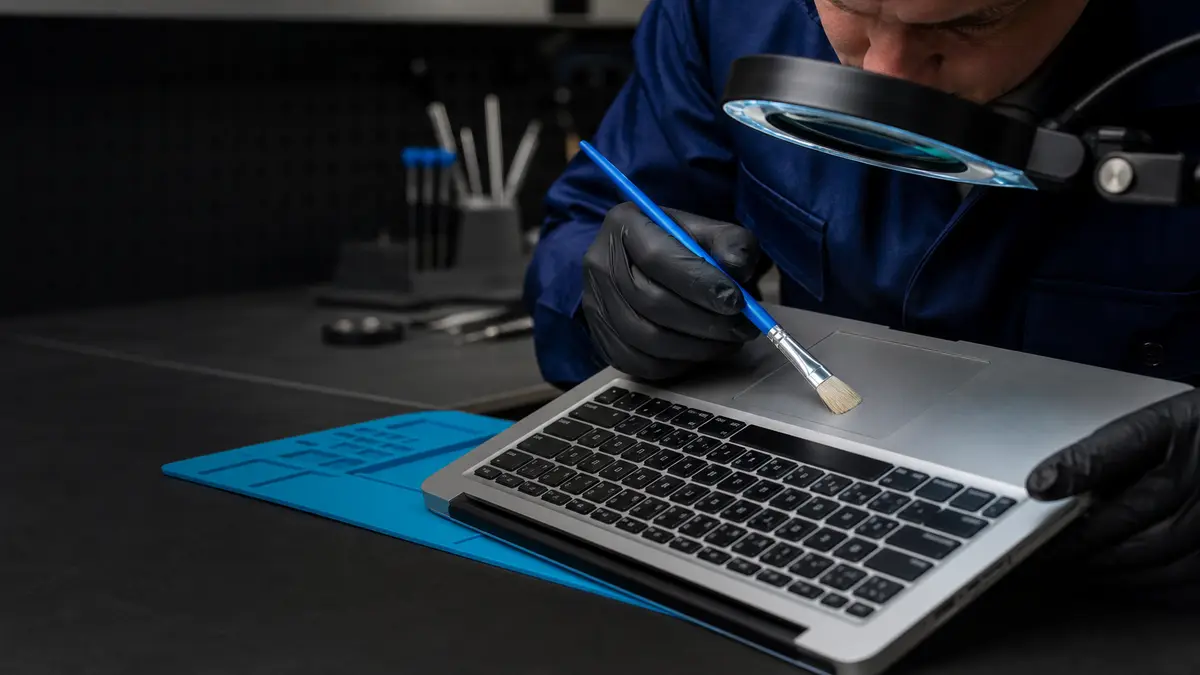
For selected laptops, Apple describes a cleaning procedure using compressed air while holding the device at a prescribed angle. This is not permission to tear off a keycap or insert metal underneath it. Keycaps and their mounting points are delicate and vary between generations. Do not force a loose key back into place unless you can see the condition of all its mounting points.
Clean the surface only while the device is turned off and disconnected. If a key sticks because of crumbs or dust, careful cleaning may help. If the problem began after a liquid spill, cleaning the surface will not solve it—the liquid can reach underneath the keyboard, the connectors, and the logic board.
Butterfly keyboards and the top case
Some MacBooks manufactured between 2015 and 2019 used a low-profile “butterfly” mechanism that is sensitive to debris and known for repeating or missing characters. Apple’s former service program had a limited coverage period. For any particular MacBook today, check its serial number and the program’s current status directly with Apple instead of relying on an old article.
On many generations, repairing an electrical keyboard fault is not the same as replacing a single keycap. The keyboard is structurally integrated into the top case, and the scope of the work depends on the model. This does not mean every repair automatically includes the trackpad or battery; a reputable quote will state exactly which components will be replaced.
You can find the precise model under About This Mac and through an identifier such as MacBookPro15,2. The marketing name “MacBook Pro 13” is not sufficient—the same screen size was used for butterfly, scissor-switch, Intel, and Apple silicon generations. The model determines the top-case design, component compatibility, and the tests required after installation.
When the keyboard works on the login screen but not in an application
This is an important indication of a software issue. Test another user account, Safe Mode, and TextEdit. If the problem occurs in only one application, check its keyboard shortcuts, extensions, and input method. Keys may also be remapped by corporate security software or a remote management tool.
By contrast, the same key missing presses on the login screen, in diagnostics, and across different applications points to a hardware issue. Record a short video or note the exact character sequence. For intermittent repetition, press the same key ten times in a row in a blank document and save the result.
Also check System Settings → Accessibility → Keyboard. Slow Keys changes how long a key must be held down, while key-repeat settings can create the impression of double typing. If the symptom disappears in a new user account but returns in your profile, tell the repair shop; replacing the top case would not resolve a software-related cause.
The first few minutes after a liquid spill are crucial
Turn the MacBook off by holding the power button, then disconnect the power supply and all attached devices. Do not turn it on “just to copy the data,” blow hot air inside, or put it in rice. Note the type and amount of liquid, where it entered the device, and whether the MacBook was powered on at the time.
Clean water and a sugary drink do not leave the same residue, but both can cause a short circuit. The surface may look dry while corrosion continues inside. Our article laptop after a liquid spill: what to do immediately explains the safest first steps.
What diagnostics should include
The repair shop should verify the exact model, keyboard type, condition of the keycaps and mounting points, signs of liquid, connectors, battery, and trackpad operation. After a liquid spill, the logic board must also be inspected rather than merely replacing the first component that stopped responding.
The quote must distinguish between the keycap, mechanism, electrical keyboard assembly, and complete top case. It should state whether a new or used component will be installed, which original components will remain, and how the backlight, Touch ID, trackpad, and every row of keys will be tested. Touch ID is security-paired to a specific device; no one should casually promise that replacing the entire top case will preserve every function.
After the repair, type a sentence containing all Czech characters, switch keyboard layouts, and test the backlight and combinations involving Command, Option, Control, and Shift. Test the trackpad by clicking and using gestures as well. Collection is the right time to perform these checks; once you are home, it is harder to prove whether a particular key was already malfunctioning at handover.
Repair it or use an external keyboard?
An external keyboard is a reasonable temporary solution at a desk. It is not a solution after liquid damage or when the battery is swollen, because the underlying problem continues inside the device. For an older computer with a single mechanically damaged key, however, you can compare the repair cost with its remaining value and intended use. The decision should account for the condition of the battery, display, ports, and remaining software support—not just one key.
Data and preparation before opening the device
If the MacBook still works, create a current Time Machine backup and verify it by opening a specific file from the backup. On newer models, the internal storage is soldered to the logic board and encrypted; if the board is damaged beyond repair, the data may become inaccessible. A backup is therefore essential for a worry-free repair, not merely a formality at the end of the service report.
Shut the MacBook down rather than putting it to sleep. Bring the power adapter if the problem appeared after a liquid spill or while charging. Note the exact model, battery condition, and every key that is malfunctioning. For a company-owned device, check its MDM status and FileVault recovery key, but do not hand over any key or password without a specific, clearly explained reason.
Do not clean the surface with liquid before handing over the device, and do not try to conceal evidence of a spill. The type of drink and the point of entry are diagnostic information. A more accurate description may determine whether only the top case needs inspection or whether the connectors and logic board must also be checked.
When to go directly to an authorized service provider
If the MacBook is under warranty, covered by AppleCare, or eligible for an active service program, begin with Apple or an AASP. An independent out-of-warranty repair is not a substitute for a warranty claim. Check program eligibility using the serial number on Apple’s current website, as older programs have limited coverage periods and are gradually discontinued.
Servis PC Brno accepts out-of-warranty MacBooks as part of a pilot service. We are not an Apple Authorized Service Provider and do not perform warranty repairs. Send us the model and a description of the symptoms through our Apple repair page; we will confirm the price and repairability after diagnostics. You do not need to provide your login password or Apple Account details. For an overview of other repair limitations, see what can be repaired on a MacBook outside Apple.
Sources
- Apple: How to clean the keyboard of your MacBook or MacBook Pro
- Apple: How to clean your Apple products
- Apple: Service program status
Rather not deal with it yourself?
Book a diagnosis in Brno — you get the price up front and we start only once you agree.
Where to find us
We are a PC and laptop repair shop in Brno-Židenice: diagnostics and repairs of computers and laptops, data recovery from drives, and out-of-warranty Apple repairs (iPhone 12 and newer, MacBook, iPad).
Viniční 3587/216, 615 00 Brno-Židenice, Czech Republic Mon–Fri 10:00–16:00
Call +420 774 777 774 Computer repair and laptop service in Brno
We put the repair price in writing after diagnostics and carry on only once you agree.