Data is only on the laptop
One drop, theft or encryption and the problem is here.
Photos, accounts, business data and ransomware protection
A backup that stays permanently connected to the computer is no protection against ransomware. We set up backups so they can genuinely be restored and so you don’t have to babysit them every day.
Viniční 3587/216, 615 00 Brno-Židenice, Czech Republic Mon–Fri 10:00–16:00 Send a request
One drop, theft or encryption and the problem is here.
Ransomware can encrypt it along with the computer.
A backup without a restore test is just a good feeling.
Indicative prices
Prices are indicative — we confirm the final price in writing after diagnostics and proceed with the repair only after your approval. Diagnostics is a paid item.
| Task | Price |
|---|---|
| Consultation + a backup plan proposal About 30–60 minutes. We go over what to protect and which solution fits. | from 600 CZK |
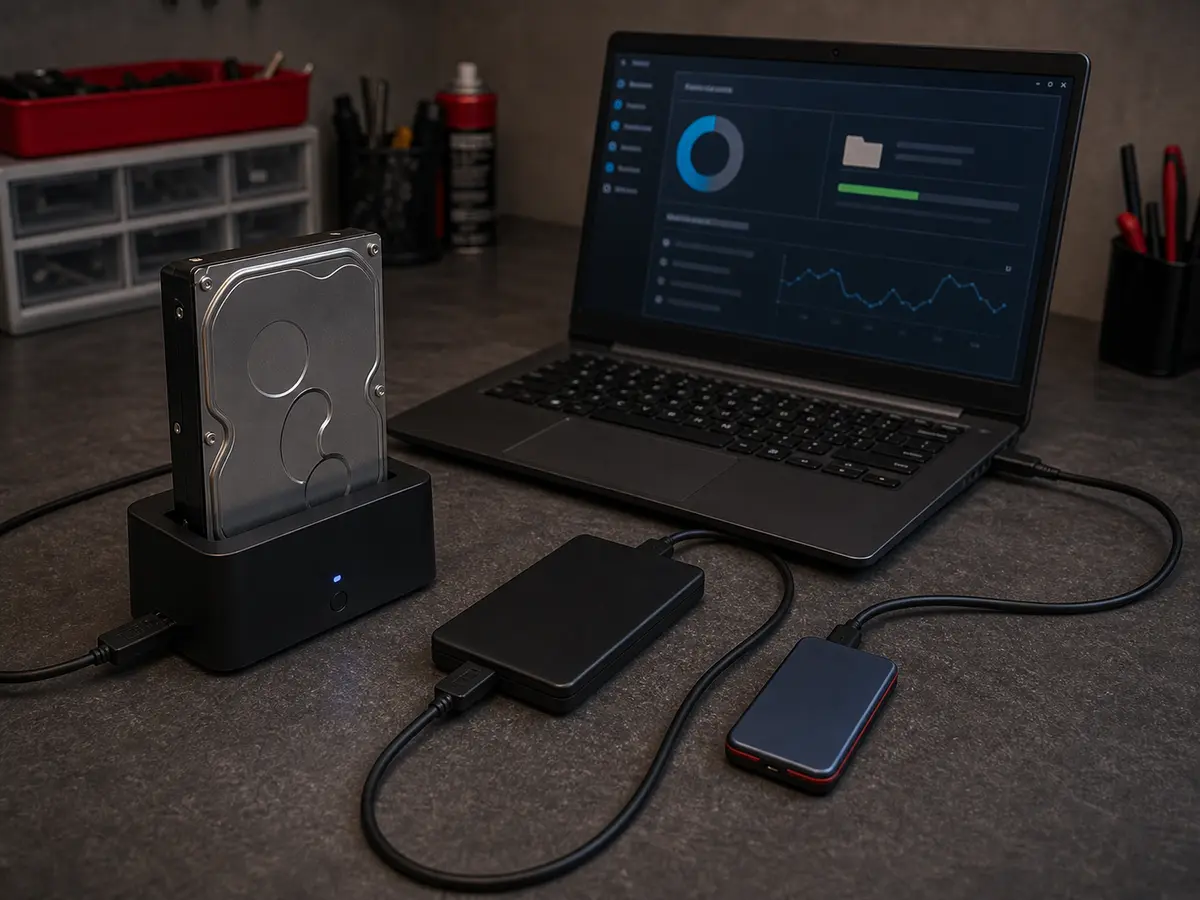
| Setting up a Windows backup + external drive For a household. External drive by capacity (1,000–2,000 CZK). | from 1,200 CZK |
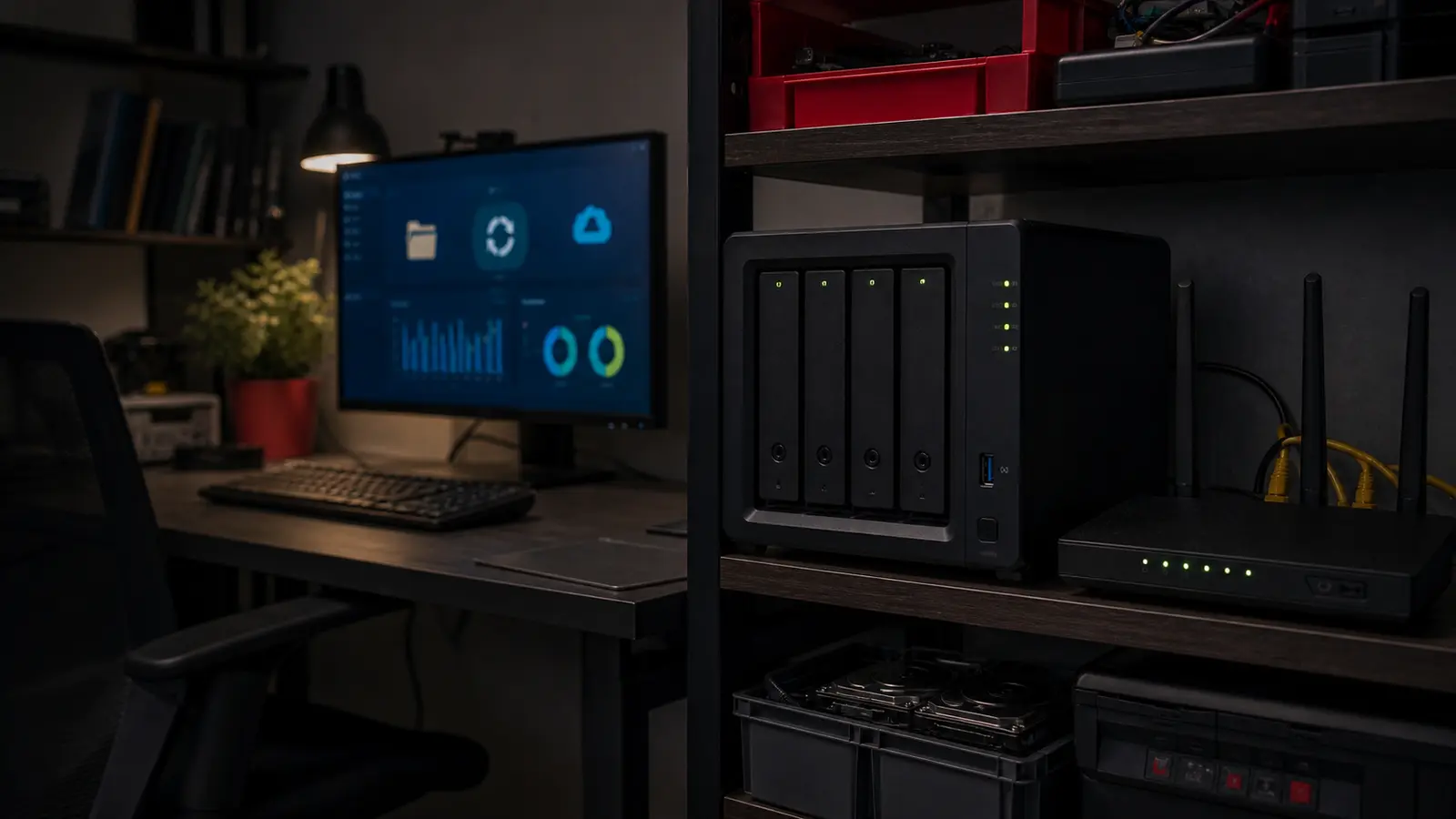
| Installing and configuring a Synology NAS Labour. NAS + drives by model (8,000–25,000 CZK). | from 1,794 CZK |
| Cloud backup (OneDrive, Backblaze) Setup + documentation. Cloud service 100–200 CZK/month. | from 1,200 CZK |
| Business solution (NAS + cloud) After a survey of the company and data. | individual |
| Restore test (quarterly) Recommended for businesses. | from 600 CZK |
A backup costs a few thousand crowns one-off, or 100–300 CZK/month for cloud. Data recovery after ransomware is 5,000–30,000 CZK, and even then with no guarantee of success.
A backup without a test is just a good feeling. After setup we always actually restore one file — that’s the difference between “I back up” and “I can restore”.
We set up versioning (Synology Snapshot, OneDrive versions, Backblaze B2 immutable). Even if ransomware strikes, we have an older, undamaged version.
We recommend solutions you can migrate away from any time (standard formats, your own cloud account). No proprietary vaults.
Claims are handled individually under Czech law. If the same fault returns within a short time, we look at it together and agree on the next steps. New parts carry the standard manufacturer warranty (typically 12–24 months, depending on the component).
Who this service is for
Households with photos and documents, freelancers with accounts, small businesses with employee data, anyone worried about ransomware or a drive failure. For full company backup, see Managed IT for businesses.
For some data yes, but **sync is not the same as a backup**. If you delete a file in OneDrive, the backed-up version is deleted too. Versioning is what matters — OneDrive has it partly (30 days), and so does Google Drive. For better protection we recommend a dedicated backup service (Backblaze at 6 USD/month, unlimited).
It depends on the value of the data. Households with photos: weekly. Freelancers and accounts: daily. A company with databases: hourly or continuously.
For a household: a NAS at 8,000–15,000 CZK + cloud at 100 CZK/month + setup at 2,000 CZK = about 12,000–20,000 CZK. For a small business: 30,000–80,000 CZK setup + 500–2,000 CZK/month to run. For a starter backup on an external drive: 2,000–5,000 CZK.
For a NAS, BitLocker To Go or a Synology Encrypted Shared Folder. For the cloud, client-side encryption (Cryptomator, Boxcryptor). For external drives, VeraCrypt. All with the recovery key stored offline.
Yes, we recommend it. Synology and QNAP can replicate directly to Backblaze B2, AWS S3 Glacier or Azure. That satisfies 3-2-1 (NAS = local, cloud = off-site).
That’s why we automate it. The schedule runs overnight and monitoring emails you on failure. You don’t worry about a thing — we just check the restore test once every 3 months.
Viniční 3587/216, Brno-Židenice · Mon–Fri 10:00–16:00
774 777 774Urgent data & ransomware: 775 556 063 24/7.