The short answer: A genuine Microsoft warning never contains a phone number, so a page displaying an alarm and telling you to call is a scam. If you have already granted the caller access through AnyDesk, disconnect the computer from the network and contact your bank from another device. Then use a clean device to change the passwords for your email and other important accounts. Before using the computer again, have it checked for unattended access or another remote administration tool.
Disconnect the computer first and hang up
If a stranger currently has access through AnyDesk, TeamViewer, Supremo or Quick Assist, unplug the network cable or turn off Wi-Fi, then hang up. Do not connect the computer to your company network yet, and do not attach a backup drive.
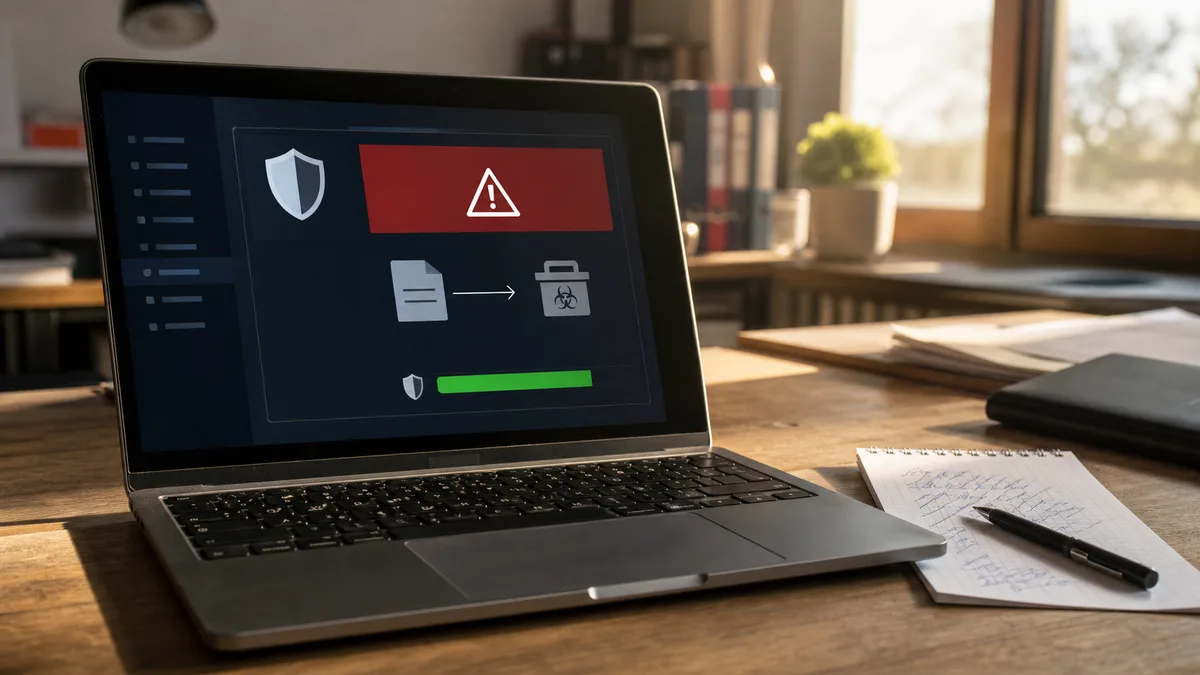
Do not call the number in a message claiming that “Microsoft has detected a virus.” Microsoft states that its genuine error messages do not contain phone numbers and that it does not contact users unsolicited to provide technical support. A fake page can switch the browser to full-screen mode, sound an alarm and resist being closed. It is not actually scanning your computer.
If the session has already ended, do not shut down the computer merely to “erase the evidence.” Disconnect it from the network and immediately write down what happened while you still remember it. If you can see files being encrypted or a ransom demand has appeared, disconnect all external drives as well and treat the incident as ransomware, not as a pop-up window.
A browser warning is not an antivirus detection
The “we are calling from Microsoft” scenario has not disappeared; only the pretext changes. At other times, callers claim to represent a bank, an internet provider or an investment adviser. The initial response is always the same: hang up and do not grant any permissions.
The scammers may not even need AnyDesk. In May 2024, Microsoft described a group called Storm-1811 that impersonated IT support and accessed victims’ computers through Quick Assist, which is built into Windows. It then deployed Black Basta ransomware. The tool itself is legitimate; what is being exploited is the trust placed in the person receiving access.
What matters is where the warning appeared and what you did afterwards.
| What you see | What it most likely means | First step |
|---|---|---|
| A full-screen page, alarm and phone number | Fake tech support in the browser | Press Esc to exit full-screen mode, then Alt+F4, or close the browser through Task Manager (Ctrl+Shift+Esc) |
| A notification in the corner of the screen even after closing the tab | The website was granted permission to send notifications | Remove its permission in chrome://settings/content/notifications or edge://settings/content/notifications |
| A warning in the Windows Security app that names a threat | It may be a genuine Microsoft Defender detection | Check Protection History; do not allow or restore anything |
| You installed AnyDesk and accepted a session | A stranger controlled the computer within the permissions granted | Disconnect the network and handle it as an incident, not merely a window |
If you only closed the page, downloaded nothing, made no call and granted nobody access, the risk is significantly lower. Remove the website’s notification permission and check your Downloads folder and browser extensions. The article Antivirus reports a virus: what to do now explains how to distinguish a genuine detection from a false alarm.
What someone could actually do through AnyDesk
AnyDesk is not a virus but a standard remote administration tool. The level of risk depends on who you allowed into the session and which permissions you granted. Full access can include the keyboard, mouse, clipboard, file transfers and approval of administrator prompts if you confirmed them during the call.
The important question is how AnyDesk was left configured on the computer:
| AnyDesk status | Can the stranger return without you clicking anything? |
|---|---|
| Portable version, with the session manually accepted once | Usually not after the program is closed, but they could have installed something else during the session |
| Installed AnyDesk application | It runs as a service even after its window is closed and starts with Windows |
| Unattended access enabled with a password | Yes, they can connect without your confirmation |
Unattended access is disabled by default, but someone controlling the computer can enable it and set a password within seconds. Deleting the desktop icon therefore proves nothing. You need to check whether AnyDesk is installed (Settings → Apps → Installed apps, sorted by installation date), whether the AnyDesk service is running in services.msc, and whether another tool has been added, such as ScreenConnect, UltraViewer, RustDesk or TeamViewer.
The risk depends on what was open during the session
The impact corresponds to the most sensitive item the attacker could see or control.
| What happened during the session | What to treat as compromised |
|---|---|
| Only the desktop was visible, with no accounts or documents open | The computer and its settings; checking for changes is still necessary |
| Email, Microsoft 365 or Google Workspace was open | Company email, password recovery for other services, contacts and documents |
| An unlocked password manager or passwords saved in the browser | All saved accounts, as though their passwords had been exposed |
| Online banking, card details or an approval on your phone | Your money and bank access; call the bank immediately |
| A Windows administrator account or company administration interface | The entire workstation and potentially other company accounts and devices |
| A downloaded file, PowerShell or Command Prompt was run, or an “update” was installed | Possible additional malware; a scan alone may not be enough |
Do not wait for an unfamiliar transaction to appear. If the attacker saw your online banking or card details, call the bank immediately and block the card in its app. Get the number from the bank’s website or the back of the card, never from the call or warning message. Caller ID can be spoofed, so your screen may even show the bank’s genuine number.
Change passwords from another, clean device
An attacker controlling your computer may see a newly changed password as well. Use another phone or computer that you have no reason to distrust and proceed in this order:
- company email and your Microsoft 365 or Google Workspace account,
- password manager,
- online banking and payment services,
- accounting, invoicing and cloud storage,
- social networks and every account using the same or a similar password.
For each account, sign out of other sessions, remove unknown devices, check the backup email address and recovery phone number, and enable two-factor authentication. Review your email rules and forwarding settings: in Outlook, they are under Settings → Mail → Rules and Forwarding; in Gmail, check Filters and Blocked Addresses and Forwarding and POP/IMAP. Hidden forwarding allows an attacker to keep reading your email even after you change the password. Detailed instructions for individual services are available in How to recover a compromised account.
A company computer involves more than one laptop
Document the incident even if no financial loss has occurred yet. Note the date and time, the caller’s phone number, the address of the fake page, the other party’s AnyDesk ID, the names of downloaded files, what was open and whether any password was entered or payment approved. Photograph the screen with your phone, but do not reconnect the network to do so.
Notify whoever manages your company IT. Do not connect the compromised computer to the network, even to send a single document. Sign-ins to email, cloud services, VPN, accounting systems and website administration must also be checked.
If the attacker may have seen customer lists, contracts, payroll records or other personal data, this is no longer just a computer repair issue. Under Article 33 of obecné nařízení o ochraně osobních údajů (nařízení (EU) 2016/679), the controller must report a personal data breach to Úřad pro ochranu osobních údajů without undue delay and, where feasible, within 72 hours of becoming aware of it. Notification is not required if the breach is unlikely to result in a risk to the rights and freedoms of natural persons. The company must assess and document the incident, but this does not mean that every suspicious phone call must be reported.
Why uninstalling AnyDesk is not enough
Uninstalling AnyDesk closes one way in, but it does not undo changes the attacker has already made. They may have added an account, a scheduled task, a browser extension, another remote administration tool or a program that starts with the system.
The check should include at least:
- installed applications and their installation dates,
- services (
services.msc), startup programs in Task Manager and scheduled tasks (taskschd.msc), - local accounts and membership of the Administrators group (on Windows Home, use the
net localgroup administratorscommand), - browser extensions, notification permissions, proxy settings and saved passwords,
- Protection History and both a full and offline Microsoft Defender scan,
- sign-ins and active sessions for important online accounts.
You can launch Microsoft Defender Offline from Windows Security → Virus & threat protection → Scan options. The scan runs after a restart, outside the normal Windows environment, making it harder for malicious software to hide. However, even a clean result does not prove that the attacker copied nothing or made no changes to online accounts.
If the attacker obtained administrator privileges, ran unknown commands, installed several tools or their actions cannot be reliably determined, a clean installation is the more sensible choice. Reinstalling Windows 11 without losing data explains how to do this without losing your documents. On a company computer containing sensitive data, certainty is more important than preserving every setting.
If the computer is genuinely infected, you need virus removal and ransomware assistance.
What a proper security check should include
A thorough investigation does not end with the words “the antivirus found nothing.” The technician should build a timeline, determine which permissions and accounts the attacker used, and treat checking the computer separately from securing online accounts.
When the computer is returned, you should receive:
- a list of the remote administration tools found and details of how they were removed,
- the results of checks for unattended access, services and automatic startup,
- scan results and a summary of the other areas examined,
- recommendations on which passwords to change and which sessions to sign out,
- an explanation of whether cleaning is sufficient or reinstallation is necessary.
If you do not feel confident carrying out the checks or the incident involves a company computer, our service centre can do it for you. Bring the computer in while it is disconnected from the network, together with your notes about the call. The price depends on the scope of the investigation and the changes found, and we will confirm it with you before performing further work. For multiple company workstations, we determine the scope individually.
How to recognise fake support next time
A reliable warning sign is the combination of fear, a phone number and a request for remote access. Microsoft will not call you about a virus on a specific computer, and its genuine warnings do not force you to call a number displayed in a window.
Hang up even if the caller knows your name or company. This information is easy to find. Contact support yourself through the official website or your contracted support channel. Fake bankers, cloned voices and fraudulent advertisements are covered in AI scams in 2026. The rule for remote access is simple: never allow an unknown caller to control your computer.
Order online: Antivirus / ransomware / compromised email — tell us the model and what is happening, and we will contact you with the next steps.
Rather not deal with it yourself?
Book a diagnosis in Brno — you get the price up front and we start only once you agree.
Where to find us
We are a PC and laptop repair shop in Brno-Židenice: diagnostics and repairs of computers and laptops, data recovery from drives, and out-of-warranty Apple repairs (iPhone 12 and newer, MacBook, iPad).
Viniční 3587/216, 615 00 Brno-Židenice, Czech Republic Mon–Fri 10:00–16:00
Call +420 774 777 774 Computer repair and laptop service in Brno
We put the repair price in writing after diagnostics and carry on only once you agree.