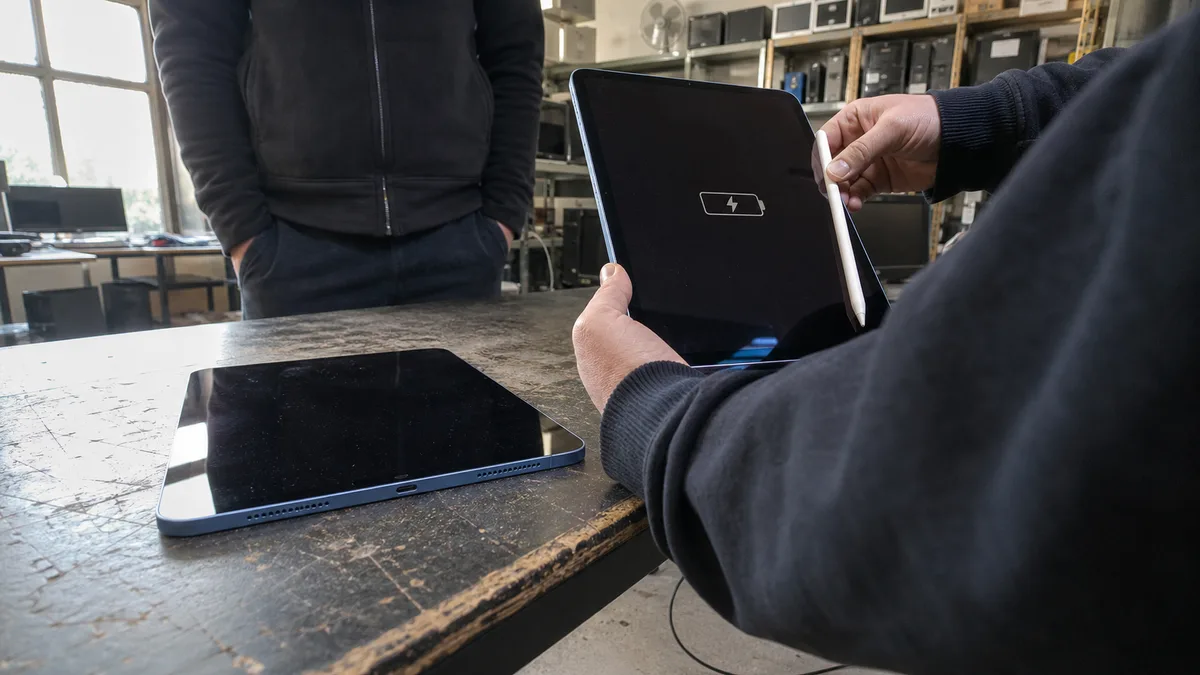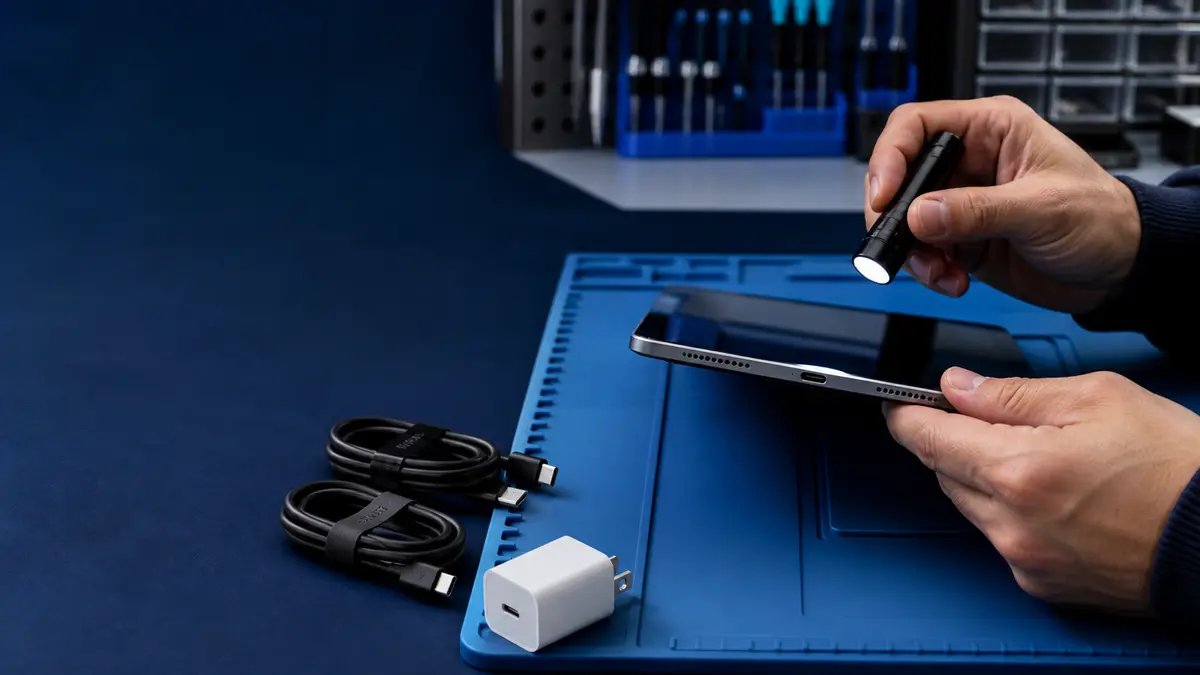
The short answer: Try another power outlet, a known-working compatible adapter and cable, then inspect the port under a light. If the iPad charges only when the connector is held at an angle, the port may be clogged or damaged. If it shuts down, the battery percentage jumps or the display is lifting, the battery is the likely culprit. However, the port is not a separate replaceable module in every generation, so a repair cannot be priced solely on whether it uses USB‑C or Lightning.
Initial tests without opening the device
Disconnect any hub, keyboard and monitor, then plug the iPad directly into a power outlet. Change only one component at a time:
- a different power outlet,
- a different known-working cable,
- a different compatible adapter,
- on supported models, do not use another USB‑C port on an accessory — test charging directly,
- after the battery has fully discharged, leave the tablet connected for at least half an hour.
A large display running at high brightness with an app open can consume a substantial share of the supplied power. With an underpowered charger, the battery percentage may rise slowly or even fall. Test with the display off and an adapter suitable for the exact model.
How to handle the port safely
Turn the iPad off and inspect the port under a good light. Compacted fibres may prevent the connector from being inserted fully. Do not use a needle, paper clip, liquid or excessive force. Loose, dry debris inside the port may be removed very carefully with a dry, non-conductive tool.
Stop attempting to clean the port at home if it feels loose, its contacts are bent, corrosion is visible or charging responds to sideways pressure. Further attempts could permanently damage the connector or logic board.
Port designs vary between models
The product name alone is not enough. “iPad Pro” covers several generations with different designs. On some modern iPads, the USB‑C connector is a serviceable component; on others, the scope of the repair differs. Apple, for example, provides a separate USB‑C connector service procedure for the iPad Pro with M4, but this cannot be treated as a rule for every iPad.
Before ordering a part, we need the model number beginning with the letter A. You can find it under Settings → General → About or on the back of the device. The same principle applies to the display and battery, as explained in our overview of iPad repairs.
Along with the model number, provide the storage capacity, approximate age and whether the device is managed by an organisation. “Charges only when switched off” may indicate an underpowered charger, while “the cable will not stay in and the port moves inside the case” points to a mechanical fault. The more precise the information, the lower the risk of ordering the wrong component.
Liquid warnings and corrosion
If the iPad reports liquid in the USB‑C connector, disconnect the cable and leave the device in a dry, well-ventilated place. Do not use a hair dryer, rice or a metal object. Overriding the warning and connecting it in an emergency increases the risk of damage and makes little sense in ordinary circumstances.
After an actual spill, do not charge the tablet just to test it. Corrosion can continue even after the surface appears dry. Tell the repair technician what kind of liquid was involved, where it entered the device and whether the iPad was switched on. Replacing the port without inspecting the surrounding area might only conceal the first symptom.
When the battery is the more likely cause
Sudden shutdowns, jumping battery percentages, short battery life and a change in the device’s shape all point to the battery. A lifting display may be caused by a swollen cell. Do not charge such an iPad, tape it shut or try to push the display back down. The battery is directly underneath, and pressure increases the risk of damage.
Slow charging alone does not prove that the battery is faulty. The cause could be the cable, adapter, temperature, port or charging electronics. Diagnosis should begin by measuring the device’s behaviour with a known-good power source and checking the battery’s actual condition.
With a debris-clogged port, it is important to distinguish between removing loose dust and repairing damaged contacts. Compacted material at the bottom may stop the connector from being inserted fully, but cleaning will not repair a bent or corroded contact. The technician should inspect the port carefully under magnification before proceeding; aggressive scraping without a clear view can turn an inexpensive cleaning job into a connector replacement.
Which components require pairing
Repair Assistant supports selected parts and models; it does not apply universally to every charging connector. On newer supported iPads, replacing the battery or display may require software completion after the repair. Apple requires an up-to-date version of iPadOS, Wi‑Fi and a sufficiently charged battery.
We accept devices without an unlock passcode. If software completion is necessary, the customer performs it on their own unlocked iPad or together with us when collecting the device. Never give a repair provider your Apple Account password.
What post-repair testing should include
Testing should cover charging with multiple compatible cables, connector retention, a data connection to a computer and, for USB‑C, accessories supported by the specific model. Seeing the lightning bolt icon once is not enough; the technician must check that the battery percentage actually increases and that neither the port nor the cable overheats.
If the battery was replaced, the technician should check stability under load and complete the software procedure for supported repairs. If the iPad was opened through the display, testing should cover the image, touch response across the entire surface, camera, microphones and biometric features fitted to the model. The quote should specify in advance what the final inspection will include.
Backups and work data
The contents of a modern iPad are encrypted, and its storage is attached to the logic board. If the board fails beyond repair, simply transferring the memory chip will not normally make the data accessible. Create a backup before handing over the device — either to iCloud or locally using Finder or Apple Devices. Keep an additional independent copy of work-related data.
Check your authenticator, banking apps and corporate MDM as well. The tablet may serve as a second authentication factor for your accounts, so prepare an alternative method and recovery codes. The repair provider does not need passwords for these apps or your Apple Account.
When a repair makes financial sense
Repairing an isolated damaged port or worn battery can be worthwhile if the rest of the iPad works properly. The calculation is different for a tablet with a cracked display, bent frame, insufficient storage and software support nearing its end. The quote should include every identified fault because a new port will not resolve pressure from a swollen battery or a deformed frame.
Compare the repair cost with the price of a replacement offering similar storage and features, not with the current price of the cheapest entry-level iPad. Replacing a model with cellular connectivity, substantial storage or a corporate configuration may cost considerably more. Also account for the time required to restore apps, MDM, banking services and your authenticator.
Conversely, do not approve a repair solely because the device contains important data. A standard port replacement is not a data recovery service, and the outcome cannot be guaranteed if the logic board is also damaged. First ask whether diagnosis has confirmed an isolated charging-path fault or a broader failure.
What the quote should include
Request the exact model, confirmed fault, part type, extent of disassembly, final tests and warranty on both parts and labour. For USB‑C, ask whether the quote covers data functions and accessories, not merely power delivery. For a battery or display, request information about any required Repair Assistant procedure and who will complete it.
A vague label such as “original quality” does not prove a part’s origin. If the repair provider offers several options, it must explain their differences and the expected condition of the device after repair. Only then can the prices be compared fairly.
Out-of-warranty diagnosis in Brno
Servis PC Brno is not an Apple Authorised Service Provider. Warranty claims should be handled through Apple or the retailer. For an out-of-warranty iPad, our pilot service checks the cable, adapter, port, battery and the design of the specific model. We provide a price and assess whether the repair is worthwhile after diagnosis; we do not promise repairs while you wait.
Before handing over the device, create a current backup and bring the problematic cable and adapter with you, then book an appointment through the Apple repair page. If the iPad will not switch on and contains the only copy of important data, tell us in advance — with soldered, encrypted storage, an ordinary part replacement cannot guarantee access to the data.
Sources
- Apple: If your iPad won’t charge
- Apple: iPad Pro M4 Repair Manual
- Apple: Finish a repair with Repair Assistant
Rather not deal with it yourself?
Book a diagnosis in Brno — you get the price up front and we start only once you agree.
Where to find us
We are a PC and laptop repair shop in Brno-Židenice: diagnostics and repairs of computers and laptops, data recovery from drives, and out-of-warranty Apple repairs (iPhone 12 and newer, MacBook, iPad).
Viniční 3587/216, 615 00 Brno-Židenice, Czech Republic Mon–Fri 10:00–16:00
Call +420 774 777 774 Computer repair and laptop service in Brno
We put the repair price in writing after diagnostics and carry on only once you agree.